The AI Studio plugin ecosystem: synths, effects, meters and automation in your browser
Every instrument, effect and meter in Soundverse AI Studio's browser plugin rack, from Synth One to True Peak One, plus how to automate volume, pan and effects.
Quick answer: Soundverse AI Studio has a full plugin ecosystem that runs in your browser: instruments, effects and meters that load directly on your tracks. Stack them, automate them, and run them alongside AI tools like Voice to Instrument and Voice Clone in the same session. Everything syncs in real time with your collaborators and can be a node in your AI workflows. No downloads, no installers and no separate DAW.
AI Studio plugin ecosystem: synths, effects, meters and more in your browser.
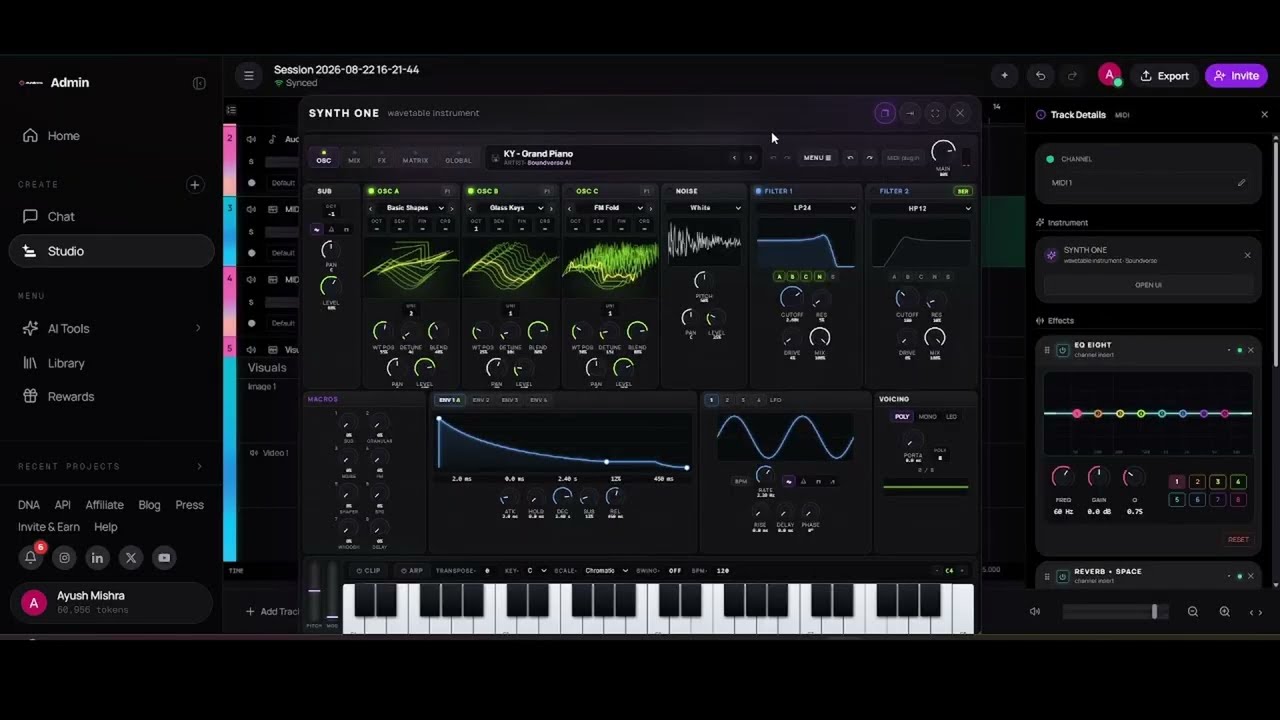
Instruments
| Plugin | What it is |
|---|---|
| Synth One | Wavetable synthesizer for pads, leads and basses |
| Bass One | Pure-synth bass with dual oscillators plus sub, resonant filter and glide |
| Drum Kit One | Drum synthesizer with 16 pads |
| Sampler One | Drop in any audio and play it chromatically |
| Guitar One | MIDI guitar on the Synth One engine |
| Grain One | Granular synthesizer with micro-grain clouds |
| Chord One | Key-aware chord progressions |
| Visual One | Play chords with your hands, using camera vision |
| VocalMIDI One | Sing or beatbox and turn your voice straight into MIDI |
Related pages: online synth, online bass synth, online drum machine, online sampler, virtual guitar, chord progression generator, hand gesture instrument and voice to MIDI.
Effects and processors
| Plugins | What they do |
|---|---|
| EQ One, EQ Eight | Parametric, dynamic and mid/side EQ; an 8-band parametric equaliser |
| Compressor, Limiter, Sidechain One | Dynamics and tempo-synced ducking |
| Reverb One, Reverb • Space | Algorithmic and convolution reverb |
| Delay One, Ping Pong Delay, Delay • Ping-Pong | Tape, BBD, digital and stereo delays |
| Vinyl One, Cassette One, Bitcrush • Lo-Fi | Lo-fi and tape character |
| Saturator, Drive • Tube | Warm analog harmonics and overdrive |
| Chorus • Ensemble, Phaser • 4-Stage, Auto Filter, Auto Pan | Modulation |
| Stutter One | Beat-synced stutter, glitch, gate and tap |
| Looper One | Record, overdub and play tempo-synced loops |
| GuitarFX One | Guitar amp, cab and pedals |
| VocalTune One | Real-time pitch correction and auto-tune |
| VocalDuality One | Vocal doubler |
| De-Esser One | Vocal sibilance control |
| Widener, Utility | Stereo width and clean gain trim |
Related pages: online EQ, reverb, delay, sidechain pump, vinyl effect, tape effect, stutter effect, guitar amp simulator, vocal doubler and de-esser.
Meters and analysis
| Plugins | What they show |
|---|---|
| Spectrum One, Spectrogram One, Waterfall One | FFT, heatmap and 3-D frequency views |
| Loudness One, True Peak One | BS.1770-4 loudness and oversampled true-peak metering |
| Goniometer One, Correlation One, Stereo Field One | Stereo image and phase analysis |
| Waveform One, Resonance One | Rolling waveform with clip marks, and resonance hunting |
See also the audio analyzer and Mastering One.
Plugins and AI in the same session
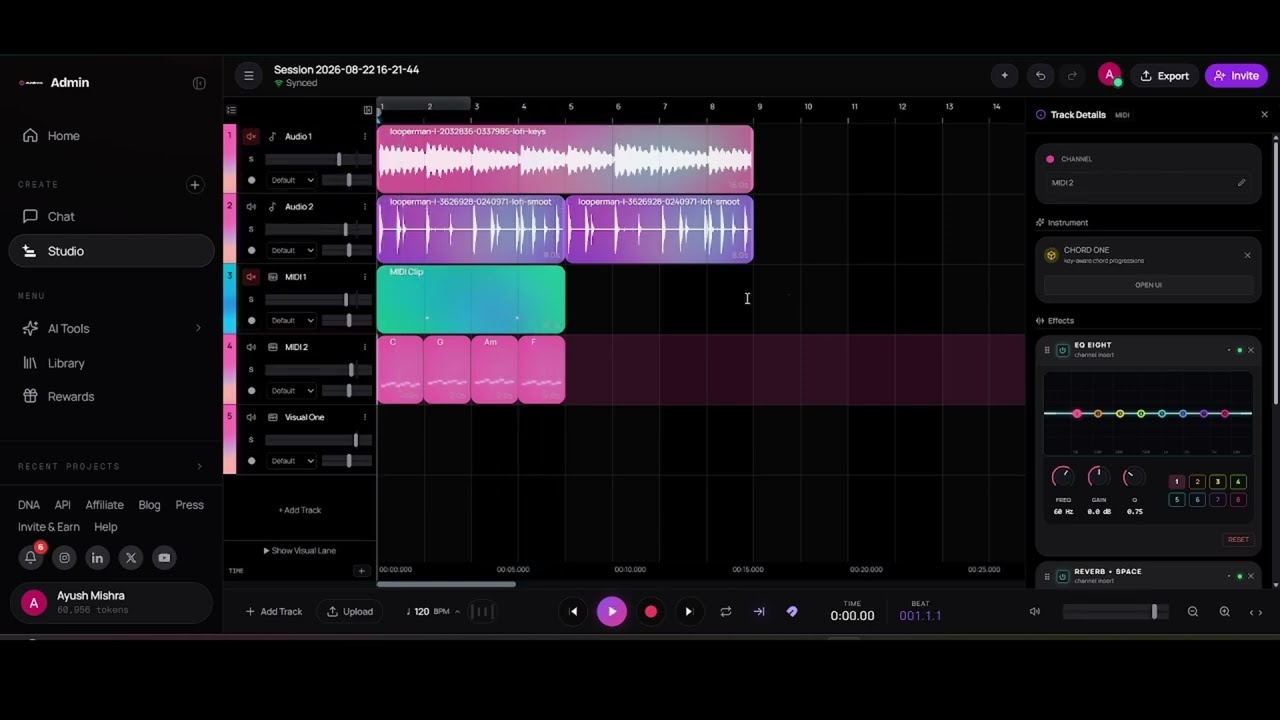
What makes the rack different is where it lives. The plugins sit on the same tracks as Soundverse's generative tools, so you can run Voice to Instrument or Voice Clone, then shape the result with EQ, compression and reverb without exporting anything. In a shared session, plugin changes sync in real time with your collaborators, and each plugin can be a node in a visual AI workflow.
Automation: give your mix movement
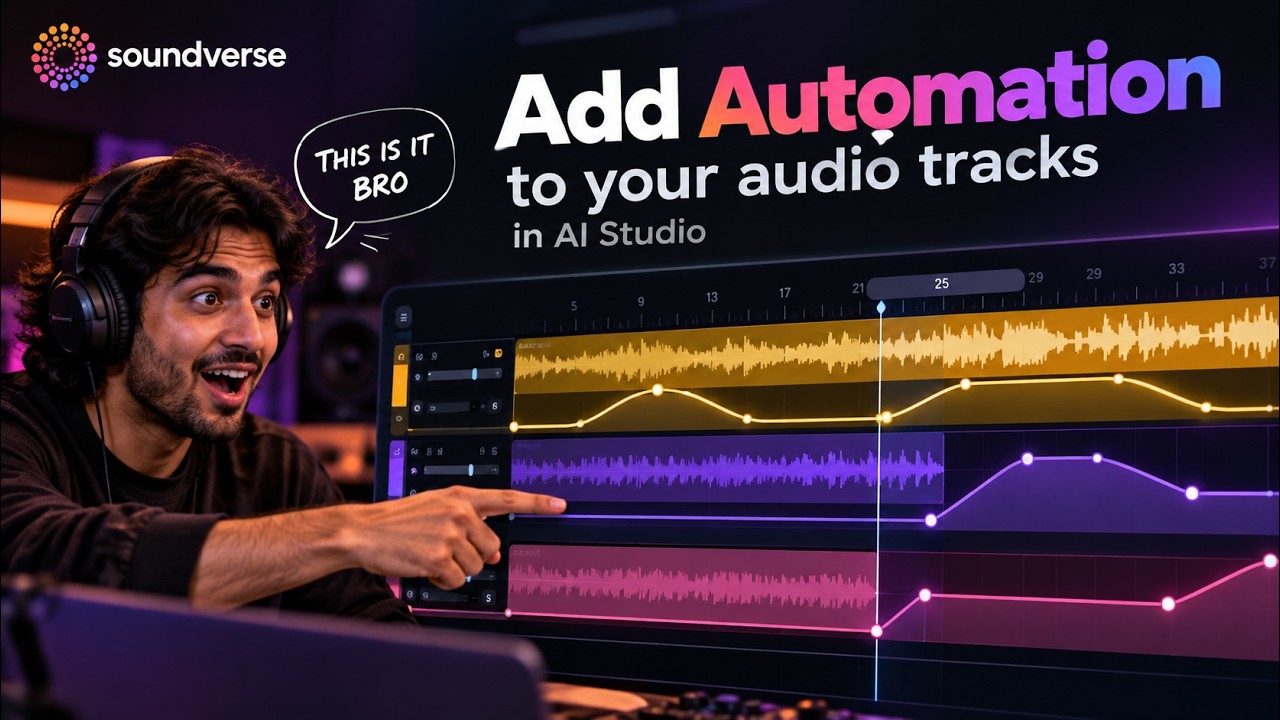
Automation changes a setting over time. In AI Studio you can automate volume, panning and effects on your audio tracks to give the mix movement, build tension and make your drops hit harder.
Add automation to your audio tracks in Soundverse AI Studio.
Automation ideas
- Filter sweep into a drop. Automate a filter's cutoff up over the last bars before the chorus.
- Volume rides. Lift a vocal in the chorus and pull it back in the verse.
- Panning movement. Move a hi-hat or pad slowly across the stereo field.
- Effect throws. Push reverb or delay up on the last word of a line.
FAQ
Do the plugins work in the browser?
Yes. Instruments, effects and meters all run in your browser inside AI Studio.
Can I use plugins on AI-generated tracks?
Yes. They load on any track, including parts made with Voice to Instrument or Voice Clone.
Do my collaborators hear my plugin changes?
Yes. Everything syncs in real time in a shared session.
Can I meter loudness for streaming?
Yes. Loudness One measures BS.1770-4 loudness, and True Peak One shows oversampled true peaks.
What can I automate?
Volume, panning and effects, over time.
Try it
Open AI Studio, load Synth One on a new track, and add an automation lane. Prefer to start from samples? See AI Studio with Splice, zero AI.
