AI Studio with Splice, zero AI: a browser DAW for your samples and loops
Build a track in Soundverse AI Studio from Splice samples and loops alone, with no prompts and no generation: arrange, layer and mix in your browser, with AI there if you want it.
Quick answer: Soundverse AI Studio isn't only for generating music. It's also a full DAW in your browser, and you can make a track in it without any AI at all. In this walkthrough, a track is built using only samples and loops from Splice: no prompts and no generation, just your sounds, a multitrack timeline and your ideas. You drag in samples, arrange them, layer and mix the tracks, and shape a full idea, with nothing to install. When you do want AI, it's on the same timeline.
Soundverse AI Studio with Splice. Zero AI.
Why make a track with zero AI?
Plenty of producers want a fast, shareable workspace more than they want a generator. A browser DAW is useful even if you never press a generate button:
- Nothing to install. Open a link and start arranging, on any computer.
- Your own sounds. Bring the samples and loops you already like.
- Collaboration built in. Invite someone into the same session in real time.
- AI when you want it, not before. The generative tools sit on the same timeline, unused until you choose.
Soundverse describes AI Studio as more than a DAW: a Generative Audio Workstation, or a Collaborative Audio Visual Environment. This video shows the plain DAW side.
What the walkthrough covers
- Drag in samples. Pull loops and one-shots from Splice into the session.
- Arrange them on the timeline. Place, trim and repeat clips across bars.
- Layer tracks. Stack drums, tabla, bass and melodic parts on separate tracks.
- Mix. Balance levels and shape each track with effects.
- Shape a full idea. Build sections until it's a track, right in the browser.
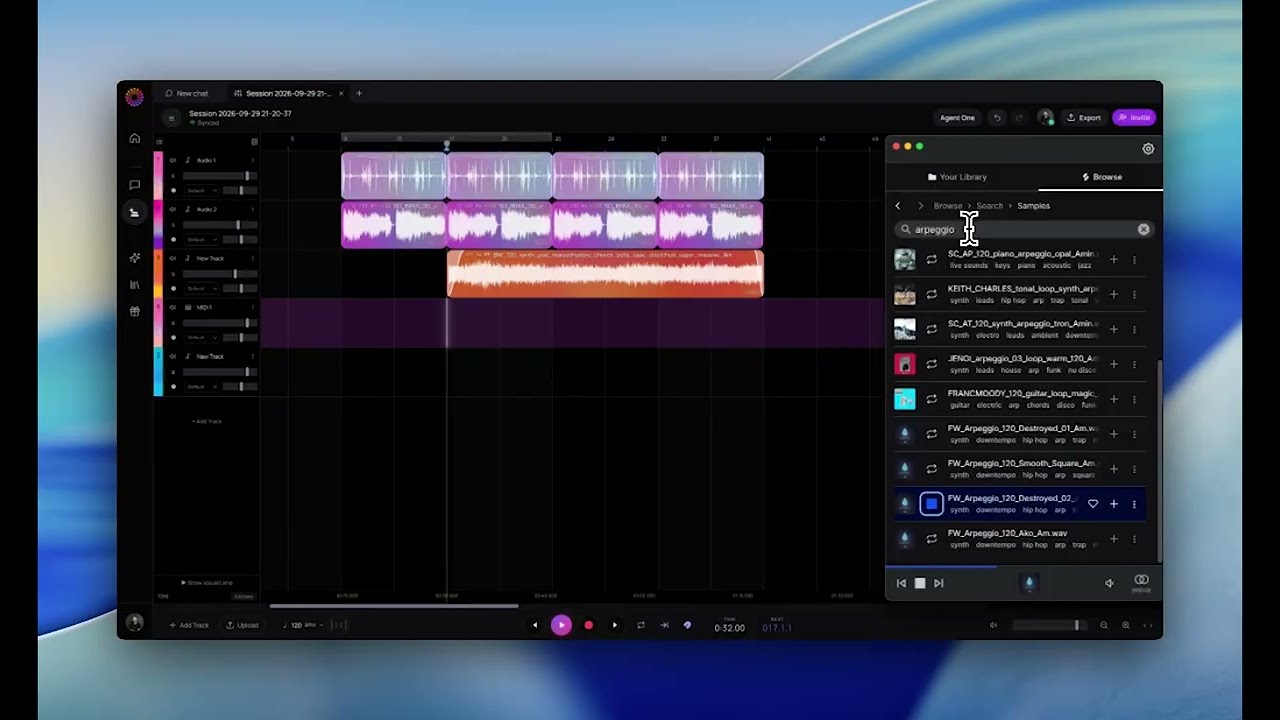
Tools you'll use without any AI
- The multitrack timeline for audio, video and images.
- Recording from your mic or audio interface, with input monitoring.
- Import of your own WAV and MP3 files.
- Built-in instruments like Sampler One, which plays any audio chromatically, Drum Kit One and Synth One.
- Effects and meters like EQ Eight, reverb, delay, compression and a spectrum analyser.
- Automation for volume, pan and effects over time.
The full rack is covered in the AI Studio plugin ecosystem.
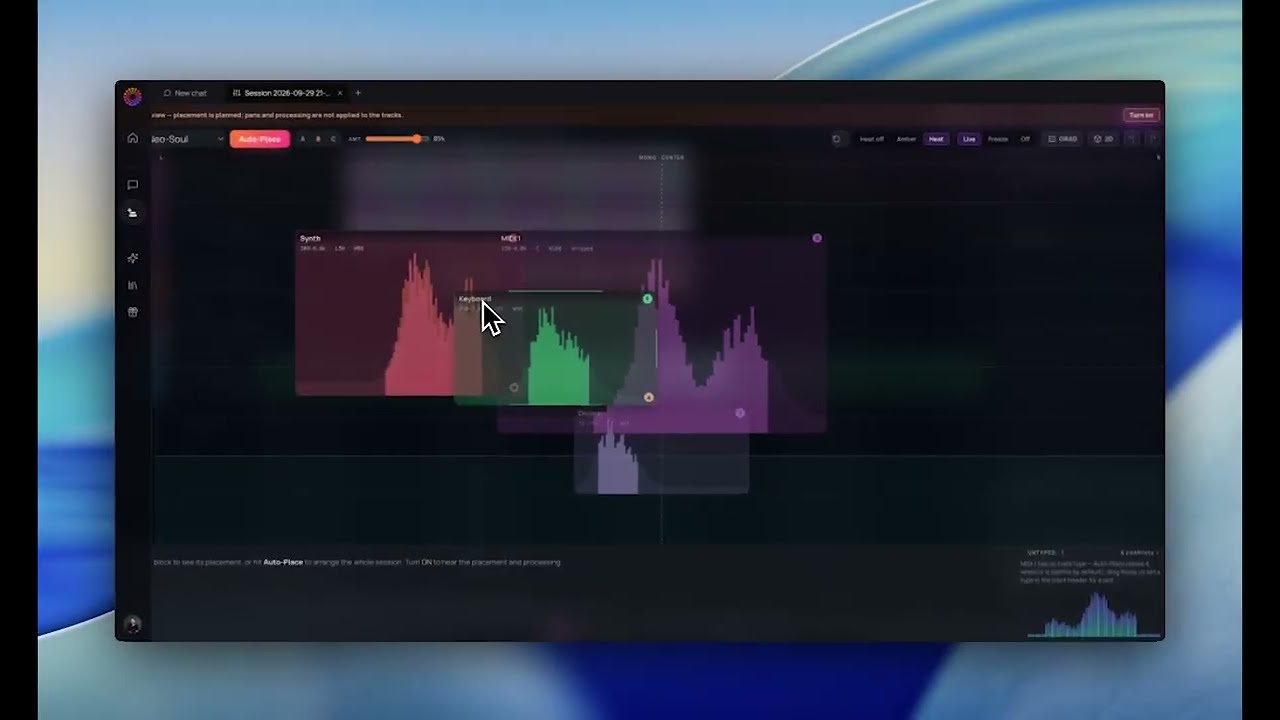
When you do want AI
The same session can call on AI whenever it helps:
- Generate a missing part with the AI Stem Generator.
- Hum a line and turn it into an instrument with Voice to Instrument.
- Ask Agent One to extend a section or add a layer, right on your timeline.
FAQ
Can I use AI Studio without generating anything?
Yes. This walkthrough builds a whole track from samples and loops, with no prompts and no generation.
Do I need to install anything?
No. AI Studio runs in your browser.
Can I use my own samples?
Yes. Drag in your own audio files and arrange them on the timeline.
Is the AI still available?
Yes. The generative tools sit on the same timeline for whenever you want them.
How does it compare with Splice?
Splice is where the samples in this video come from; AI Studio is where they're arranged and mixed. For a feature comparison, see Soundverse vs Splice.
Try it
Open AI Studio, drag in a loop you love, and build from there. For the full tour of the studio, read the AI Studio guide.
