

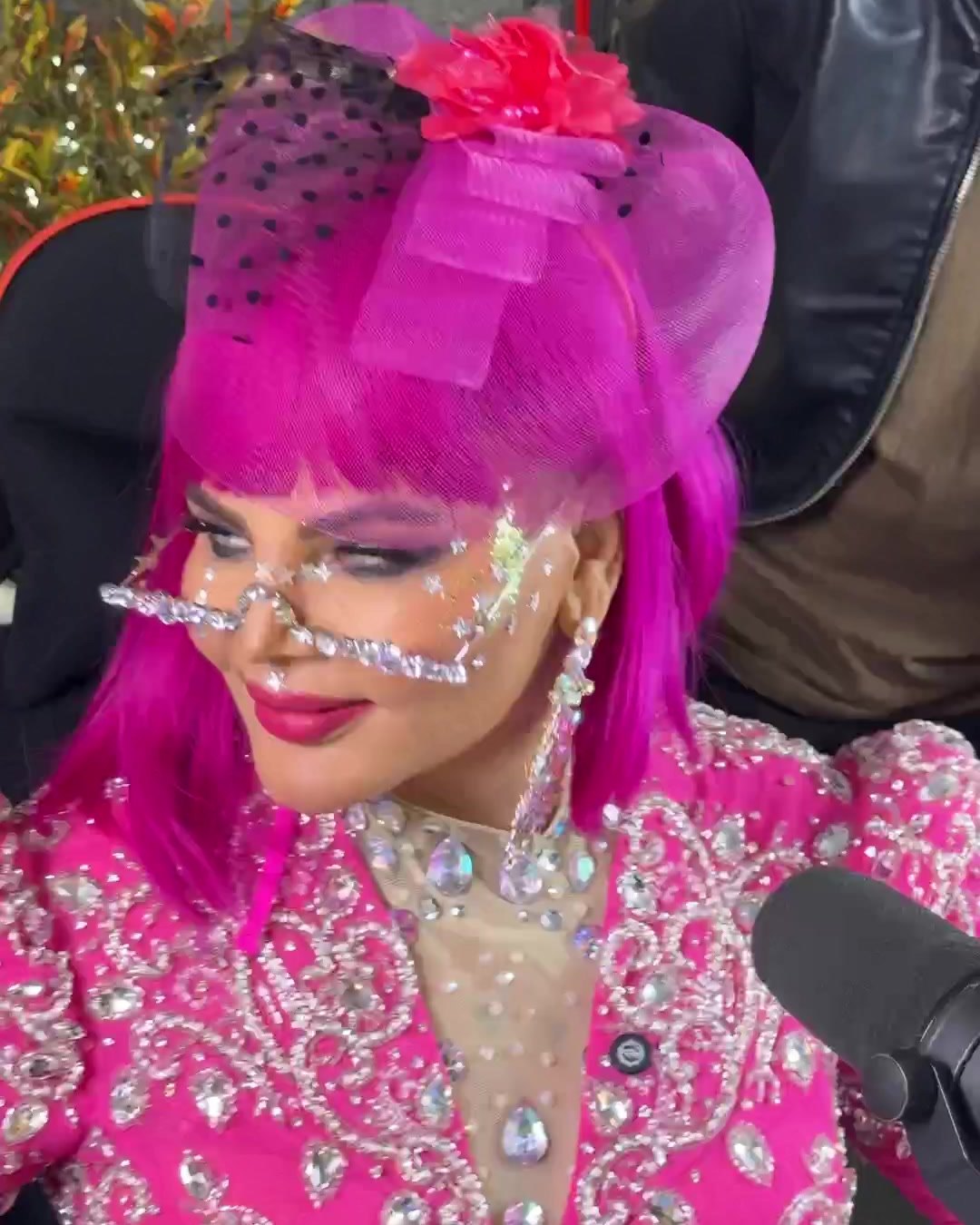
On 4 August 2026, a crowd gathered outside a studio in Mumbai. Phones up, cameras rolling. In the middle of it stood Rakhi Sawant in a hot pink wig, a tiny top hat with a veil and a rhinestone blazer, an acoustic guitar in her hands, singing the hook of a song that did not exist two days earlier.
In one month, the campaign behind that moment pulled in more than 200 million views. Here's the full story, and below it, how it worked and how to make a song in your own voice with the same tools.

The idea: one more avatar
Rakhi Sawant has spent two decades reinventing herself in public. Actor, dancer, TV star: every new avatar becomes a headline. So the idea was simple. Give India's queen of reinvention one more avatar, rockstar, and let AI make it real. The name wrote itself: Rakhi Bani Rockstar, "Rakhi became a rockstar".
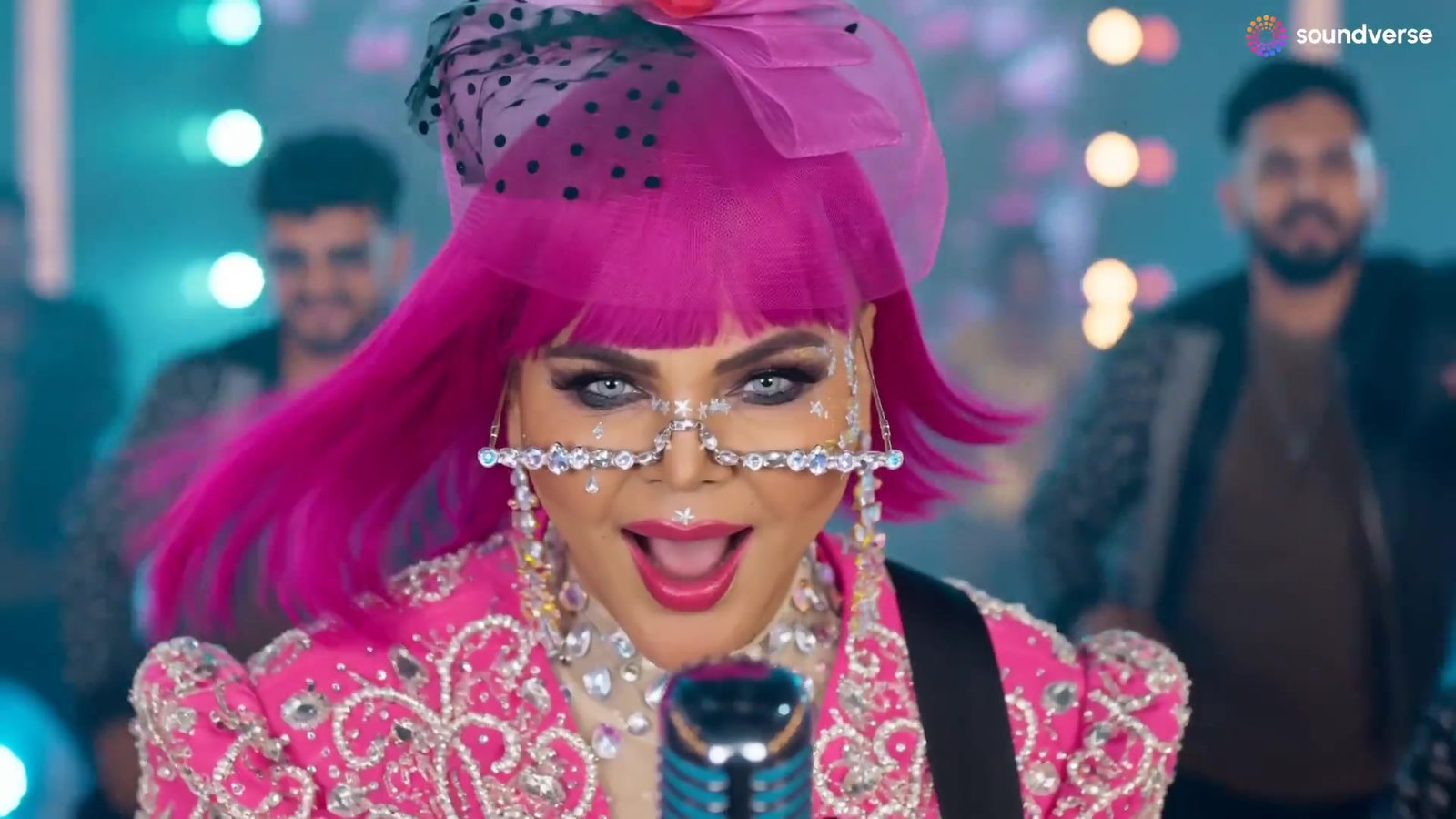
The look was built for a single frame: a hot pink wig, a tiny top hat with a veil, a rhinestone blazer and a guitar. Most people meet a campaign as a thumbnail on a phone, so the costume had to work like a logo.
The moment: the street before the studio
Before a single note was recorded, Rakhi walked the street outside the studio in the full look, guitar in hand, singing the hook. It was planned as scene one of the shoot. The paparazzi did the rest. The street moment spread across news, paparazzi and media pages and passed 150 million views.

The studio: a voice clone and one prompt
Upstairs, with producer Mayur Jumani, she recorded a short vocal take. That is all a voice clone needs in Soundverse: one recording with at least 15 seconds of singing. She named the voice and confirmed it was her own. Training does not start without that confirmation, so nobody can clone a voice that isn't theirs.
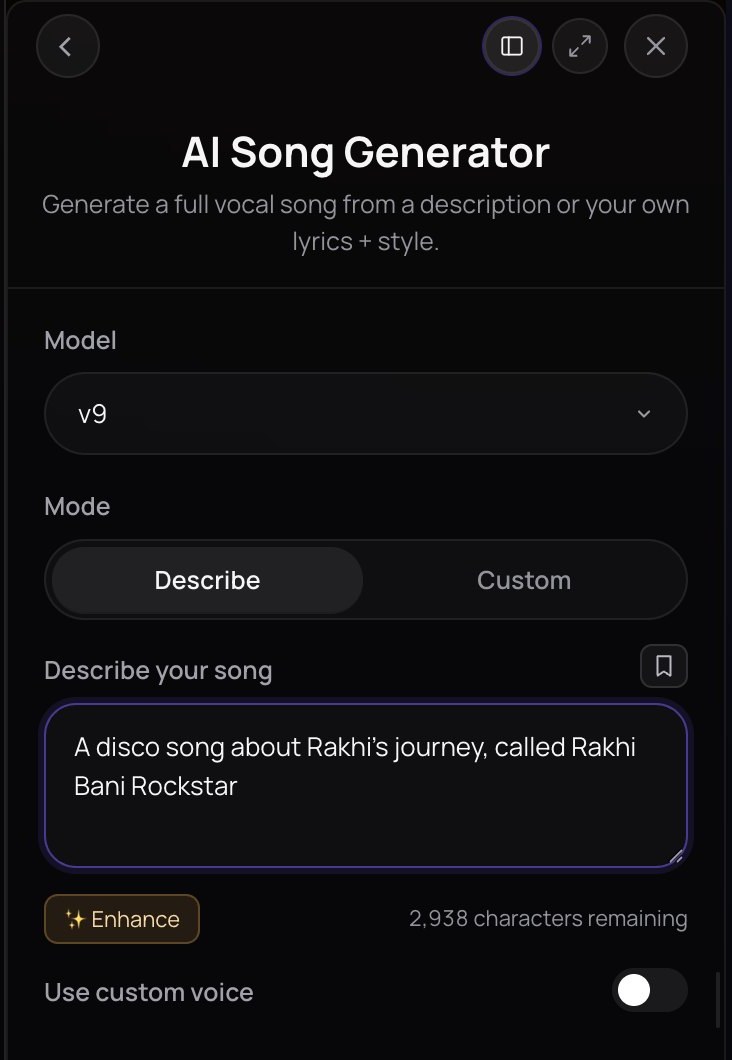
Then she opened the AI Song Generator, described the track she wanted, switched on Use custom voice and picked her clone. About a minute later a full song came back, sung in her voice, with a title and cover art.
The release: a single and an AI music video
Within days, Rakhi Bani Rockstar was a single from Soundverse Records, out on Spotify, YouTube and other streaming platforms. The music video was made with the Soundverse AI Video Generator: you bring the song and image references for the cast and the setting, and Agent One writes the script, shows you the cost, then films every scene and cuts it to the music. The music video reel alone passed 20 million plays.
The campaign never relied on one post. Mayur's studio episode, Soundverse's first film, the music video, Rakhi versus Samay and Ohoo Ohooo crossed 50 million views together. Add the 150 million across news, paparazzi and media pages, and you get 200 million views in one month.
Why it worked
- The right star. Reinvention is Rakhi's brand, so a rockstar avatar felt like her, not like an ad.
- A real-world moment. A street performance gives the paparazzi something to film, and that becomes free coverage.
- The product is the plot. The song only exists because of Soundverse, so every clip of the story shows what the product can do.
- Waves, not one post. Street, studio, song, video, collaborations. Every drop gave people a reason to come back.
How to make a song in your own voice
The step-by-step walkthrough, with the real screens:
- Record your voice. At least 15 seconds of yourself singing.
- Train a voice clone. Pick the recording, name the voice and confirm it is your own. Your voice appears under My Voices and Models. Voice clones are part of the Creator plan.
- Generate the song. In the AI Song Generator, describe your song, turn on Use custom voice and pick your clone. Let the AI write the lyrics, or switch to Custom and paste your own words; they are sung word for word.
- Make it yours in AI Studio. Split stems, trim a section, record your own part on top or change the mix, right in your browser.
- Make the music video with the Soundverse AI Video Generator.
- Release it. The Music Business Agent helps you plan and prepare the release from the same chat.
Prefer Hindi? Both videos have Hindi versions on the Soundverse AI YouTube channel.
Try Soundverse or read more on the Soundverse blog. New here? Create your account.