What Is the Best AI Video Generator for Creating Lyric Videos?
Which AI lyric video generator is best? Compare Neural Frames, Rotor, Revid, Kapwing, CapCut and Soundverse by sync, visuals and format for your song.
The best AI lyric video generator depends on the look you want. Neural Frames is strongest for lyrics written into AI-generated scenes, Rotor Videos and Revid.ai are the quickest route to auto-synced lyric videos over stock or AI footage, and Kapwing or the CapCut app suit artists who want to edit every line themselves.
No single tool does everything well. A lyric video has two jobs: the words (transcription, timing, typography) and the picture behind them (scenes, footage, a performance). Many singer-songwriters get the best result by giving each job to a different tool. Every tool detail below comes from that tool's own site, checked on 7 November 2026.
What makes a good AI lyric video generator
Before comparing names, decide what you need the tool to do. These five points separate a lyric video people watch to the end from one they skip.
- Timing. Does it sync by line or by word, and can you fix a line that lands late?
- A transcript you can correct. Auto-transcription mishears names, slang and ad-libs. You need an editor, not only a render button.
- The picture behind the words. AI-generated scenes, stock clips, an audio-reactive visualizer or your own footage.
- Shape. A full-song lyric video on YouTube is usually 16:9. Teasers for Shorts, Reels and TikTok are 9:16.
- Export terms. Watermarks on free plans, resolution caps, and whether your plan covers the way you plan to use the video.
The best AI video generators for lyric videos
Neural Frames: lyrics inside the artwork
Best for: artists who want the words to be part of the visuals rather than a caption sitting on top.
Neural Frames' lyric video maker takes an MP3, WAV or FLAC, extracts the lyrics automatically and shows you a storyboard where the words are written into the generated images. You can add synced captions on top, with 10 fonts and 10 colours, and the page lists 4K exports. It is upfront about one limit: "Captions run line by line; word-by-word karaoke highlighting is not available." The free plan gives you 20 seconds of video with a watermark, and full-length videos need a paid plan.
Rotor Videos: auto-sync with templates and stock clips
Best for: a clean, finished lyric video when you don't want to edit at all.
Rotor's lyric video tool says its AI auto-syncs your lyrics to the track and handles the edit, using its own clips, effects and templates, with no editing skills required. You can create for free and pay only when you download, which makes it easy to test a few styles on the same song before you spend anything.
Revid.ai: word-level animated lyrics for vertical video
Best for: Shorts, Reels and TikTok clips where the words move with the vocal.
Revid's animated lyrics generator takes an MP3 or WAV, or a Spotify or Suno link, and says it analyses the audio at the word level so each word appears when it's sung. Backgrounds can be AI video, moving AI images, stock footage or your own visuals, with an optional sound-wave visualizer. You can fix typos, fonts and timing in its editor. Every video comes out in 9:16, so use something else for a widescreen YouTube lyric video.
Kapwing: a browser editor with auto subtitles
Best for: artists who want to control every font, line and transition.
Kapwing's lyric video maker can generate subtitles automatically, writing the lyrics out from the audio, or you can type the lines and set the timing yourself. It runs in the browser on a phone or a computer and is free to start. Kapwing is an editor first, so expect to nudge some timings by hand.
CapCut: Auto Lyrics on your phone
Best for: phone-first artists cutting short clips.
CapCut's Auto Lyrics turns a clear vocal into on-screen text, but where you edit matters. Its help page, dated 3 February 2026, says the feature is fully supported only in the mobile app, and states: "As of January 2026, Auto Lyrics is not supported on CapCut Web." The desktop app doesn't include it either, so start the lyric pass on your phone.
Soundverse: the song and the footage behind the words
Best for: artists who still need the music video footage, a visualizer, or the song itself.
Soundverse's AI Music Video Generator turns a track you have the rights to, or a one-line idea, into a directed music video. Agent One writes the script, quotes the cost for your approval, then films the scenes and cuts them to the music, in 16:9 or 9:16 at up to 1080p depending on the model. Its page describes filmed scenes and lip sync, not lyric text, so plan to add the words in one of the editors above.
For full music videos rather than lyric videos, see high-quality AI video creators for your new single.
Which AI video generators are best for creating animated lyric videos?
"Animated" can mean two things, and the right tool depends on which one you mean.
- Animated text. Words that pop, slide or highlight in time with the vocal. Revid is built around this, with word-level timing and editable fonts. Kapwing and CapCut let you animate the text by hand.
- Animated visuals. AI-generated scenes or motion behind the words. Neural Frames writes the lyrics into the generated scenes. The Visualizer in Soundverse's AI Studio renders an audio-reactive visual for your song to MP4 in 16:9, 9:16, 1:1 or 4:5, which works well as a moving background under a text layer.
For a full song, readable line-by-line text over a calmer background usually holds people longer than constant motion. Save the busiest animation for the hook clips.
How to make an AI lyric video, step by step
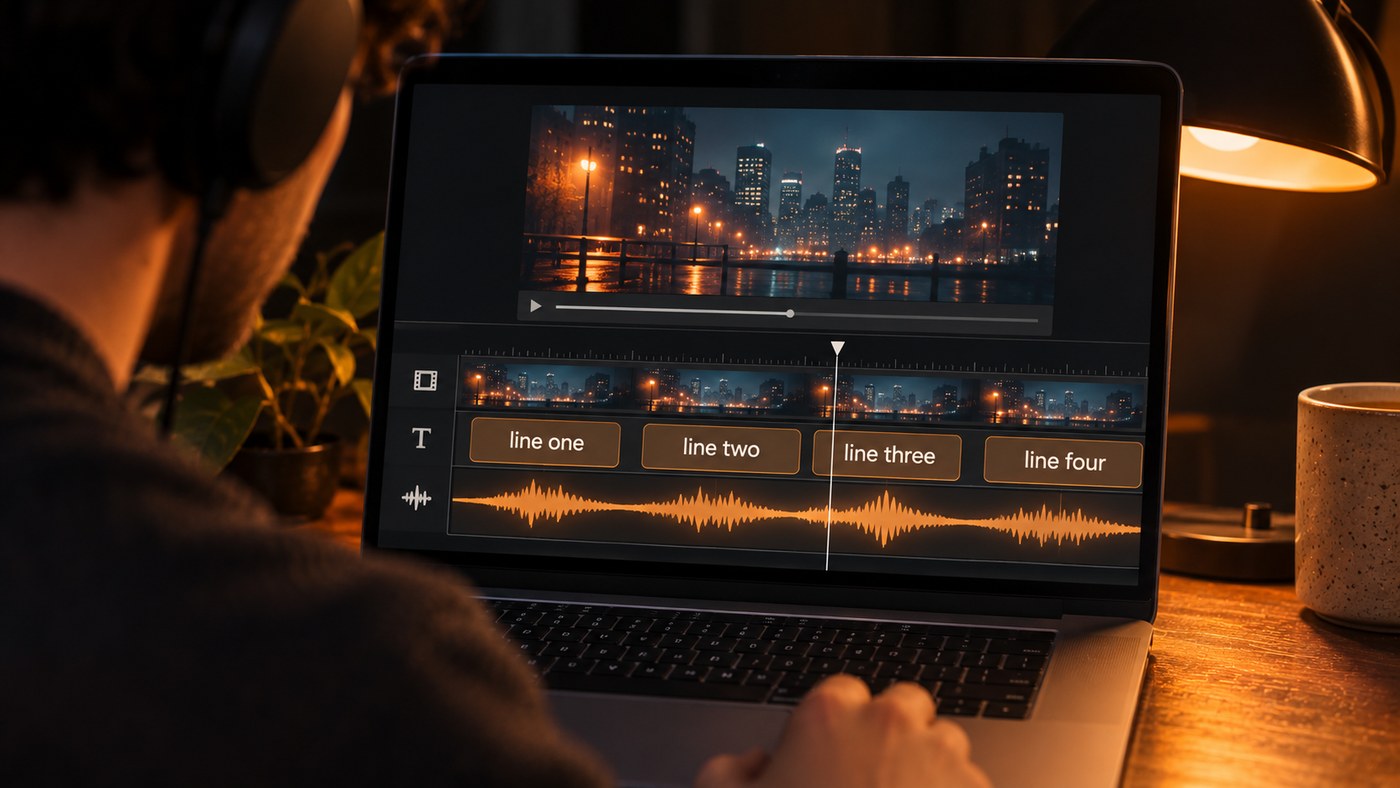
- Lock the master and the lyric sheet. Write the lyrics exactly as sung, including repeats and any ad-libs you want on screen.
- Get the timing. Use the tool's auto-transcription, or run the song through a transcriber that returns word timestamps. Then correct names, slang and misheard lines against your sheet.
- Choose the shape. On YouTube, a square or vertical upload up to three minutes is categorised as a Short (uploads on or after 15 October 2024, and on or after 8 December 2025 for Official Artist Channels), according to YouTube Help. Make the full-song lyric video in 16:9 and cut 9:16 teasers separately. Our guide to vertical AI music videos for Shorts and Reels covers the vertical cut.
- Build the background. AI scenes, stock clips, a visualizer or footage from your music video. Keep it darker or softer where the text sits.
- Lay in the words. One or two lines at a time, big enough to read on a phone, away from the edges, with each line arriving just before it's sung.
- Proof and export. Watch it once with the sound off to check you can read every line, then once against the lyric sheet to catch typos.
If you're writing the song with AI first, our walkthrough on creating lyric-based AI music videos starts from the lyrics.
Where Soundverse fits
Soundverse is an AI music platform that takes you from idea to audience, and for lyric videos it covers the parts around the text. If you don't have a video yet, the AI Music Video Generator (Creator plan and above) gives a single its own directed video, with optional lip sync so the lead sings to camera. If you want a quieter background, the Visualizer in AI Studio renders an audio-reactive MP4. For timing, Audio Transcription writes out sung lyrics with a start time for every word and a start and end for every phrase, so you can place each line in your video editor instead of tapping along by ear. Then finish the text layer in Neural Frames, Kapwing, CapCut or whatever editor you already use.
This walkthrough shows the AI Music Video Generator turning one prompt into a full song and a music video, with every part left editable in AI Studio.
FAQ
Is there a free AI lyric video generator?
Several let you start free, with limits. Neural Frames' free plan covers 20 seconds of video with a watermark, Rotor lets you create for free and pay only to download, and Kapwing is free to start. CapCut's Auto Lyrics lives in its mobile app.
Can AI sync lyrics word by word?
Some tools can. Revid says it times the text to every word, while Neural Frames' captions run line by line. If your tool only syncs by line, a transcript with word timestamps, like the one Soundverse's Audio Transcription returns, lets you set word timing by hand in any editor.
Should a lyric video be 16:9 or 9:16?
Make both, for different jobs. Put the full-song lyric video on YouTube in 16:9, since square or vertical uploads up to three minutes are treated as Shorts. Cut 9:16 clips of the hook for Shorts, Reels and TikTok.
Can I use an AI lyric video commercially?
It depends on the tool and your plan, so read each tool's terms before you release. On Soundverse, licensing is set by plan; the Free plan is for personal use; the Creator plan comes with a royalty-free license. In any tool, you need the rights to the song and to any images you upload.
Sign up for Soundverse free and make the song, the footage and the word timing for your next lyric video.
More guides on the Soundverse blog.
