High-Quality AI Video Creators for Your New Single Release
A shortlist of high-quality AI video creators for a new single release: full music videos, vertical clips, Spotify Canvas, and what to check first.
High-quality AI video creators for a new single release fall into two groups: song-aware tools that build a video around your track, and general video models you direct shot by shot. As of November 2026, the strongest song-aware picks are Soundverse and Neural Frames; for directed shots, Runway Gen-4.5 and Google Veo 3.1.
Which group suits you depends on the video your release actually needs. A full YouTube premiere, a week of vertical hook clips and a Spotify Canvas loop are three different jobs, and few tools do all three equally well.
What video does a new single actually need?
Most independent releases use four kinds of visual, ideally from one visual idea:
- A main video in 16:9 for YouTube: a full music video, a lyric video or a visualizer.
- Vertical clips in 9:16 built around the hook for Shorts, Reels and TikTok.
- A Spotify Canvas. Spotify for Artists describes it like this: "Canvas is an 8-second visual loop that shows in a vertical format to fill the screen." Its Canvas guidelines, checked in November 2026, ask for 3 to 8 seconds, a 9:16 ratio, 720 to 1080 pixels tall, as an MP4 or JPG, and suggest footage without talking, singing or rapping.
- Stills: cover art, a YouTube thumbnail and story backgrounds.
Pick the look before you pick the tool: one palette, one character or performer, one or two locations. Every format above can then be cut from the same world, and your release reads as one campaign.
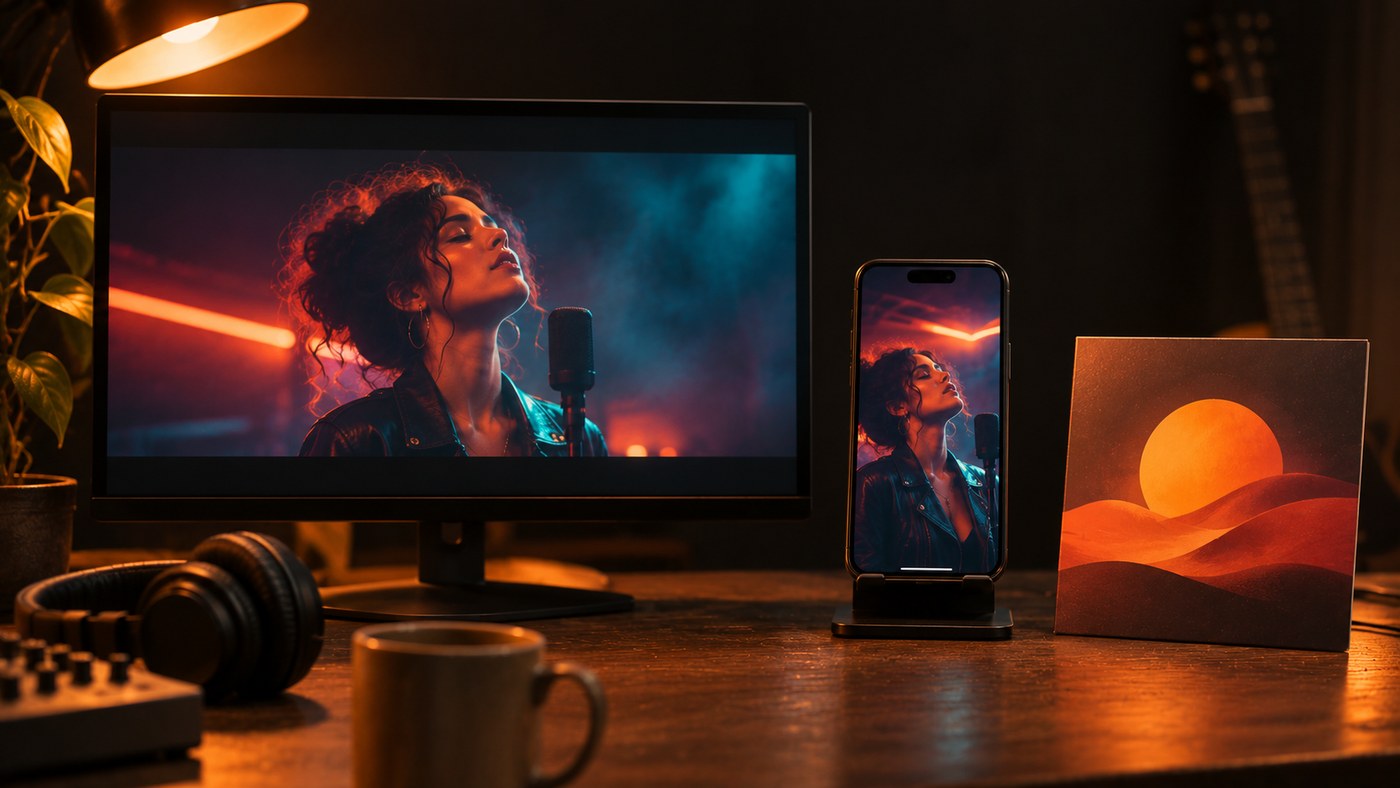
High-quality AI video creators for musicians: the shortlist
Each entry was checked against the tool's own site in November 2026. For lyric videos specifically, see the best AI video generator for lyric videos.
Soundverse AI Music Video Generator. For when you have a finished master and want a full video cut to it. You upload the track (MP3, WAV, M4A or FLAC up to 50 MB that you have the rights to) and up to nine image references for the cast and setting. Agent One writes a script and quotes the token cost for your approval before any scene is filmed, then films every second and cuts it to the music. A lip sync option turns it into a performance where the lead sings to camera. Formats are 16:9 and 9:16, up to 1080p, with no 4K. It needs the Creator plan or above.
This walkthrough turns a song and a character image into a full music video, including the lip-synced performance.
Neural Frames. For audio-reactive visualizers and lyric videos. Neural Frames says its visuals respond to your music through 8-stem analysis, that it extracts lyrics automatically for captions, and that it offers Kling, Seedance, Runway and Stable Diffusion models in one place. Exports are 1080p on every paid plan and 4K on its Neural Ninja and Neural Nirvana plans. A strong fit for electronic, ambient and hip-hop singles where motion matters more than story.
Runway (Gen-4.5). For artists or directors who want control shot by shot. Runway pitches Gen-4.5 on motion quality, prompt adherence and visual fidelity. You generate clips and cut them to your track in an editor yourself, so budget real editing time.
Google Veo 3.1. For cinematic shots with a consistent character. Google's Veo page describes giving the model reference images of a scene, a character or an object to guide generation, with output in 1080p and 4K, through the Gemini app or Google Flow. Veo generates its own audio, which you'll replace with your master in the edit. Veo 3.1 is also one of the models inside Soundverse's AI Video Generator.
Rotor. For Canvas loops, lyric videos and social cuts when time is short. Rotor's engine analyses your music and the clips you pick, then applies one of more than 150 styles. Its site doesn't describe the process as AI, so treat it as an automated editor.
If by "AI video creators" you mean people, you can hire a freelance editor who works with these tools. Brief them with the master, the hook timestamps, three visual references and the format list above.
Seeking reliable AI software to generate visuals for my song releases
"Reliable" means the output matches your plan on the first or second try. Four things decide that:
- Consistent characters. Give the tool reference images or first frames. Soundverse's Multi-Scene Video Builder, which plans up to 10 scenes of 4 to 15 seconds each, says first frames that show the character are the most reliable way to keep a character or place consistent.
- Lip sync limits. Clean vocals sync better than full mixes. Soundverse's standalone Lip Sync takes up to 15 seconds of vocal per clip and blocks realistic human faces, so painterly or anime-style characters work best. For a whole song, use the lip sync option in the music video generator.
- Resolution caps. Check before you plan a 4K premiere. Soundverse films music videos up to 1080p; Neural Frames and Veo list 4K.
- Cost that scales with length. Per-second pricing adds up. Soundverse films every second of the song, so longer songs cost more, and one music video uses more than the Creator plan's monthly tokens, so plan for a top-up.
Need an AI video generator for my latest music release? A seven-step plan
- Lock the master and note two or three hook moments with timestamps.
- Choose one visual world and collect reference images you own or have permission to use.
- Make the stills first: cover art, thumbnail and story backgrounds, so the video matches them.
- Make the main video in 16:9, or lead with vertical if your listeners mostly find you on short-form. Our guide to vertical AI music videos for Shorts and Reels covers framing and pacing.
- Cut a Canvas loop of 3 to 8 seconds from a shot with no singing, as Spotify's guidelines suggest.
- Cut vertical hook clips from the same footage, one per hook moment.
- Upload with the right labels. YouTube's GenAI disclosure policy says: "We require creators to disclose AI-generated or altered content that seems realistic." Its list, checked in November 2026, covers footage that makes a real person appear to do something they didn't, realistic scenes that never happened, and AI-generated music that's the main focus of the video. Clearly non-realistic visuals, such as a fully animated video, don't need it on their own. You disclose with the AI use setting in YouTube Studio.
For a deeper walkthrough of the whole process, read our complete guide to AI music videos for independent artists.
Before you sign up for a professional platform that offers AI video creation for your music releases
Run through this checklist before you pay:
- Rights. You need the rights to the song and every image reference you upload. Only use a face you own or have permission to use, and never imitate another artist.
- Plan gates. On Soundverse, music video, AI Video Generator, Multi-Scene Video Builder and Lip Sync all need the Creator plan or above. Licensing is set by plan: the Free plan is for personal use, and the Creator plan comes with a royalty-free license.
- Editing after generation. Check that you can fix one scene without regenerating the whole video. On Soundverse the finished video renders in your chat, and you can open it in AI Studio to keep working on it.
- Formats. You want 16:9 and 9:16 at minimum, and a way to export a short loop for Canvas.
- Model choice. One platform with several video models saves you subscriptions when a single model struggles with a style.
Where Soundverse fits
Soundverse is an AI music platform that takes you from idea to audience, so its video tools sit next to the song and the release plan. The AI Music Video Generator builds a full video around a track you upload, with an approval step before filming and an optional lip-synced performance. Asset Studio makes cover art, story backgrounds, a YouTube thumbnail, a tour poster and a merch mockup from your track in one run, on every plan including Free. Its images carry no text, and it doesn't make video assets such as a Canvas, so pair it with a video tool. Release Planner writes a day-by-day, platform-split rollout with pre-save, smart link and playlist pitch deadlines; it doesn't post or submit anything for you. With the Soundverse for Chrome extension, Agent One can upload a visualizer to YouTube as Private, so you check it before it goes public.
FAQ
Which AI video creator is best for a music video starring me? Use a tool that accepts reference images and permits faces you own. Soundverse's music video generator takes up to nine image references for cast and setting, and Veo 3.1 accepts character references. Soundverse's standalone Lip Sync blocks realistic human faces, so for a lip-synced performance of yourself, test the music video generator's lip sync option first.
How long should a Spotify Canvas be? Spotify's guidelines ask for 3 to 8 seconds in a vertical 9:16 ratio, between 720 and 1080 pixels tall, as an MP4 or JPG. They suggest avoiding talking, singing or rapping and rapid cuts.
Do I have to label an AI music video on YouTube? It depends on which parts are AI. YouTube requires disclosure of realistic AI-generated or altered content, and its examples include AI-generated music that's the main focus of the video. A clearly animated or fantastical video over a song you wrote and recorded yourself doesn't need it under the same policy.
Can AI make a full-length video for a three-minute single? Yes. Soundverse's music video generator films every second of the uploaded song, though cost grows with length. If you'd rather assemble scenes yourself, Multi-Scene Video Builder makes up to 10 scenes of up to 15 seconds each, which you can place over your song in AI Studio.
Is there a free AI video generator for musicians on Soundverse? Video generation on Soundverse needs the Creator plan or above. Asset Studio stills and Release Planner both work on the Free plan, and new accounts get free starter tokens.
Sign up for Soundverse free and plan the visuals for your next single.
More release and music video guides on the Soundverse blog.
