The Tabla Guy Tried Voice to Instrument: His Sung Recital Came Back as Real Tabla
Nikhil Paralikar, The Tabla Guy, heard his own voice played back as tabla in Soundverse AI Studio. What happened, why we built Voice to Instrument, and how to try it.
Nikhil Paralikar, known to most of the internet as The Tabla Guy, has played the tabla for 25 years. He calls himself a modern fusion artist: he takes the tabla into almost every genre you can name. So when he came into our studio and we asked whether he saw tabla and AI music working together, his answer was honest: "I have never explored that."
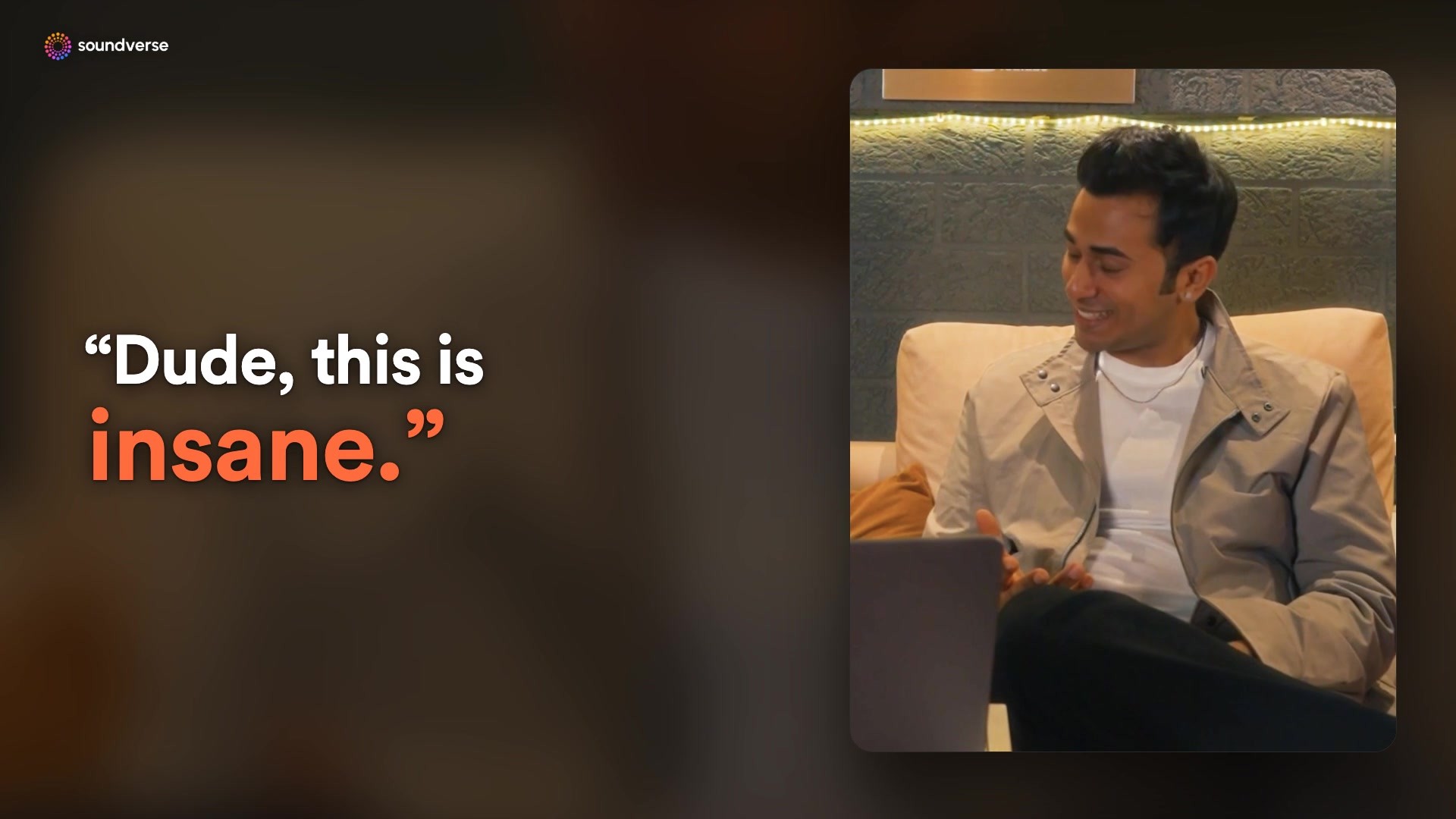
A few minutes later he was saying something else: "Dude, this is insane, man. What is this? What have you made?"
Here's the full conversation, and below it, what happened step by step and how to try it yourself.
What we showed him
Before the session we took a recital of Nikhil's voice, a sung line rather than a tabla take, and uploaded it to AI Studio, the timeline editor inside Soundverse. Then, with him watching:
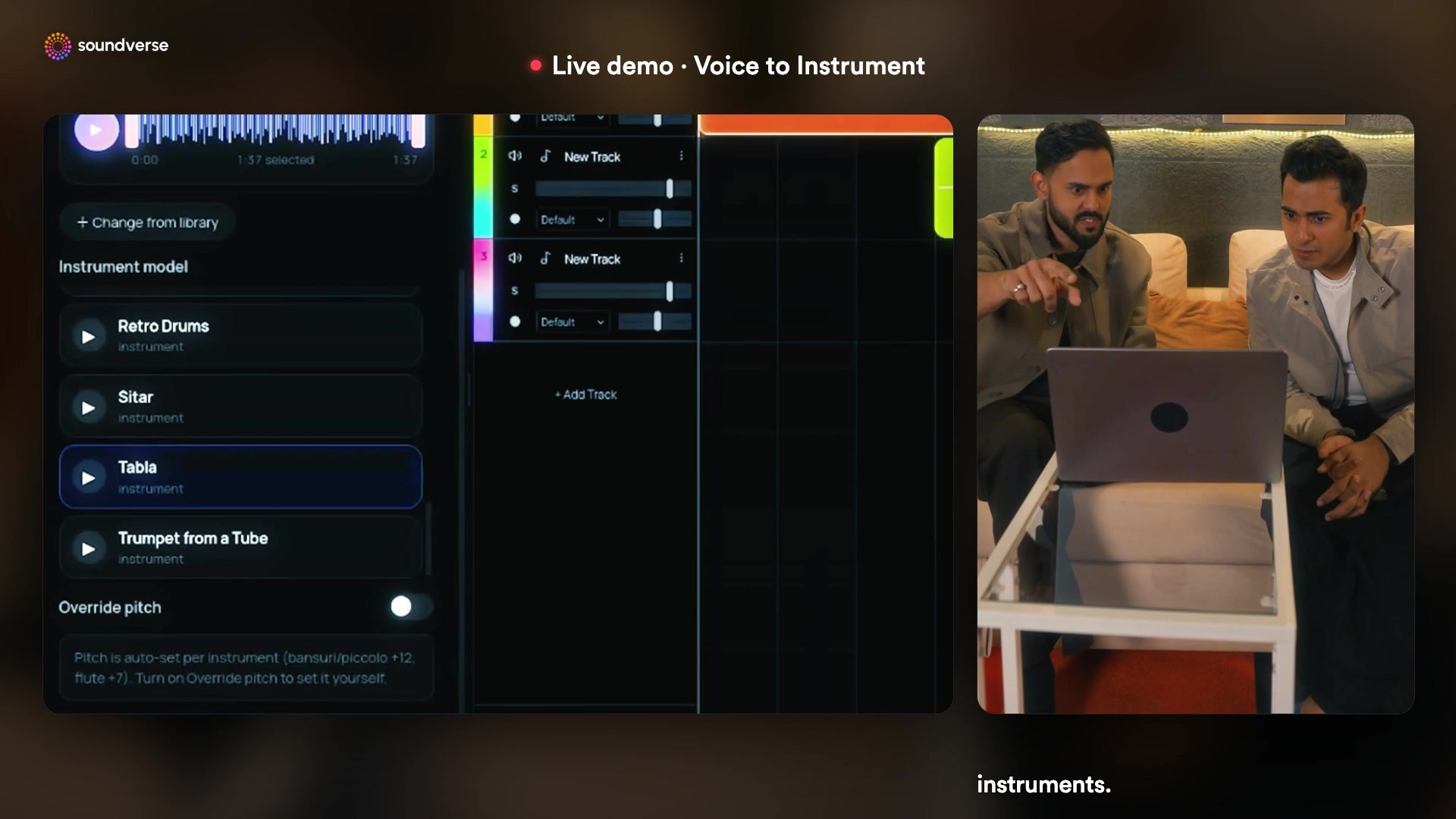
- Right-click the clip. The recital sits on its own track in AI Studio. A right-click opens the AI Tools for that clip.
- Choose Voice to Instrument. A panel opens with the instrument models: sitar, tabla, drums and more.
- Pick Tabla. One click, and generation starts right below the original clip.
A few seconds later the new track was there: the same line Nikhil had sung, played back as tabla.
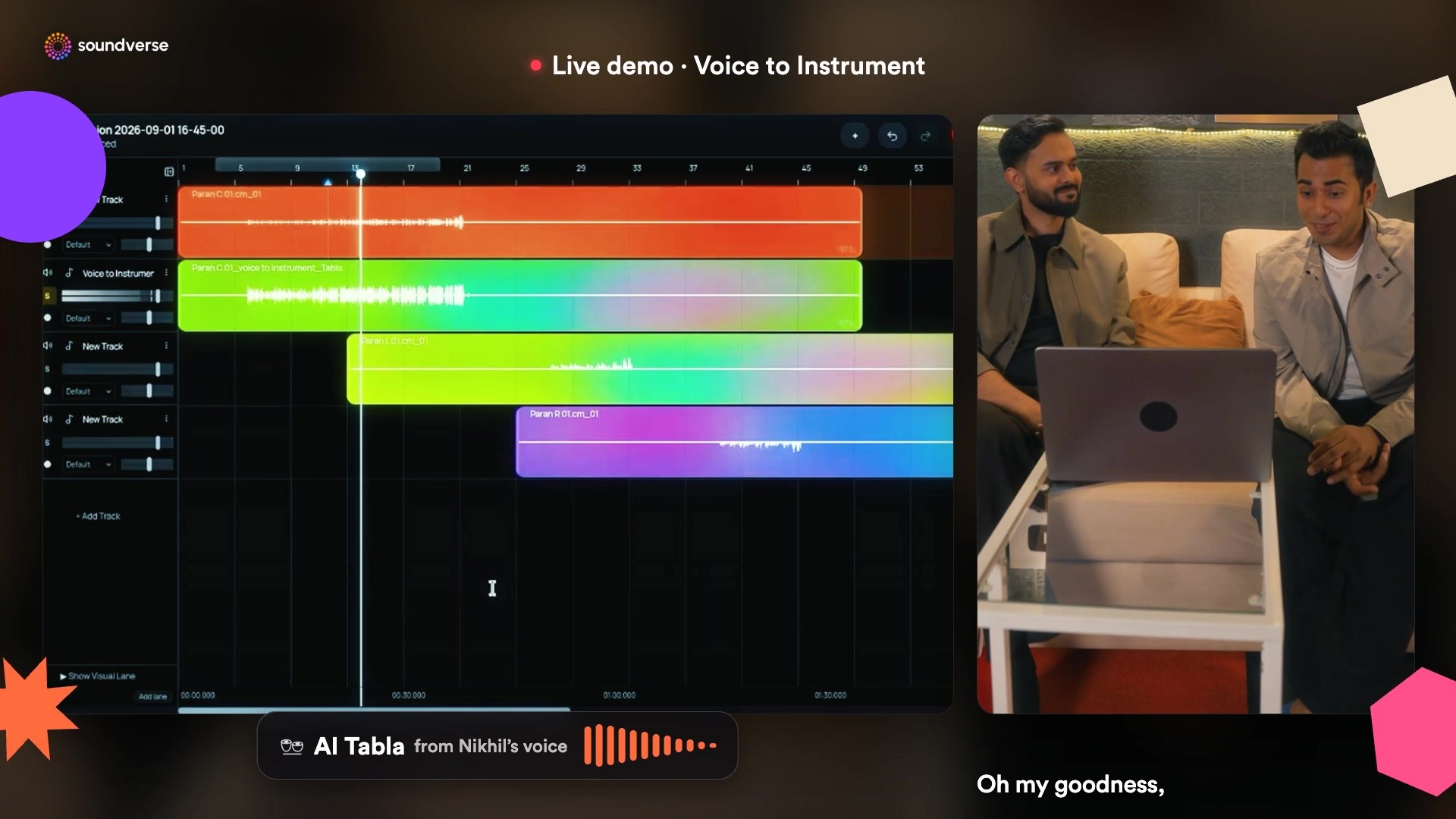
"Oh my goodness, this is insane." Then, after listening through: "I really am impressed by this one. It's great stuff."
Why we built Voice to Instrument
Sourabh, our co-founder, put it simply in the conversation: the tool is for people who don't have the money or access to buy a tabla, a guitar or a dholak. "We all have a voice."
Most melodies start as a hum. You hear a line in your head, sing it into your phone, and then either learn the instrument or find someone who plays it. Voice to Instrument skips that step. You keep the phrasing, timing and feel of what you sang, and you get it back on the instrument you heard in your head.
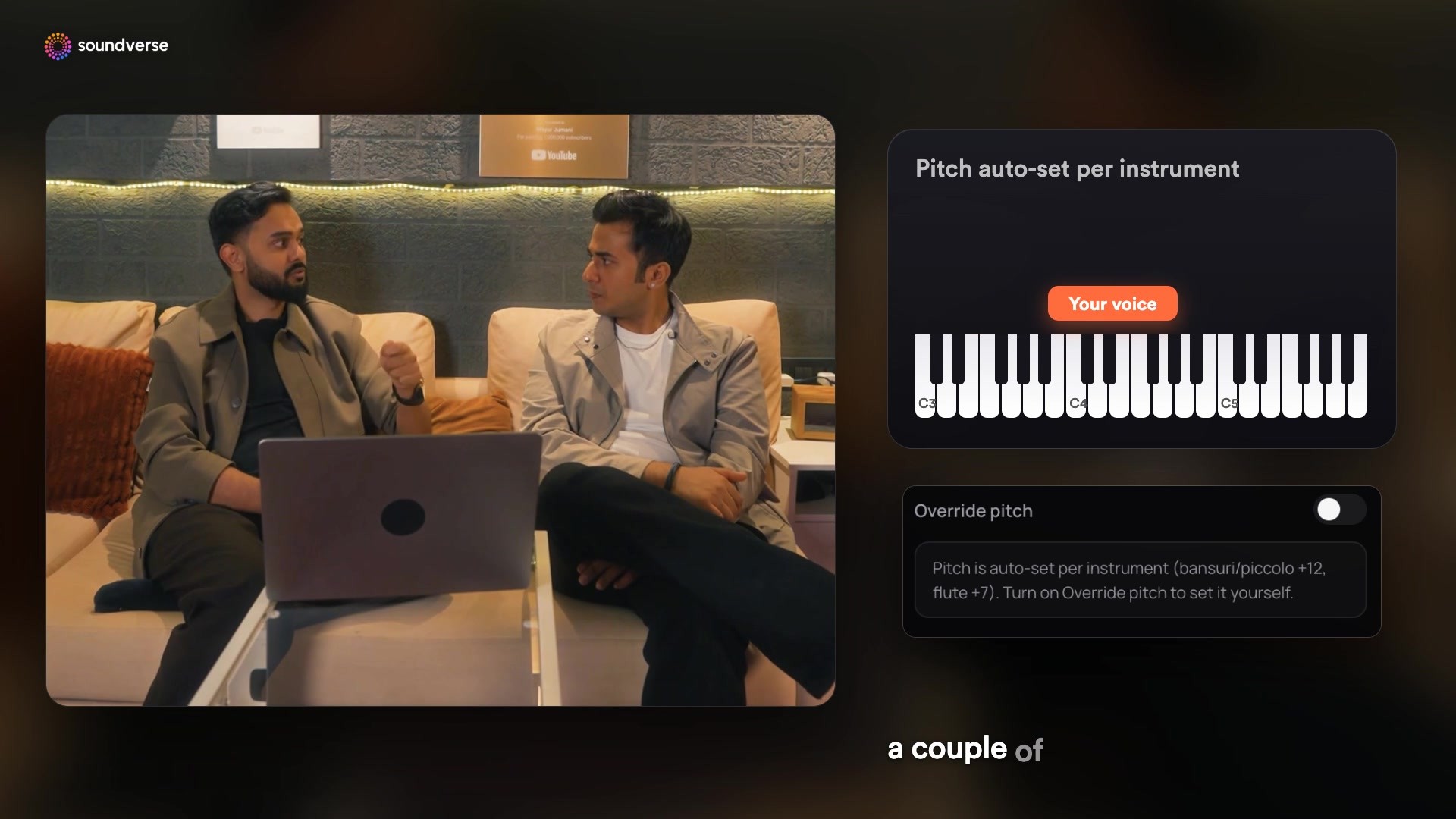
It moves the pitch for you
A voice and a bansuri don't live in the same range. If you sing a bansuri line at your natural pitch and it plays back there, it sounds wrong. So the pitch is set per instrument: a bansuri line goes up an octave, a flute line goes up a fifth. If you'd rather choose yourself, turn on Override pitch and shift it up to 24 semitones either way.
Try it yourself
- Add your vocal. Pick a recording from your Library or upload one (MP3, WAV, AAC, OGG or M4A, up to 50 MB). Use a solo vocal, hum or beatbox; any backing in the file is dropped.
- Choose an instrument model. Browse the Community, Public and Yours tabs. Yours holds instruments you've trained yourself with Train Instrument Model.
- Leave the pitch or override it.
- Generate. In chat, the converted audio appears in the chat and your Library. In AI Studio, it lands on a new track under your clip, just like in the video.
It works on the Free plan. One conversion costs 150 tokens, and new accounts start with 1,000 free tokens, enough for about six conversions.
Try Voice to Instrument · Sign up free
The session became a release
Nikhil's time with Soundverse didn't end at the demo. Ganesh Riddim, The Tabla Guy × Soundverse AI, is out now on Spotify, Apple Music, YouTube and JioSaavn: a blend of human artistry and Soundverse AI.
FAQ
Do I need to play the tabla to use this? No. You sing, hum or beatbox the part, and the model plays it. That's the point.
Which instruments can I use? The built-in models include tabla, dholak, sitar, bansuri, flute, guitar, piano, violin, drums, synths and more, plus community models and any you train yourself.
Can it play my own instrument? Yes, with Train Instrument Model: upload recordings of an instrument you play, train a model of it, then hum new lines and hear them on your own sound.

