Which AI Music Generators Allow for the Most Control Over Lyric Generation?
Which AI music generators give you the most control over lyrics? Compare Eleven Music, Suno, Soundverse, Udio and ACE-Step on structure, edits and timing.
The AI music generators that give you the most control over lyric generation in November 2026 are ElevenLabs' Eleven Music, Suno, Soundverse, Udio and the open-source ACE-Step 1.5. Eleven Music lets you set lyrics and timing section by section, while Suno, Soundverse and Udio sing your own words and let you rewrite a single section afterwards.
Control over lyrics comes in layers, and each tool is strong on different ones. Below is what to look for, how each option handles it, and which one fits the way you write. If you want one tool that writes the lyrics and arranges the whole song, see how to choose an AI tool that handles both.
What lyric control means in an AI song generator
When songwriters ask for control, they usually mean some mix of these six things:
- Your words, sung as written. The model sings your lyric without rewriting, dropping or adding lines.
- Structure. You decide where the verse, pre-chorus, chorus and bridge sit, usually with tags like [Verse] and [Chorus].
- Timing. You decide how long each section runs.
- Edits after generation. You change one line or one section and keep the rest of the take.
- Drafting you can steer. An AI writer that takes your theme, mood and section, then lets you rework the draft.
- Language and syllable fit. Lyrics in the language you sing, with lines that still fit the melody.
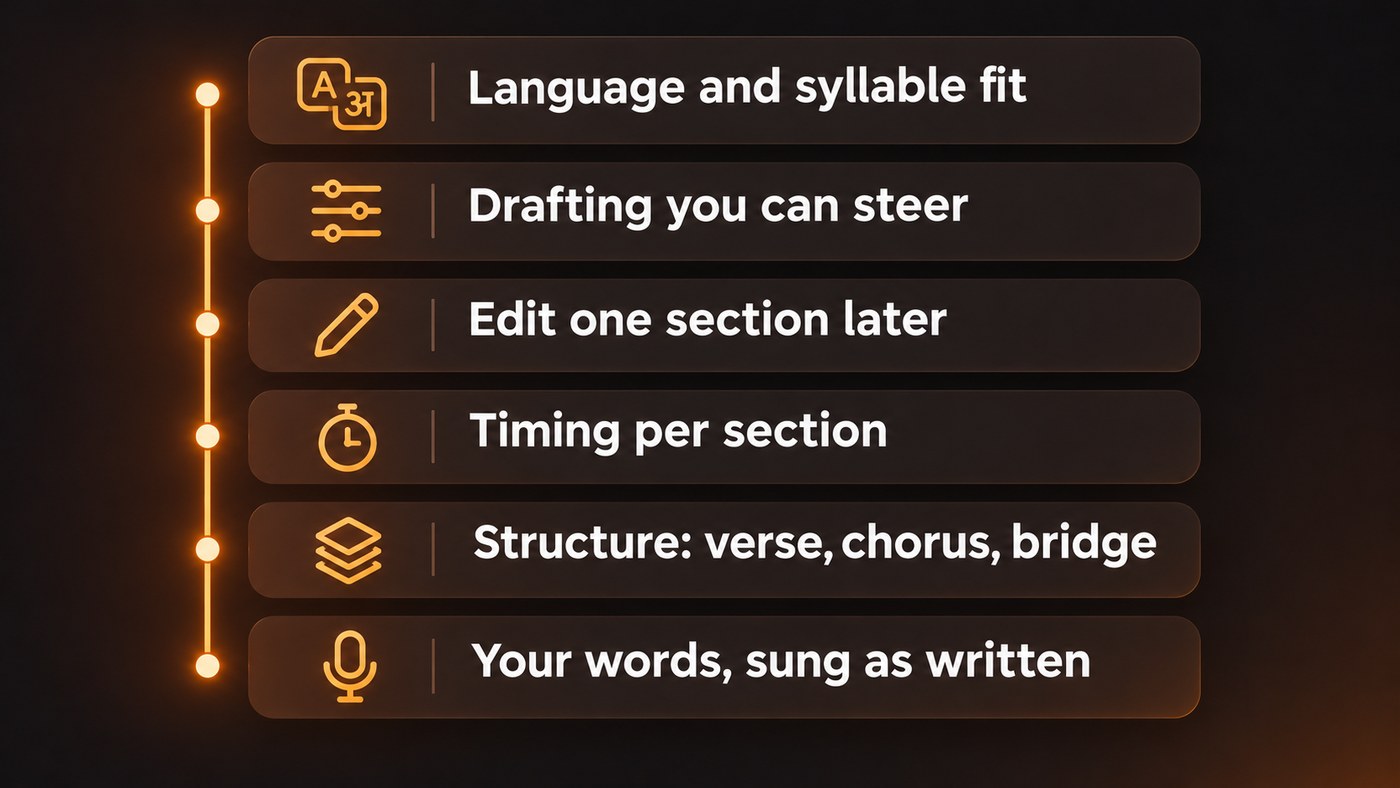
No single tool leads on all six. The shortlist below is ordered roughly by how much of the list each covers, based on each company's own pages in November 2026.
The AI music generators with the most lyric control
Eleven Music (ElevenLabs): the most precise section control
ElevenLabs' music model has the most granular lyric controls we found, through what its API documentation calls composition plans. In ElevenLabs' own words, "Composition plans provide fine-grained control over music generation."
A plan is an ordered list of up to 30 chunks, one per section. Each chunk carries its own text (section name, lyric lines and inline directions), its own duration between 3 and 120 seconds, and its own lists of styles to include and to avoid. A whole song can run from 3 seconds to 10 minutes. You can generate a plan from a text prompt, edit the lyrics in any chunk, then compose from the edited plan. Styles must be written in English, while the lyrics can be in any language.
ElevenLabs' Eleven Music overview also lists editing the sound and lyrics of individual sections or the whole song, and inpainting to regenerate one selected section. The Music API is offered to paid subscribers.
Good for songwriters who think in bars and seconds, and anyone comfortable editing a JSON plan or working through an API.
Suno: your own lyrics plus a section editor
Suno's Custom mode adds a field for your own lyrics alongside a style description. If you'd rather start from an idea, its lyrics generator writes words from a description of the subject and mood, then makes a song with vocals from them.
The control that matters most sits in the Song Editor. Suno's help center describes highlighting a region, choosing Edit Lyrics, changing the text in the Replace Lyrics box and clicking Replace Section to regenerate only that part of the audio. Its help article on Replace Section says the feature is available to Pro and Premier subscribers, and Suno Studio, its multitrack workspace, is listed for Premier subscribers only.
On ownership, Suno's help center is direct: "Regardless of which version of Suno you use, you retain ownership and rights to any original lyrics you input into Suno."
Good for writers who iterate fast and want to fix a verse without losing a chorus they love.
Soundverse: write, sing, fix and translate in one place
In Custom mode, Soundverse's AI Song Generator sings your lyrics word for word and doesn't rewrite or translate them. Section tags such as [Verse], [Chorus] and [Bridge] in the Lyrics box set the song's structure. The Lyrics box takes up to 3,000 characters on paid plans and 400 on the Free plan, and Help me write drafts lyrics straight into it.
For drafting from scratch, the AI Lyrics Writer takes a theme of up to 3,000 characters plus an optional mood, section (Intro, Verse, Chorus, Bridge, Outro or the whole song) and genre. It's free on every plan and doesn't use tokens.
After generation, Inpainting lets you drag handles over part of the waveform and rewrite it. Replacement lyrics are sung word for word, and everything outside your selection stays as it was. It covers about one minute at a time and needs the Creator plan or above. Translate Lyrics translates into 11 languages, returns your section tags unchanged, and has a Match syllables option so each translated line aims for the original's syllable count.
The newest song model, Soundverse v9, is included on Pro and Max and takes pasted lyrics in Custom mode. It has no length setting: the model decides how long each song runs.
Good for singer-songwriters who want drafting, exact singing, one-section fixes and translation without moving between apps.
Udio: line-level lyric editing, with an export caveat
Udio lets you write lyrics in Custom mode or generate them from a description, then refine them in its Extended Editor with version history and manual edits. Its help article on editing, updated January 6, 2026, says the Edit Lyrics tool lets you adjust words, lines or entire verses in a song you've made. Editing is for paid subscribers and people trialing a subscription.
The caveat is getting the song out. Digital Music News reported on October 31, 2025 that Udio disabled downloads right after announcing its deal with Universal Music Group. Check what you can export today before you write a release around it.
Good for writers who like to edit inside the generator and don't need to export yet.
ACE-Step 1.5: open source, on your own hardware
ACE-Step 1.5 is an open-source music model released under the MIT license. Its GitHub page says it supports more than 50 languages with a lyrics prompt for structure and style control, includes a repaint feature for editing and regenerating part of a track, and runs locally with less than 4GB of VRAM. The larger XL version, released on April 2, 2026, needs at least 12GB with offloading.
The trade-off is setup time and a capable GPU.
Good for technical producers who want local, scriptable control.
How to get more control over AI-sung lyrics in any tool
- Tag every section. Put [Verse], [Pre-Chorus], [Chorus] and [Bridge] on their own lines. A labelled structure gives the model a map to follow.
- Keep syllable counts close across verses. If verse one runs about eight syllables a line, keep verse two near that, so both fit the same melody.
- Spell for the ear. Write names, slang and numbers the way they should be sung: "twenty-four seven", not "24/7".
- Test a short verse first. Generate one verse and chorus before the full lyric, especially in a language other than English. Soundverse's v9 page gives the same advice.
- Fix sections, don't regenerate songs. When one line lands wrong, use replace-section or inpainting. A full regeneration brings a new melody and a new performance.
- Keep a clean master lyric. Save the final text outside the generator. You'll need it for release metadata, lyric sites and your own records.
For more on how the words become a vocal, see how AI song generators integrate lyrics and vocals.
Which tool should a singer-songwriter pick?
- Exact timing per section: Eleven Music's composition plans.
- Quick write-and-fix loops: Suno's Song Editor or Soundverse's Inpainting.
- Drafting help with final say on every word: Soundverse's AI Lyrics Writer plus Custom mode, or Suno's lyrics generator plus Custom mode.
- Releasing in more than one language: Soundverse's Translate Lyrics with Match syllables, then Custom mode to sing the result.
- Everything local and scriptable: ACE-Step 1.5.
Whichever you choose, treat AI-drafted lyrics as a first draft to shape; the lines people remember usually come from your rewrite.
Where Soundverse fits
Soundverse is an AI music platform that takes you from idea to audience, and for lyrics it covers the full loop. Draft with the AI Lyrics Writer, have your exact words sung in Custom mode (on Soundverse v9 if you're on Pro or Max), fix a single section with Inpainting, and use Translate Lyrics to keep your section tags and, with Match syllables, your line lengths in another language. It's a strong fit if you want writing and singing in one place. If you need second-by-second timing for every section, Eleven Music's composition plans go further.
Licensing is set by plan: the Free plan is for personal use, and the Creator plan comes with a royalty-free license.
This walkthrough covers Soundverse's Edit tools, including Inpainting for rewriting one part of a song.
FAQ
Can AI sing my lyrics exactly as written? Yes, in tools built for it. Soundverse's AI Song Generator in Custom mode sings your lyrics word for word, and Suno and Udio both have custom lyric modes. Eleven Music takes your lyrics section by section inside a composition plan.
Can I change one line without regenerating the whole song? Yes. Suno's Replace Section, Udio's Edit Lyrics, Eleven Music's section editing and Soundverse's Inpainting all regenerate a selected part and keep the rest. The new section can differ slightly in performance, so listen closely to the joins.
Which AI music generator lets me control how long each section is? Eleven Music's composition plans set a duration for every section, from 3 to 120 seconds each. Most other tools let the model decide; Soundverse v9, for example, has no length setting, though Extend Music can lengthen a song afterwards.
Can I write lyrics in languages other than English? Mostly, yes. ACE-Step 1.5 lists more than 50 languages, and Eleven Music lists English, Spanish, German, Japanese and more. Soundverse v9 sings the language you write in but publishes no language list, so test a short verse first, and Translate Lyrics covers 11 target languages.
Who owns the lyrics I write for an AI song? Each platform sets its own terms. Suno's help center says you keep ownership and rights to original lyrics you enter. On Soundverse, licensing is set by plan: the Free plan is for personal use, and the Creator plan comes with a royalty-free license.
Sign up for Soundverse free and turn your next lyric into a finished song. More songwriting guides on the Soundverse blog.
