Voice Clone vs Voice Training: how to make songs in your own voice with AI
Clone your voice from a short sample and make songs in it, or train a dedicated voice model from 10+ minutes of recordings and use it in Voice Swap. Step by step.
Quick answer: Soundverse has two ways to make an AI version of your voice. Voice Clone is the fast one: give it a short sample and start generating full songs sung in your voice right away. Voice Training builds a dedicated model from at least 10 minutes of clean recordings; it takes longer, but the result is more accurate, and you can use it in Voice Swap to turn any vocal into your voice. Either way, only use your own voice or a voice you have clear permission to use.
How to clone your voice and make songs in it with AI.
Voice Clone or Voice Training: which one do you need?
| Voice Clone | Voice Training | |
|---|---|---|
| What you give it | A short sample of your singing or speaking voice | At least 10 minutes of clean, solo recordings, each at least 60 seconds |
| How long it takes | Ready to use right away | Trains over many epochs; takes longer |
| How close it sounds | Quick and convincing | More accurate, closer to how you really sound |
| Best for | Making songs in your voice today | A signature voice model for a whole project |
| Where you use it | Choose it as the singer in a song | Voice Swap, to turn any vocal into your voice |
If you want to hear a song in your voice this afternoon, start with Voice Clone. If you're building a voice you'll use on every demo for the next year, train a model.
Voice Clone: songs in your voice, without singing every take
With Voice Clone you write the lyrics, pick a style, and hear yourself perform a song you never had to record.
How it works
- Clone your voice. Record or upload samples of your singing or speaking voice, and Soundverse makes an AI model of it.
- Generate a song. Write or paste your lyrics, describe the style, and choose your cloned voice as the singer.
- Listen and refine. Try different styles, moods and lyrics, all sung in your voice.
- Keep editing. Open the song in AI Studio to arrange, mix and add instruments, then export.
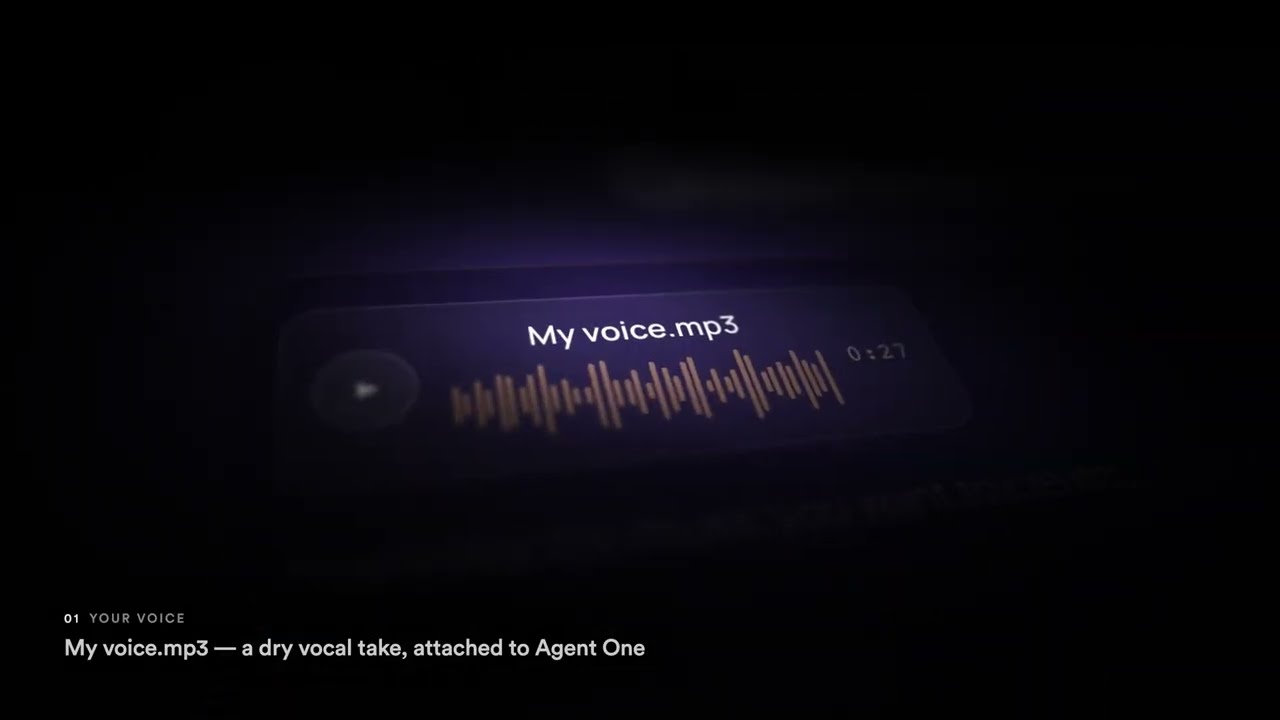
In the walkthrough above, a dry vocal take called My voice.mp3 is attached to Agent One, and Agent One then asks the Soundverse v9 model for a song sung in the cloned voice, by name and ID.
What you can do with a cloned voice
- Generate full songs in your own voice, in any genre.
- Sing in styles you'd never usually try, from pop and R&B to EDM and Bollywood.
- Make demos fast, without booking a studio or recording every take.
- Keep your voice consistent across an album or a series.
The quick version: voice clone plus the AI song generator
This earlier walkthrough does the whole thing in one go: record a short sample, create your AI voice, then describe the song you want (genre, mood, lyrics, language) and let the AI song generator build a full track sung in your voice.
Make a song in your voice with AI: Voice Clone plus the AI Song Generator.
Voice Training: a dedicated model of your voice
Voice Training builds a model from a much larger set of recordings. It's the option to choose when accuracy matters more than speed.
How to train your own AI voice model, then use it in Voice Swap.
What you need
- At least 10 minutes of recordings in total. More material gives a more accurate voice.
- Clean, solo voice only: dry, with no music, effects or backing vocals.
- Each recording at least 60 seconds long.
- Upload recordings from your Library, or record them straight into Soundverse. All of them are bundled into one training dataset when you submit.
Choose your training quality
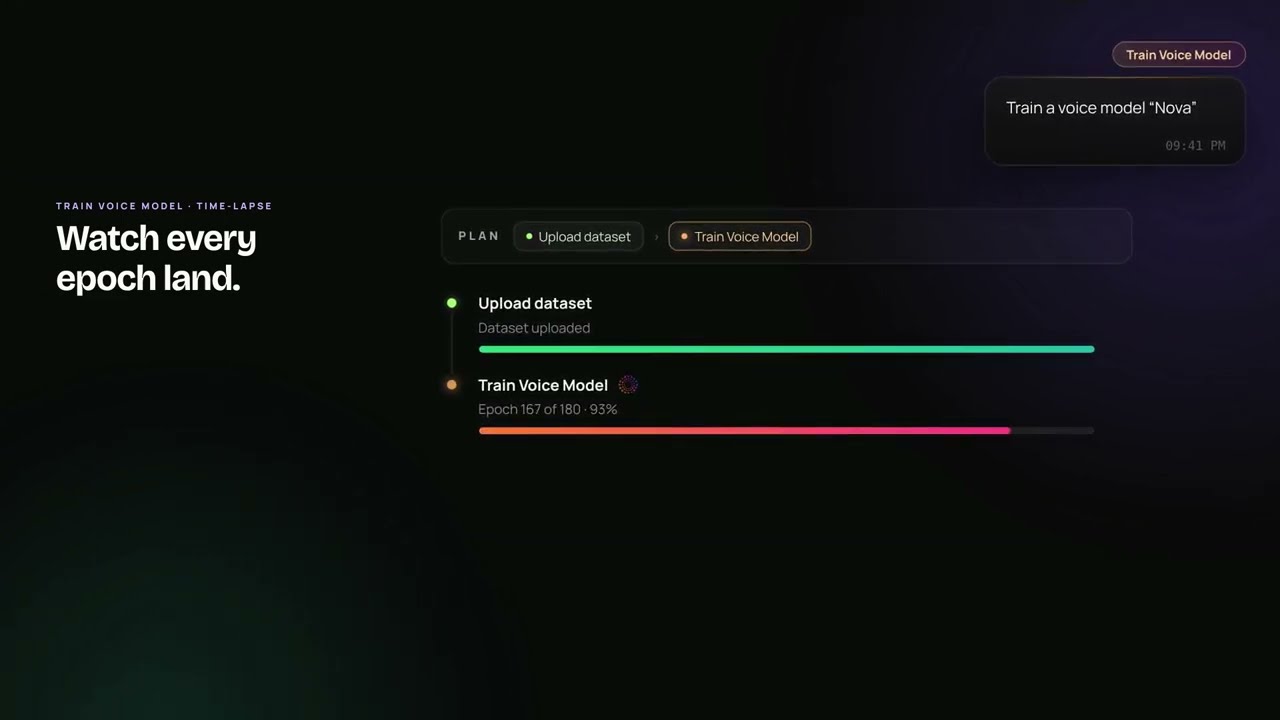
Training is measured in epochs: passes the model makes through your recordings. More epochs give a higher-fidelity model but take longer.
| Quality | Epochs | When to use it |
|---|---|---|
| Fast | 10 | A quick test |
| Balanced | about 180 | The best mix of quality and speed for most voices |
| Studio | 350 | The highest fidelity |
Between 150 and 250 epochs is typical.
How to train your voice model
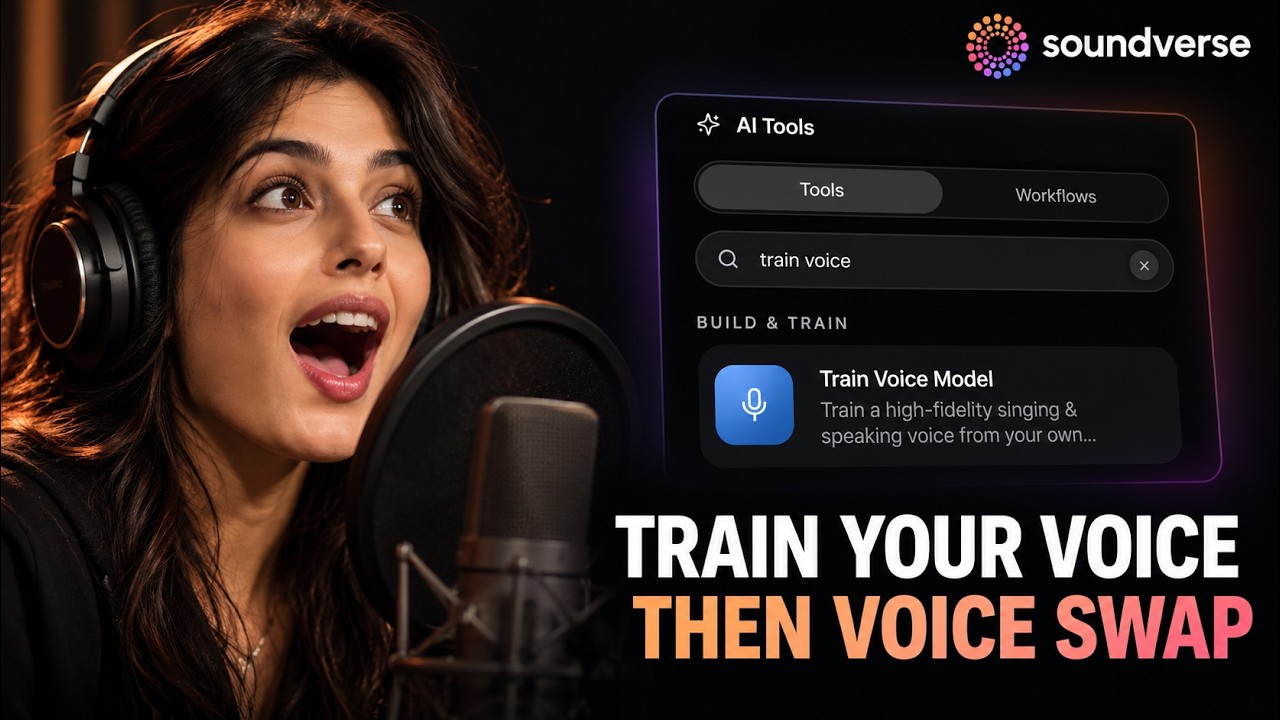
- Open the voice training tool from the panel, or ask Agent One to train your voice.
- Give your voice model a name.
- Add your recordings from your Library, or record new ones. Aim for at least 10 minutes in total.
- Choose Fast, Balanced or Studio.
- Set the model to Private (for your use only) or Public.
- Submit, and let it train. You can watch the epochs land.
- When it's done, open Voice Swap, pick your new model and swap it onto any vocal: a demo, a guide vocal or a full performance.
Tips for the best result
- Record in a quiet room with as little echo as possible.
- Use the same microphone and setup for every recording.
- Sing across your full range: low and high notes, soft and loud, different emotions.
- Include the styles you want the model to handle, like singing, rapping or speaking.
- Remove music, reverb and effects before uploading.
Your voice is yours
Only clone or train a model on your own voice, or on a voice you have clear permission to use. When you train a model, you choose whether it stays private or is public.
FAQ
How long does my voice sample need to be?
For Voice Clone, a short sample is enough to start. For Voice Training, you need at least 10 minutes in total, with each recording at least 60 seconds long.
What's the difference between Voice Clone and Voice Swap?
Voice Clone lets you generate new songs sung in your voice. Voice Swap changes an existing vocal into a voice model you've trained.
Can Agent One do it for me?
Yes. You can attach a recording and ask Agent One to clone your voice, or ask it to train a voice model.
Can I keep my voice model private?
Yes. When you train a model, set it to Private for your use only.
Can I clone someone else's voice?
Only with their clear permission.
Try it
Record a minute of your voice, clone it and ask for a song. When you want a voice model for a whole project, train one.
