Every Soundverse setting, explained: all 18 tabs
A tab-by-tab guide to Soundverse Settings: plan and tokens, storage, privacy and DNA training, NSFW filter, verification, history, Agent One autonomy and SSO.
Quick answer: Every switch in Soundverse lives in one place: Settings. Open your account menu and choose My Account. Settings has 18 tabs, covering your public profile, plan and tokens, storage, rate limits, privacy (including whether your voice can be used for DNA training, data export and account deletion), the NSFW filter and Unhinged mode, verification, themes and fonts, languages, connected accounts, releases, generation history, the recycle bin, how autonomous Agent One may be, audio devices and single sign-on. The video below walks through all 18 in four minutes.
Every Soundverse setting, explained: all 18 tabs in 4 minutes.
Where Settings lives
Click your avatar to open the account menu, then choose My Account. Settings opens with a list of tabs down the left side. Everything below is in that one window, so you never have to hunt through the app for a toggle.
The video was filmed on the live soundverse.ai in October 2026, with account details blurred.
All 18 tabs at a glance
| Tab | What it's for |
|---|---|
| General | Your public profile basics |
| Manage your plan | Your plan, tokens and upgrades |
| Storage | How much space your files use |
| Rate limits | How many generations you can run and how fast |
| Privacy Settings | DNA training on your voice, data export, account deletion |
| Preferences | The NSFW filter and Unhinged mode |
| Profile Verification | Confirming your identity with a government ID |
| Appearance | Themes and fonts |
| Languages | The language Soundverse uses |
| Edit Profile | Name, picture and profile details |
| Notifications | What Soundverse tells you about |
| Connected Accounts | Other services linked to your account |
| Distribution | Your releases |
| History | Your generation history |
| Recycle Bin | Deleted items you can still restore |
| Agent One | How autonomous Agent One may be |
| Audio Settings | Your audio input and output devices |
| SSO | Single sign-on |
Your account: General, plan, storage and rate limits
General (0:17) is the first stop: the basics of your public profile.
Manage your plan (0:29) shows the plan you're on and your tokens, and lets you compare plans side by side. For prices and what each plan includes, see the pricing page.
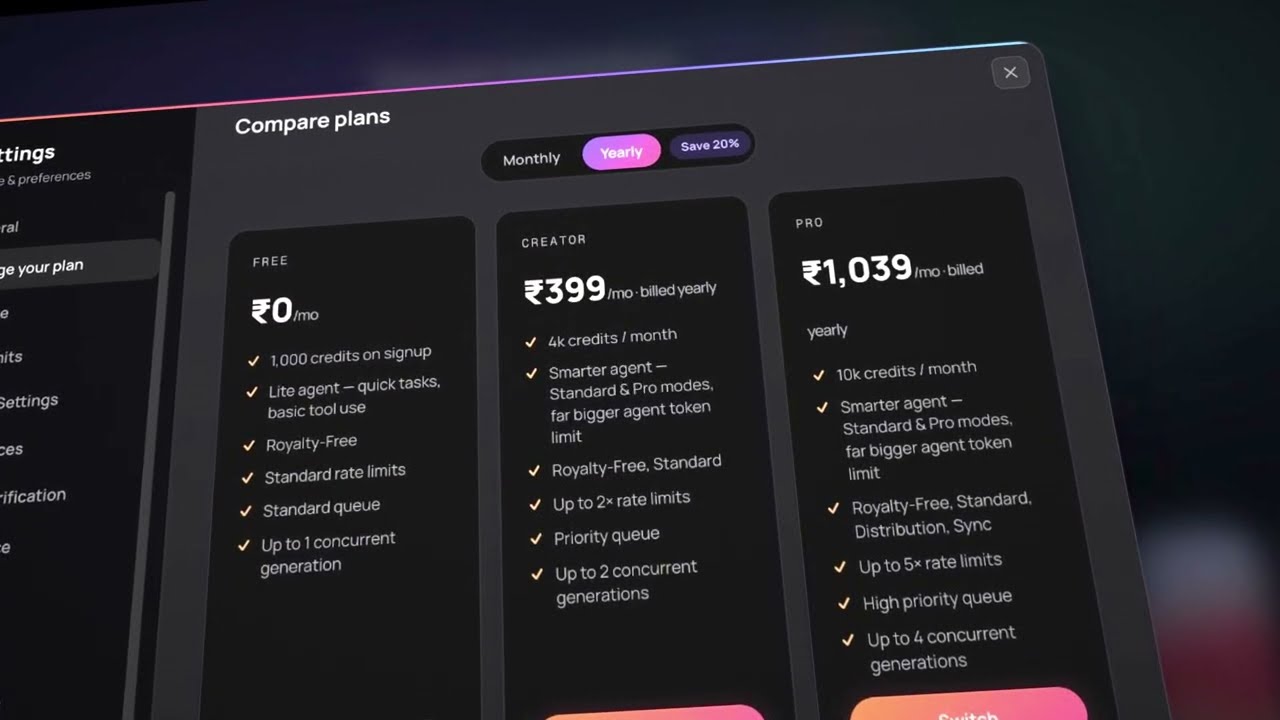
Storage (0:43) shows how much space your songs, stems and videos are using.
Rate limits (0:53) explains how many generations you can run, and how many at once, on your plan. Higher plans get more concurrent generations, which matters when you're asking Agent One to run several tools in a row.
Privacy, preferences and verification
Privacy Settings (1:03) is the tab to read carefully. It's where you decide whether your voice can be used for DNA training, where you export your data, and where you delete your account if you ever want to.
Preferences (1:25) holds the NSFW filter and Unhinged mode, so you control what kind of output you get.
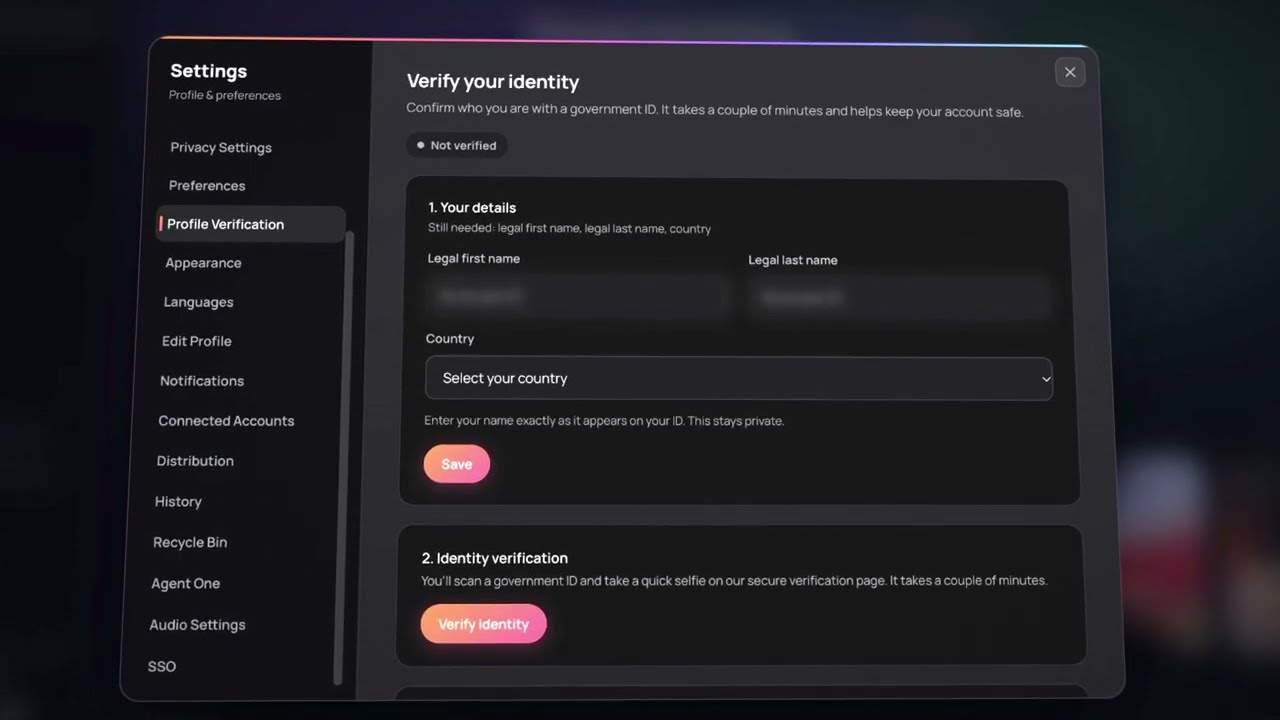
Profile Verification is where you confirm who you are, using a government ID.
How Soundverse looks and talks to you
Appearance (1:46) changes the theme and fonts.
Languages (1:59) sets the language the interface uses, and Edit Profile updates your name, picture and profile details.
Notifications (2:22) controls what Soundverse tells you about, and Connected Accounts lists the other services linked to your Soundverse account.
Releases, history and the recycle bin
Distribution (2:42) is where your releases live, so you can see what you've put out from Soundverse.
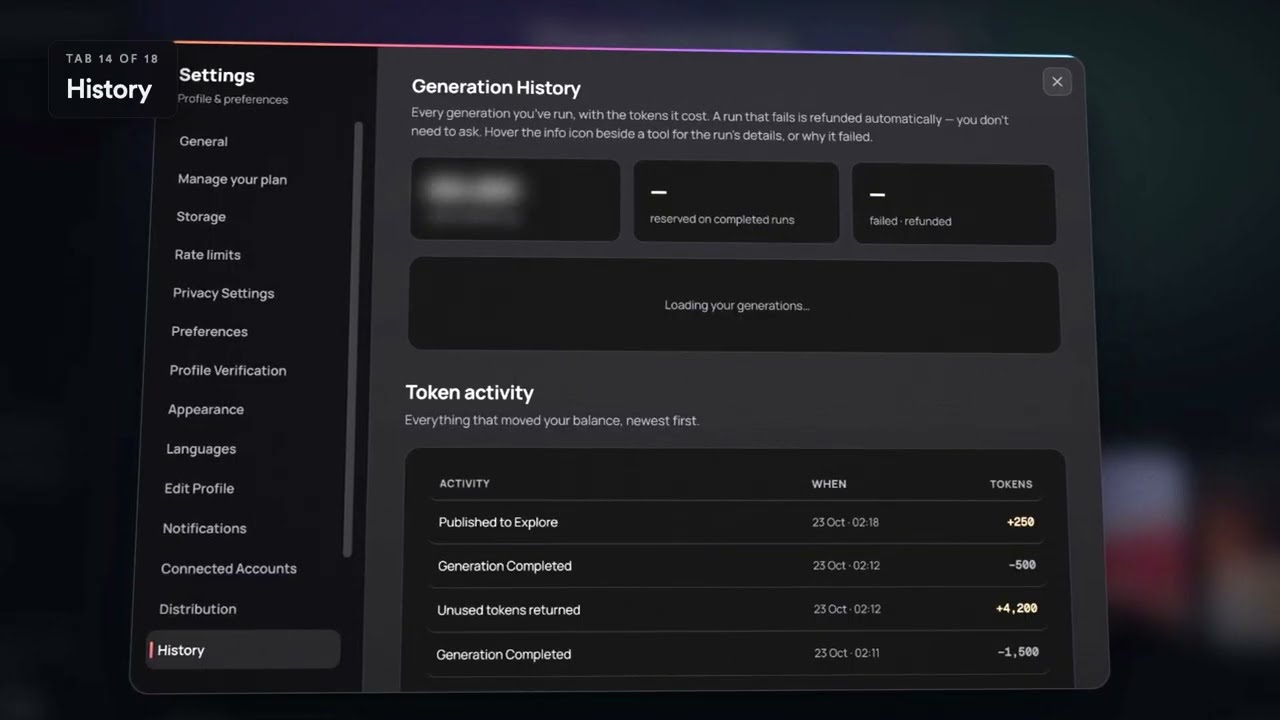
History (2:52) is a full log of your generations. It's useful when you remember making something great last week but can't remember what you called it.
Recycle Bin keeps things you deleted, so an accidental delete isn't final.
Agent One, audio and sign-in
Agent One (3:09) decides how autonomous Agent One may be: how much it does on its own before checking with you. If you like to approve each step, keep it tight; if you want it to run a whole plan, give it more room.
Audio Settings (3:29) picks your audio devices, which matters most when you record into AI Studio.
SSO covers single sign-on.
Tips
- New account? Check Privacy Settings and Preferences first, then set Agent One's autonomy to match how you like to work.
- Recording vocals? Set your input in Audio Settings before you open AI Studio.
- Lost a track? Look in History, then the Recycle Bin.
- Hitting limits? Rate limits and Manage your plan explain what your plan allows.
FAQ
How do I open Settings in Soundverse?
Open your account menu (your avatar) and choose My Account.
Where can I stop my voice being used for DNA training?
In Privacy Settings. The same tab has data export and account deletion.
Can I control how much Agent One does on its own?
Yes. The Agent One tab sets how autonomous it may be.
Where do I find something I made a while ago?
History lists your generations. If you deleted it, check the Recycle Bin.
Where do I change my plan?
In Manage your plan. You can compare plans there or on the pricing page.
Try it
Open Soundverse, go to My Account, and spend two minutes on Privacy, Preferences and Agent One. New to Soundverse? Start with Agent One and make your first song from a chat.
