How to Make EDM Music: A Step-by-Step Guide for Beginners
Learn how to make EDM music using essential steps and tools for beginners.
How to Make EDM Music: A Step-by-Step Guide for Beginners
Electronic Dance Music (EDM) continues to dominate global music trends in 2026 — from pulsating festival soundscapes to immersive virtual performances. For aspiring producers, learning how to make EDM music is both exciting and achievable. With modern digital audio workstations (DAWs), AI-powered tools, and creative sound design strategies, anyone can start producing high-energy tracks that move crowds.
What is EDM and why is it so influential in 2026?
EDM refers to a broad range of electronically produced music designed for dance environments. It includes subgenres like house, techno, trance, drum and bass, and dubstep. In 2026, EDM is evolving through cross-genre fusion, incorporating elements of hyperpop, cinematic bass, and AI-generated arrangements. Its accessibility through online tutorials and platforms makes it a perfect entry point for beginner music producers. You can learn more about EDM’s key characteristics and its defining subgenres to understand its lasting influence.
What equipment do you need to start making EDM?
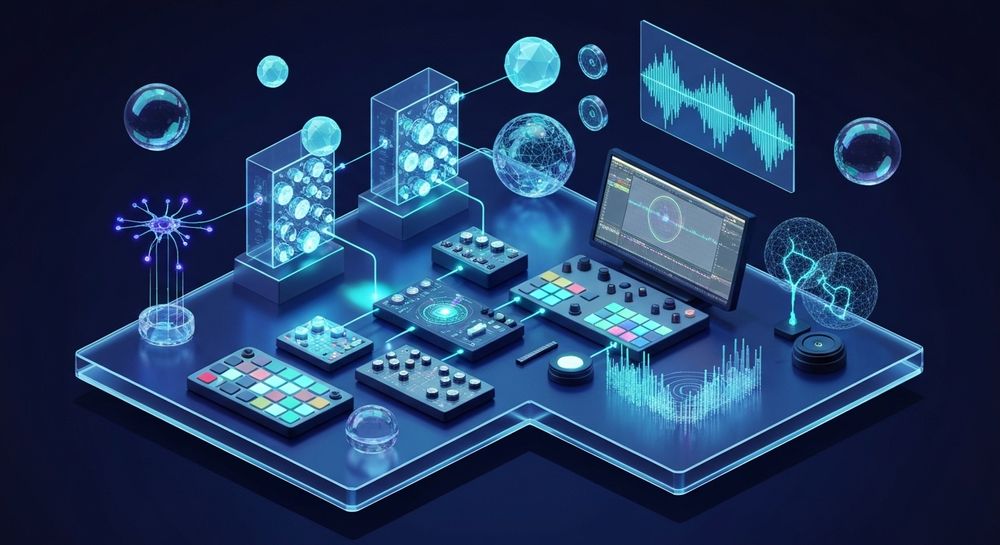
To begin producing EDM music, you need a basic home setup. Here’s what helps:
- Laptop or desktop computer – With sufficient processing power for audio plugins.
- Digital Audio Workstation (DAW) – Popular options include Ableton Live, FL Studio, Logic Pro, and Reaper. A great DAW for EDM provides intuitive loop-based editing and robust MIDI control.
- MIDI controller or keyboard – For hands-on manipulation of synth sounds.
- Studio headphones and monitor speakers – To accurately mix your track.
- Sound libraries and plugins – Use VSTs for synths, drums, and effects.
These essentials provide a foundation for exploring sound design and experimenting with arrangement.
How do you start producing EDM step-by-step?
If you’re a beginner, understanding how to make EDM music involves mastering the creative and technical process. Follow these steps to start building your own dance tracks.
Step 1: Feature Overview — Access AI Music Generator from main menu

Once you are ready to explore AI-enhanced workflows, access the AI Music Generator from the main Soundverse menu. This tool specializes in generating instrumental tracks, beats, and soundscapes from simple text descriptions.
Step 2: Description Input — Enter text description of desired music

Describe the mood or genre you want to create. For EDM, you can type prompts like “high-energy progressive house track with punchy bass and glittering synths.” This text-to-music feature helps beginners experiment with ideas without needing advanced composition skills.
Step 3: Style & Duration — Select music style and track duration

Choose the EDM subgenre (e.g., techno, trance, or future bass) and determine how long the track should be. The AI models, V4 and V5, provide detailed control over genre, mood, and instrument balance.
Step 4: Generation — Generate instrumental music based on description

After configuring the style and parameters, generate your AI-produced EDM track. This asynchronous process delivers a professionally mixed instrumental composition. You can later edit or layer vocals using a traditional DAW.
Step 5: Export Options — Download generated instrumental music

Once your track is ready, export it for further mixing or performance. Soundverse provides seamless export options for looping — ideal for background music, live sets, or video synchronization.
For a deeper dive, watch our Soundverse Tutorial Series — How to Make Music and Make Deep House Music walkthroughs on YouTube.
What are the core principles of EDM music production?
Understanding EDM production tips is key for creative success:
- Build a strong drum foundation – The kick drum drives the energy. Use sidechain compression to make other elements breathe with the rhythm.
- Create a memorable drop – The drop is what listeners anticipate. Use tension and release through risers and breaks.
- Master the arrangement structure – Most EDM tracks feature intro, build-up, drop, breakdown, and outro sections.
- Layer synths strategically – Combine bass, lead, and pad layers for richness.
- Pay attention to mixing and mastering – Ensure clarity across frequencies.
These fundamentals apply across all DAWs and styles, whether you’re producing house, trance, or experimental electronic.
What software is best for EDM beginners in 2026?
In 2026, beginner music production focuses on intuitive interfaces and AI assistance. Recommended DAWs include:
- FL Studio – Known for its user-friendly pattern sequencing.
- Ableton Live – Dynamic for performance and studio use.
- Logic Pro – Offers advanced native plugins.
- Reaper – Lightweight and highly customizable.
- Soundverse tools, including the AI Music Generator, streamline music creation by allowing producers to skip complex sound layering.
You can easily pair these DAWs with modern AI tools for creative inspiration, such as the Stem Separator for remixing, or the AI Song Generator for generating complete vocal arrangements.
How can beginners learn EDM sound design?
Sound design is at the heart of EDM creativity. Start simple:
- Experiment with waveform synthesis in tools like Serum or Massive.
- Manipulate filter and envelope settings to shape tones.
- Automate effects such as reverb and delay for dynamic transitions.
- Learn to balance frequencies using EQ.
- Layer percussive sounds creatively for rhythmic complexity.
Educational platforms and AI music generation resources make it easier to practice and understand sound behavior.
How to make EDM music with Soundverse AI Music Generator

Now that you understand how to make EDM music manually, here’s how Soundverse simplifies the process for you:
Soundverse’s AI Music Generator allows you to create EDM instrumentals instantly from text prompts. This feature converts your descriptions into professionally produced electronic tracks with genre, mood, and instrument control. Loop Mode ensures seamless repetition — perfect for DJ sets, gaming loops, and dance videos.
Designed for beginners and professionals alike, the AI Music Generator delivers creative flexibility through its V4 and V5 models. You can experiment across EDM subgenres, specify tempo or atmosphere, and export your track for use in mixes or commercial projects.
Additional Soundverse tools enhance your workflow:
- The AI Song Generator adds vocals and melody layers to expand your instrumental ideas.
- The Stem Separator helps isolate beats and synths for remixing.
- The Extend Music feature generates additional sections matching tempo and key — ideal for lengthening your sets.
If you’re ready to take your first steps into electronic production or want to enhance your creative workflow, explore Soundverse’s AI ecosystem. Check out Mubert Alternatives with Soundverse and learn about AI music’s transformation of the music industry to stay ahead of trends.
By combining traditional production methods with AI assistance, beginners can achieve industry-level EDM quality without expensive hardware or advanced mixing skills. In 2026, mastering both human creativity and artificial intelligence is the key to producing unforgettable dance tracks that define the future of electronic music.
Start Creating EDM Tracks with Soundverse AI Today!
Turn your ideas into professional-quality electronic music instantly. Soundverse empowers you to produce, mix, and experiment with EDM in minutes—no studio required.
Related Articles
- How to Create EDM with Soundverse AI: Discover how Soundverse’s AI tools can simplify your EDM music production process, even if you’re just starting out.
- Generate AI Music with Soundverse Text-to-Music: Learn how to turn written prompts into unique EDM melodies and beats with Soundverse’s powerful text-to-music engine.
- 50 Hand-Picked Deep House Text-to-Music AI Music Generation Prompts: Explore genre-specific prompts to generate inspiring deep house and EDM tracks effortlessly using Soundverse AI.
- The Benefits of Composing with AI Music Generator: Uncover how AI music generation accelerates creativity, enhances workflow, and improves music composition for producers.
Here's how to make AI Music with Soundverse
Video Guide

Here’s another long walkthrough of how to use Soundverse AI.
Text Guide
- To know more about AI Magic Tools, check here.
- To know more about Soundverse Assistant, check here.
- To know more about Arrangement Studio, check here.
Soundverse is an AI Assistant that allows content creators and music makers to create original content in a flash using Generative AI.
With the help of Soundverse Assistant and AI Magic Tools, our users get an unfair advantage over other creators to create audio and music content quickly, easily and cheaply.
Soundverse Assistant is your ultimate music companion. You simply speak to the assistant to get your stuff done. The more you speak to it, the more it starts understanding you and your goals.
AI Magic Tools help convert your creative dreams into tangible music and audio. Use AI Magic Tools such as text to music, stem separation, or lyrics generation to realise your content dreams faster.
Soundverse is here to take music production to the next level. We're not just a digital audio workstation (DAW) competing with Ableton or Logic, we're building a completely new paradigm of easy and conversational content creation.
TikTok: https://www.tiktok.com/@soundverse.ai
Twitter: https://twitter.com/soundverse_ai
Instagram: https://www.instagram.com/soundverse.ai
LinkedIn: https://www.linkedin.com/company/soundverseai
Youtube: https://www.youtube.com/@SoundverseAI
Facebook: https://www.facebook.com/profile.php?id=100095674445607
Join Soundverse for Free and make Viral AI Music

We are constantly building more product experiences. Keep checking our Blog to stay updated about them!