How to Create an Event Countdown Song Using AI
Learn how to make a custom AI event countdown song with Soundverse’s AI Song Generator in 2026.
How to Create an Event Countdown Song Using AI
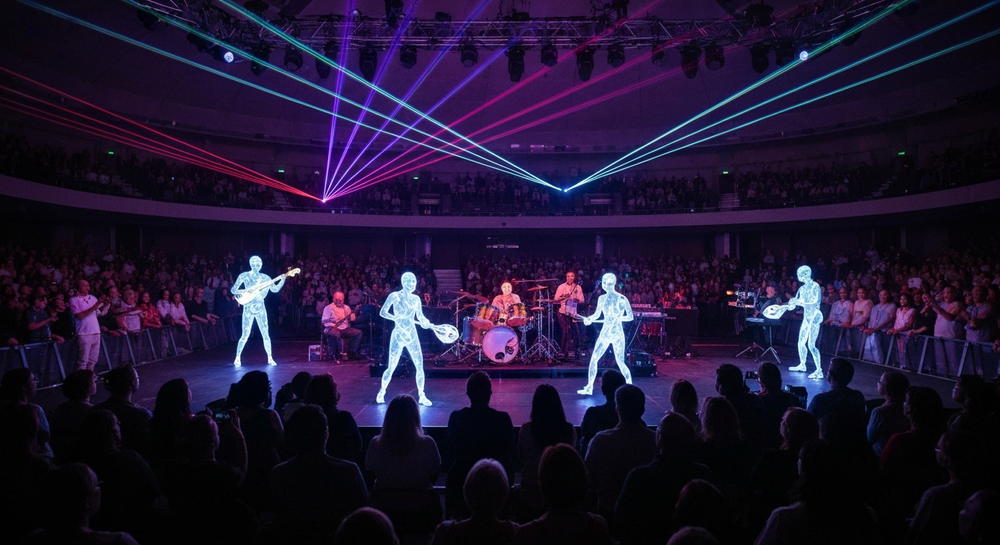
In 2026, high-energy event sound design is becoming one of the most important parts of digital and live experiences. Whether it’s a brand launch, esports tournament, concert, festival, or cinematic online reveal, a countdown moment builds suspense and emotional intensity. Event organizers, music producers, and digital marketers are increasingly turning to AI event countdown song creation to make every second before the big reveal unforgettable.
This guide will show you exactly how to create your own event countdown track using AI, with tools built specifically for hype build music and automated event sound design.
Why do you need an AI event countdown song in 2026?
The past few years have seen exponential growth in AI music creation. By 2026, AI-generated music is no longer just a novelty — it’s a production-level staple across entertainment, live events, and brand campaigns. A great countdown track does more than mark time. It creates emotional tension, primes the audience’s energy, and amplifies engagement when the moment finally hits.
Traditional composition of such tracks used to demand hours of human effort: composing rhythm patterns, layering drums, adding vocal snippets, and syncing timers. But with AI song generator technology, creators can now describe what they want — and receive a fully arranged countdown anthem within minutes.
If you’ve ever wondered how digital creators produce those huge cinematic builds or festival-style drops before a major reveal, the answer often lies in a custom countdown track produced with AI.
How to make an event countdown song with Soundverse AI Song Generator

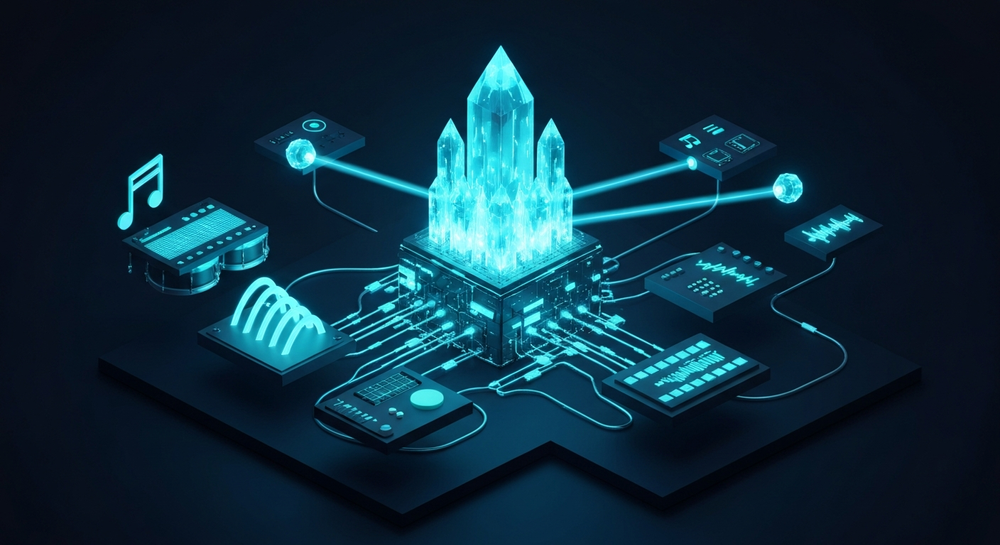
Soundverse enables creators to turn text or lyric inputs into full songs, complete with AI-generated vocals and an instrumental arrangement. Its AI Song Generator operates through a multi-stage pipeline that covers lyrics, melody, arrangement, and mixing. You can describe your intention — for example, “a dramatic EDM countdown with bass impacts and digital drums” — and Soundverse transforms that description into music.
Core capabilities you’ll use:
- Describe Your Song Mode: Use natural language text prompts to define mood and style (e.g., “energetic EDM countdown build-up”).
- Custom Mode: Input predefined lyrics and fine-tune tempo, genre, and vocal mood.
- Reference Audio Support: Upload an example track or vocal to match tonality.
- Quick Style Selection: Pick genres like Pop, EDM, Rock, or cinematic orchestral.
These modes are tailored to diverse use cases including content creation, vocal prototyping, and sound design for events.
Step 1: Feature Overview

Access the AI Song Generator directly from the Soundverse main menu. This module sits at the core of the Soundverse platform and allows you to produce music from text or lyrics, integrating seamlessly with related tools like the AI Lyrics Writer and Extend Music. For a deeper dive, watch our tutorial on how to make music and explore the Explore Tab guide from the Soundverse YouTube channel.
Step 2: Lyrics Input
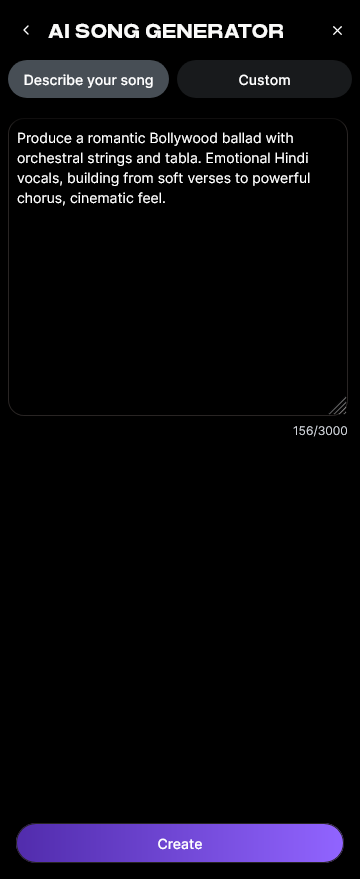
For countdown tracks, lyrics are optional but can heighten energy — phrases like “five, four, three…” add natural rhythmic tension. In the Lyrics & Settings section, paste or type any countdown phrases or event taglines. Alternatively, activate the integrated Help Me Write feature to auto-generate lyrics matching your event’s vibe. Avoid copyrighted material; instead, opt for original or AI-generated text.
Step 3: Style Selection

Select a music style that aligns with your event. For sports or tech events, EDM or cinematic trap styles fit perfectly. Product launches may favor upbeat pop-electronic builds. The quick style panel enables instant switching among popular genres without manual mixing.
To explore more style ideas, check related insights like How to Create EDM with Soundverse AI or How AI Generated Music Is Transforming the Industry.
Step 4: Configuration

In this step, define generation parameters such as tempo (recommended: 120–140 BPM for hype music), duration (30–60 seconds for countdown intros), and vibe (e.g., “epic”, “intense”, “electronic”). Use Reference Audio Support if you have an existing intro track — upload it, and Soundverse will analyze your reference for tonal and structural guidance.
Step 5: Generation

Click Generate Song. The system asynchronously processes lyrics, melody, arrangement, and mixing. Within minutes, Soundverse synthesizes AI vocals and instrumentals into a cohesive countdown composition ready for review.
Step 6: Generation Complete

Once complete, your results page will display the generated track with waveform and preview options. You can listen, inspect transitions, and re-generate variants by slightly altering prompts (e.g., extending the drop or changing drum dynamics).
Step 7: Export Results

Export your completed countdown track in WAV, MP3, or other preferred formats. You can integrate this directly into visual show openers, brand videos, or live streaming overlays. Many creators use exported audio in editing programs to sync the beats with visual countdown numbers.
Pro Tips for Crafting the Perfect Hype Build Music
- Blend countdown numerals with synth impacts. AI vocals announcing each count synced to powerful drops evoke adrenaline.
- Use rising motion pads or pitch sweeps. These create natural tension leading to a final release.
- Make versions of different lengths. Use the Extend Music tool to generate longer builds or adapt audio for varied platforms.
- Edit precisely with Inpainting. Fix specific musical phrases without regenerating the full piece — ideal for fine-tuning transitions.
- Combine multiple AI-generated stems. You can use Soundverse’s stem management features discussed in Soundverse AI Stem Separation Tool.
Why AI event countdown songs are trending in 2026
In 2026, audiences expect content that feels polished and immersive even before the primary event begins. From virtual product reveals to hybrid festivals, countdowns have evolved into mini experiences — almost like standalone short performances. Creators now treat these as brand storytelling moments.
AI makes it practical to achieve this high production value at scale. Instead of commissioning bespoke composers for each event, digital producers can customize AI music instantly. This democratization of sound design is reshaping the marketing and event industries.
As noted in related studies on music industry trends, AI composition is not replacing human creativity — it is amplifying it. Event teams and musicians collaborate with AI tools to compose unique pieces faster, while retaining full creative control. For inspiration, you can also explore DJ AI tools for 2026 that showcase hybrid workflows using live AI music.
Integrating the countdown song into your event
Once your track is created, it can be layered with visuals and branded animations. Video editors often use the countdown as a motion cue for dynamic title reveals. Marketers integrate these intros in livestreams or social media teasers to trigger excitement automatically. Coordinating sound with visuals ensures emotional continuity across the pre-launch sequence.
For multi-language events, Soundverse supports over ten languages, letting you generate countdown vocals in English, Spanish, Hindi, or others. This global adaptability makes it perfect for international live streams.
Create Your Own AI Event Countdown Song Now!
Transform your event energy with Soundverse’s AI music generator. Craft unique, professional-quality countdown songs in minutes—no music background needed!
Start Creating with Soundverse
Related Articles
- Generate AI Music with Soundverse Text-to-Music: Learn how to turn simple text prompts into extraordinary tracks using Soundverse's text-to-music feature.
- Soundverse AI Magic Tools: Create Content Quickly with AI: Discover how Soundverse’s magic tools accelerate your music creation process with smart automation.
- What AI Can Generate Songs?: Explore the top AI tools and platforms capable of generating original songs across genres and moods.
- The Role of AI Music in Film and Television: Understand how AI-generated music is revolutionizing soundtracks and scoring for visual media.
Here's how to make AI Music with Soundverse
Video Guide

Here’s another long walkthrough of how to use Soundverse AI.
Text Guide
- To know more about AI Magic Tools, check here.
- To know more about Soundverse Assistant, check here.
- To know more about Arrangement Studio, check here.
Soundverse is an AI Assistant that allows content creators and music makers to create original content in a flash using Generative AI. With the help of Soundverse Assistant and AI Magic Tools, our users get an unfair advantage over other creators to create audio and music content quickly, easily and cheaply. Soundverse Assistant is your ultimate music companion. You simply speak to the assistant to get your stuff done. The more you speak to it, the more it starts understanding you and your goals. AI Magic Tools help convert your creative dreams into tangible music and audio. Use AI Magic Tools such as text to music, stem separation, or lyrics generation to realise your content dreams faster. Soundverse is here to take music production to the next level. We're not just a digital audio workstation (DAW) competing with Ableton or Logic, we're building a completely new paradigm of easy and conversational content creation.
TikTok: https://www.tiktok.com/@soundverse.ai
Twitter: https://twitter.com/soundverse_ai
Instagram: https://www.instagram.com/soundverse.ai
LinkedIn: https://www.linkedin.com/company/soundverseai
Youtube: https://www.youtube.com/@SoundverseAI
Facebook: https://www.facebook.com/profile.php?id=100095674445607
Join Soundverse for Free and make Viral AI Music

We are constantly building more product experiences. Keep checking our Blog to stay updated about them!