The Best AI Sound Effects Generators of 2027, Ranked
The 7 best AI sound effects generators for 2027, ranked. Text-to-SFX and video-to-SFX tools, free plans, prices and commercial licenses compared.
Quick answer: The best AI sound effects generator for 2027 is Soundverse. You describe a sound, set its length from half a second to 30 seconds, and get a clip on every plan, including Free. On Creator and up, Video to Sound Effects places footsteps, doors and impacts to the picture in a multitrack studio. ElevenLabs is the pick for quick one-off effects, and Mirelo is the pick if you only need effects synced to long videos.
Prices are as listed in November 2026. Check each vendor's site before you buy.
The 2027 ranking at a glance
| Rank | Tool | Best for | Free plan | Paid from |
|---|---|---|---|---|
| 1 | Soundverse | Effects from text and from video, edited in one studio | Yes, Personal license (non-commercial) | $12.49/mo ($9.99 billed yearly) |
| 2 | ElevenLabs Sound Effects | Fast one-off effects from a prompt | Yes, 50 generations a month, personal use only | $6/mo ($5 billed yearly) |
| 3 | Adobe Firefly | Creators already in Adobe's apps | Yes, free daily generations | $9.99/mo (Firefly Standard) |
| 4 | Mirelo | Foley synced to long videos | Yes, 5,000 credits a month, watermarked, non-commercial | €20/mo |
| 5 | Stable Audio | Effects and music with a license on every plan | Yes, 50 credits a month | $12/mo (Solo) |
| 6 | MMAudio | Open-source video-to-audio research | Free, open source (non-commercial weights) | Self-hosted |
| 7 | Meta AudioGen (AudioCraft) | Open-source text-to-sound experiments | Free, open source (non-commercial weights) | Self-hosted |
How we ranked them
We judged every tool on five things that matter to video creators, filmmakers, game developers and podcasters:
- Sound quality and control: how close the clip gets to your description, and control over its length.
- Sync to picture: whether the tool can place effects where the action happens in your video.
- Where the clip goes next: a timeline, a plugin or just a download.
- Licensing: what each plan lets you do with an effect in monetized or client work.
- Value for money: the entry price and what a month of real use costs.
A tool that only hands you a WAV can still be the right one. But most effects need to sit in an edit, and that's where the gaps show.

Watch: the Soundverse team ranks 50 AI music tools, from Suno and Ableton to Runway and Soundverse.
1. Soundverse: best AI sound effects generator overall
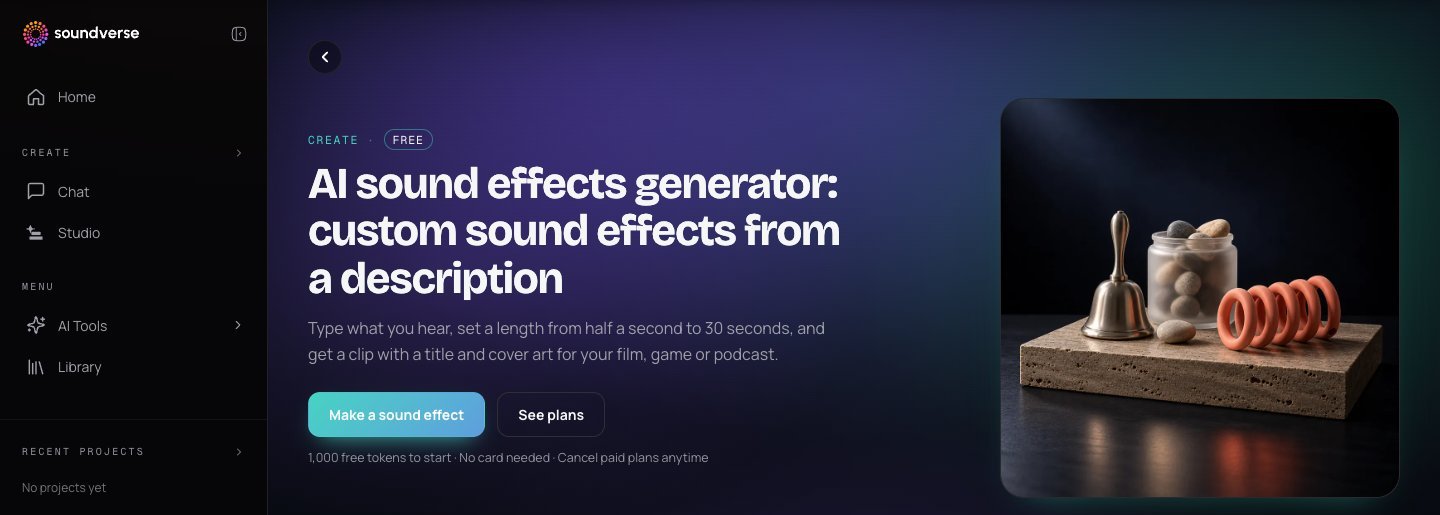
Soundverse brings sound effects, music, voice and video into one place, with 100+ tools and workflows. For effects, two tools matter:
- AI Sound Effects Generator. Type what you hear, from a creaking door to rain on a tin roof, and set a length from 0.5 to 30 seconds in half-second steps. You get a clip with a title and cover art. Effects are billed by length, so a short click costs less than a long ambience. It runs on every plan, including Free.
- Video to Sound Effects. Pick a video and get footsteps, doors, engines and impacts that match what's on screen, as one clip per sound or as a full effects bed. In AI Studio, each effect lands on the timeline locked to the picture, and in Magic mode finding the sounds uses no tokens. Video to Sound Effects is on Creator and up.
It's built for filmmakers and editors, game and app developers, podcasters and YouTubers, and producers who need impacts, sweeps and textures.
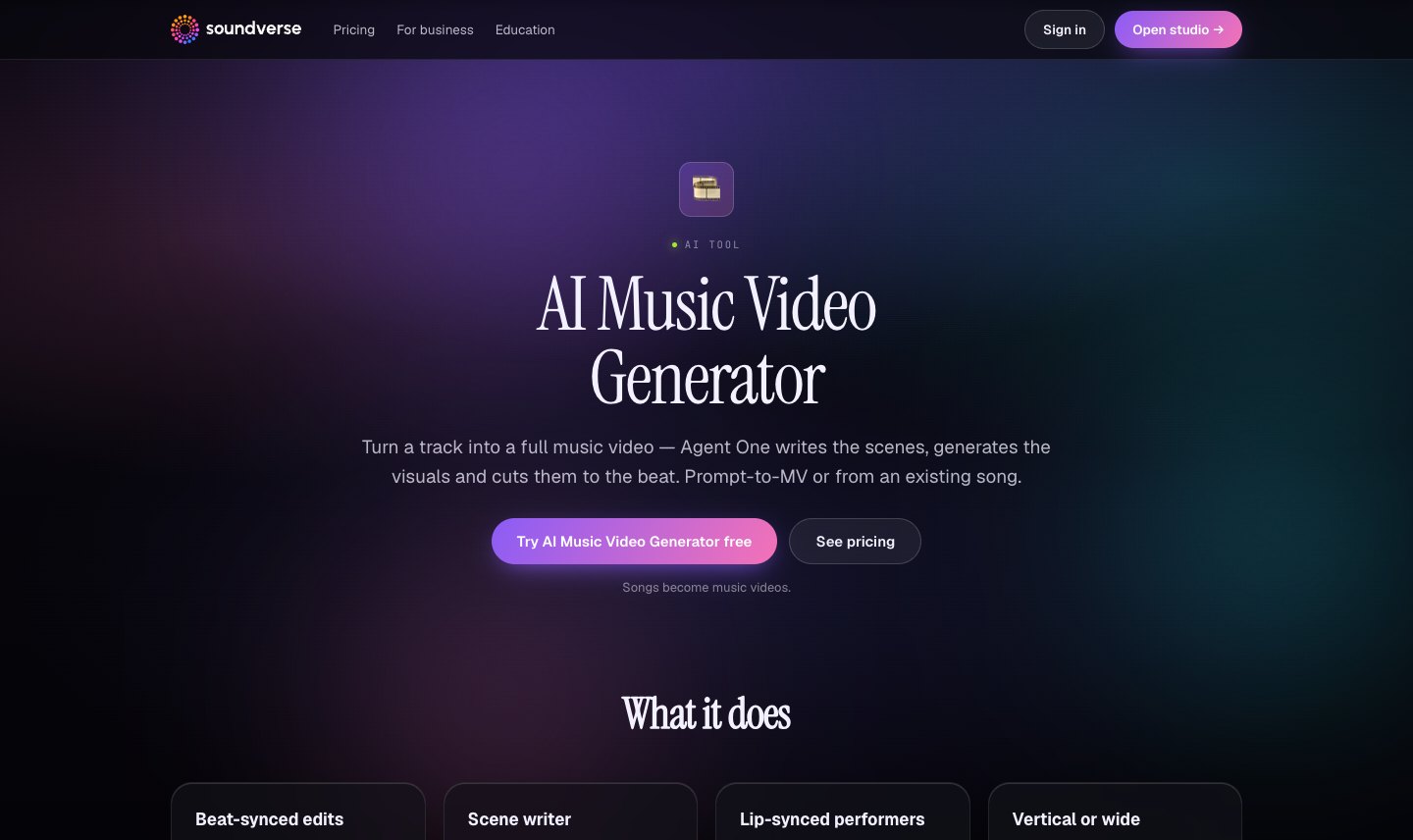
If your project is a video, the rest of the job can happen in the same account. Even the free AI Studio has a video lane, and Creator adds video generation, the AI Music Video Generator and 1080p video export. You can score a cut with the AI Music Generator, place effects with Video to Sound Effects and export from one timeline.
Licensing: Free is a "Personal license (non-commercial)", so Free-plan effects aren't for monetized or client work. Creator adds the Royalty Free license, which the pricing page sums up as "monetize your content". Check your plan's license and the Terms of Service before you publish.
Pricing: Free (5 MP3 downloads a month), Creator $12.49/mo ($9.99 billed yearly, 50 downloads a month in MP3, WAV and stems), Pro $31.24/mo ($24.99 yearly), Max from $72/mo ($60 yearly).
Best for: creators who want effects, music and the edit in one place, with a license that scales from personal projects to monetized work.
2. ElevenLabs Sound Effects: best for fast one-off effects
ElevenLabs turns a text prompt into a sound effect of up to 30 seconds, and its docs describe seamless looping for longer ambiences. It shares a credit pool with ElevenLabs' voice and music tools.
Pricing: Free (50 sound effect generations a month, personal use only, MP3), Starter $6/mo ($1 for the first month, or $5/mo billed yearly) with 150 generations, commercial use and WAV at 48 kHz, Creator $22/mo, Pro $99/mo. Its FAQ says paid users can use effects royalty-free in commercial projects, and free users only for non-commercial purposes.
Where it stops: it makes one clip at a time from text. There's no video-to-effects tool on its sound effects page and no multitrack timeline to place clips against a picture. See Soundverse vs ElevenLabs.
3. Adobe Firefly: best if you already live in Adobe's apps
Adobe Firefly's sound effect generator lets you describe an effect, upload reference audio or act it out into your mic to guide timing and intensity. You can upload a video, place the playhead where you need the sound and layer several effects. Downloads are WAV for audio or MP4 for video with audio.
Licensing: Adobe says Firefly is trained on licensed and public domain content and that outputs are safe for commercial use, provided you follow Adobe's guidelines and use the commercially released version of Firefly.
Pricing: free daily generations with an Adobe account. Firefly Standard is $9.99/mo with up to 200 sound effects, and Firefly Pro is $19.99/mo with up to 400.
Worth knowing: sound effects are one feature inside a broad creative suite, and the effect count is capped by plan. If you want effects next to music and voice tools in one studio, Soundverse covers that.
4. Mirelo: best for foley synced to long videos
Mirelo is built for one job: upload a video and get footsteps, impacts, foley and ambience synced to the footage. Its SFX 2.0 model handles videos up to 10 minutes in its Studio and API, it can keep dialogue, and it has plugins for Premiere Pro and DaVinci Resolve.
Pricing: Free (5,000 credits a month, 3 projects, watermark on exports), Creator €20/mo (24,000 credits, about 40 minutes of SFX 2.0), Studio €99/mo. Its terms limit the Free plan to non-commercial use and require free users to credit Mirelo. Paid plans allow commercial use.
Where it stops: Mirelo is focused on sound for video. If you also need text-to-effects for a game, music for the cut or voice, you'll need other tools.
5. Stable Audio: best for a commercial license on every plan
Stable Audio from Stability AI makes music and sound effects, with effects of up to 30 seconds. Its pricing page says every plan, free included, comes with a commercial license, and the web app and a DAW plugin are included.
Pricing: Free (50 credits a month), Solo $12/mo (660 credits), Session $30/mo, Producer $90/mo, Studio $199/mo.
Worth knowing: it's text-to-audio only, with no video-to-effects tool. See Soundverse vs Stable Audio.
6. MMAudio: best open-source video-to-audio model
MMAudio is a research model that generates audio synced to a video, or from text alone. A synchronization module aligns the sound with the frames. The default output is 8 seconds.
Licensing: the code is MIT-licensed, but the checkpoints are CC-BY-NC 4.0, and the authors say they don't guarantee the models are suitable for commercial use.
Where it stops: you need a GPU and some Python, so it suits prototyping more than client work.
7. Meta AudioGen (AudioCraft): best for open-source text-to-sound
AudioCraft is Meta's open-source audio library, and AudioGen is its text-to-sound model, trained for environmental sounds and sound effects. You set the duration in code.
Licensing: the code is MIT-licensed and the model weights are CC-BY-NC 4.0, so it's for research and personal experiments, not commercial releases.
Worth knowing: AudioCraft also includes MusicGen. See Soundverse vs MusicGen.
If you'd rather use recorded sounds
Not every project wants generated audio. Krotos Studio sells professionally recorded, sound-designer-curated effects, and its pricing page says they are not AI-generated. Its Studio plan was listed at €19.99/month, or €9.99/month billed annually.
Which AI sound effects generator should you choose?
- You make videos, films or games and want effects, music and the edit in one place: Soundverse. Start free, then move to Creator for Video to Sound Effects and the Royalty Free license.
- You need a quick effect from a prompt: ElevenLabs.
- You already pay for Adobe: Firefly's sound effect generator.
- You only need foley synced to long videos: Mirelo.
- You want a commercial license even on the free plan: Stable Audio.
- You're a developer or researcher: MMAudio or AudioGen, with non-commercial weights.
Frequently asked questions
What is the best AI sound effects generator in 2027? Soundverse is the best overall AI sound effects generator for 2027. It makes effects from 0.5 to 30 seconds from a description on every plan, including Free, and on Creator and up Video to Sound Effects places effects to the picture in AI Studio. ElevenLabs is best for quick one-off effects, and Mirelo is best for foley on long videos.
Can I use AI sound effects commercially? It depends on the plan. Soundverse's Free plan is a Personal license (non-commercial), and Creator adds the Royalty Free license to monetize your content. ElevenLabs and Mirelo also limit free plans to non-commercial use, while Stable Audio includes a commercial license on every plan. Always check the terms for your use case. This isn't legal advice.
Can AI add sound effects to my video automatically? Yes. Soundverse's Video to Sound Effects (Creator and up), Mirelo and the open-source MMAudio all generate effects from a video. Adobe Firefly lets you place generated effects on a video timeline yourself.
Can I copyright an AI-generated sound effect? According to the US Copyright Office's 2025 Part 2 report, prompts alone don't make you the author. Human-authored parts, such as your edit, arrangement and mix, can be protected. This isn't legal advice.
Need the one sound your scene is missing? Try the Soundverse AI Sound Effects Generator free.
Related: Best AI music for YouTube and TikTok creators in 2027 · Best AI music video generators in 2027 · Soundverse vs every competitor
