Best AI Cover Art Generators for Musicians in 2027
The best AI cover art generators for musicians in 2027, compared on price, free plans, commercial use and Spotify and Apple Music artwork rules.
Quick answer: The best AI cover art generator for musicians in 2027 is Soundverse, because your cover, YouTube thumbnail and Stories come from the same place as your music. Use its AI Album Cover Generator for the release and its AI Image Generator, which is on the Free plan, for 16:9, 9:16, 4:3 and 3:4 visuals up to 4K. Adobe Firefly is the pick if you want images from models Adobe calls safe for commercial use, and Ideogram is the pick when the cover needs clean, editable text. Whatever you use, check the file is square (1:1) before you upload it.
Prices are as listed in November 2026. Check each vendor's site before you buy.
The 2027 ranking at a glance
| Rank | Tool | Best for | Free plan | Paid from |
|---|---|---|---|---|
| 1 | Soundverse | Covers, thumbnails and Stories made next to your music | Yes, 1,000 starter tokens, personal use only | $12.49/mo ($9.99 billed yearly) |
| 2 | Adobe Firefly | Images from models Adobe calls commercially safe | Yes, free daily generations | $9.99/mo (Standard) |
| 3 | Midjourney | High-volume exploration of a look | Subscriptions only | $10/mo ($8 billed yearly) |
| 4 | Ideogram | Covers with titles and readable text | Yes, 30 credits a week, images public | $20/mo ($15 billed yearly) |
| 5 | Google Gemini (Nano Banana) | Editing and resizing photos you already have | Yes, Nano Banana 2 | $4.99/mo (Google AI Plus, US) |
| 6 | Kittl | Templates, fonts and layout | Yes, personal use only | $15/mo ($144 a year) |
| 7 | Recraft | Vector art and clear ownership on paid plans | Yes, but Recraft owns free images | Paid plans, see its pricing page |
How we ranked them
Every tool was judged on what a release needs:
- Artwork specs: a square cover, large enough without upscaling.
- Commercial use: what each plan allows, in the vendor's own words.
- Matching formats: thumbnails and Stories that match the cover.
- Text and value: readable titles, the entry price and the real free plan.
Artwork rules: what Spotify and Apple Music ask for
Spotify's cover art requirements say your cover art needs to be:
- "TIFF, PNG, or JPG format using lossless encoding"
- "The highest resolution available"
- "Between 640px - 10000px wide and tall"
- "1:1 aspect ratio"
- "Encoded with an sRGB color space, 24bits per pixel, with color profiles applied directly"
Spotify adds: "Don't upscale images. We also don't support embedded color profiles and orientation metadata."
The Apple Music Style Guide (version 2.5) says "do not use generic art templates or art that doesn't match the album you're delivering." Images "must not be low quality, pixelated, misaligned, rotated, or have other quality issues," and art "must not contain website addresses, logos, QR codes, release dates, or references to competitors of Apple Music and the iTunes Store." For motion artwork, it also says AI processing "must not introduce visual degradation," such as distorted title text. For the full checklist, see how to release AI music on Spotify in 2027.
On ownership: the US Copyright Office's 2025 Part 2 report says prompts alone don't make you the author, but the human-authored parts of a work can be protected. This isn't legal advice.
1. Soundverse: best for cover art made next to your music
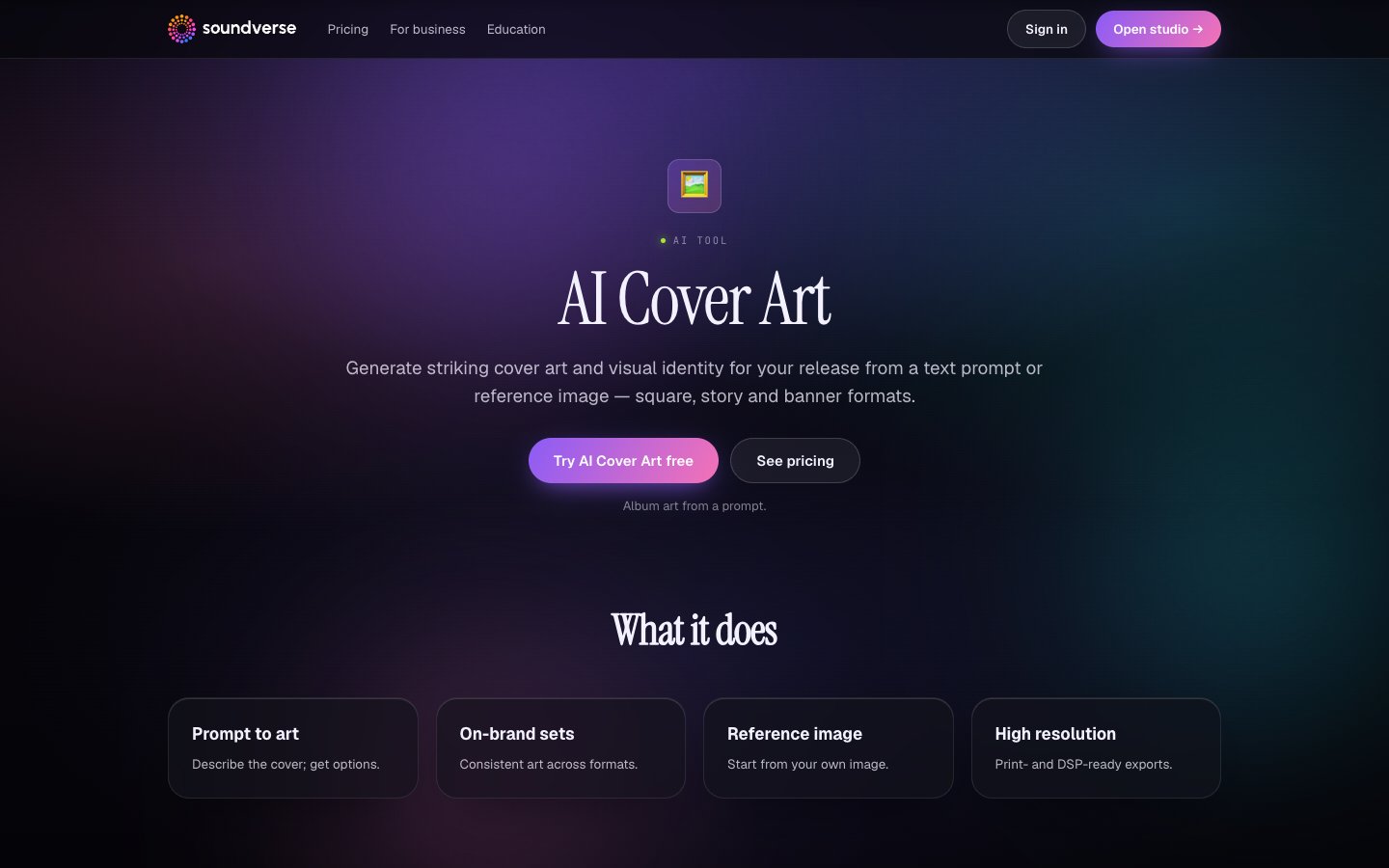
Soundverse is the AI record label for independent artists, and its visual tools sit in the same account as your songs:
- AI Album Cover Generator. Describe the release, or start from a reference image, and get on-brand cover art in print- and streaming-ready formats, with consistent art across formats.
- AI Image Generator. Make cover art, thumbnails and posts from a prompt, or use Image + Prompt to edit a PNG, JPEG or WebP you already have. Pick 16:9 for YouTube thumbnails, 9:16 for Stories and Shorts, or 4:3 and 3:4 for posts and posters, at 1K, 2K or 4K. It works on the Free plan.
- The rest of the release. Agent One makes and edits the song in one chat, the AI Music Video Generator (Creator and up) makes the video, and distribution is coming to Max.
Check the square. The Image Generator's listed ratios don't include 1:1. Its FAQ says it has "no square 1:1 option" and suggests cropping to square or asking Agent One in chat for square cover art. Before you rely on any square output, from either tool, check the file is exactly 1:1 and within your distributor's size limits. Crop from a 4K image rather than enlarging a small one.
Commercial use: the Free plan is a "Personal license (non-commercial)," so don't put Free-plan art on a release you sell or monetize. Creator adds the "Royalty Free license" to monetize your content. Check your plan's licence before you release.
Pricing: Free (1,000 starter tokens), Creator $12.49/mo ($9.99 billed yearly), Pro $31.24/mo ($24.99 yearly), Max from $72/mo ($60 yearly). Best for: artists who want the cover, thumbnail and Stories made where the song is.
 Watch: one brief, eleven tracks, from Soundverse's work as official music partner of Miss Universe India 2026. youtube.com/watch?v=YcwbbYvXCVI
2. Adobe Firefly: best for commercially safe models
Adobe Firefly says "Outputs from Adobe Firefly AI models are safe for commercial use," and that its image models are trained on licensed Adobe Stock images and public domain content where copyright has expired. Text to Image offers Square (1:1), Landscape (4:3), Portrait (3:4) and Widescreen (16:9), so one prompt can cover the cover and the thumbnail. Adobe applies Content Credentials to certain exports. Pricing: free daily generations with no plan; Standard $9.99/mo (2,000 credits), Pro $19.99/mo (4,000), Pro Plus $49.99/mo (10,000), Premium $199.99/mo (50,000). Worth knowing: Firefly also runs partner models, and for those Adobe says "You're responsible for determining whether content generated by partner models is appropriate for your project."
3. Midjourney: best for exploring a look at volume
Midjourney images are square (1:1) by default, and the --ar parameter changes the shape for wide thumbnails or tall Stories. Standard and higher plans include unlimited image generations in Relax Mode, handy for trying many directions.
Pricing: Basic $10/mo ($8 billed yearly), Standard $30/mo ($24), Pro $60/mo ($48), Mega $120/mo ($96). All plans are subscriptions.
Worth knowing: Midjourney says subscribers "are free to use your images/videos in just about any way you want," but companies making more than $1,000,000 a year in gross revenue need Pro or Mega. Stealth Mode, which keeps images private, is only on Pro and Mega. Check the pixel size, since aspect ratio isn't the same as image dimensions.
4. Ideogram: best for covers with readable text
Ideogram documents a full workflow for text in images: put the wording in quotes, then fix spelling with targeted edits or editable Studio text layers. Its Ad Resizer reformats one design for Instagram, Stories, TikTok, YouTube and print. Images come at 1K (1024 × 1024) or 2K (2048 × 2048) on its newer models, with upscaling to 4K or 8K. Pricing: Free (30 credits a week if you sign in with Google, Apple or Microsoft), Plus $20/mo ($15 billed yearly), Pro $60/mo ($42), Team $30 per user/month. Worth knowing: Ideogram's terms say it doesn't "restrict your ability to use User Output for your own purposes (including for commercial purposes)," but also ask you to "carefully consider" commercial use. On the free plan, everything you generate is public; Plus and up keep new images private.
5. Google Gemini (Nano Banana): best for editing photos you have
Gemini includes Nano Banana 2 for free, with image editing, text rendering and 2K resolution. Google says you can "instantly resize" a visual to fit the format you need. Google's terms say it "won't claim ownership" over content you generate. Pricing: Free; Google AI Plus $4.99/mo and Google AI Pro $19.99/mo (US prices), which unlock Nano Banana 2.1. Worth knowing: Gemini adds "an invisible SynthID watermark, as well as a visible watermark" to its images. Check your export before it goes on a cover, since Apple's guide rules out logos on art.
6. Kittl: best for templates, fonts and layout
Kittl is a browser design platform with an AI image generator, templates, curated fonts, text effects and mockups. It suits artists who want to set the title by hand over AI art. Pricing: Free; Pro $15/mo ($144 a year), Expert $35/mo ($312 a year), Max $65/mo ($576 a year). Worth knowing: the Free plan is "For personal use only (no commercial rights)." Pro and Expert include a Commercial License for up to 500,000 copies. Apple's style guide says not to use "generic art templates," so make any template your own.
7. Recraft: best for vector art with clear ownership
Recraft covers image and vector generation, editing, background removal, inpainting and outpainting. Pricing: paid plans, with 20% off annual billing; see its pricing page for current prices. Worth knowing: Recraft says "Images generated on the Free plan are owned by Recraft," are public and "are not licensed for commercial use." Paid plans "grant you full ownership and commercial rights" and keep images private, even after you cancel.
Which AI cover art generator should you choose?
- You want the cover, thumbnail and Stories next to your music: Soundverse.
- You want models built for commercial use: Adobe Firefly.
- You want to try many looks fast: Midjourney on Standard or above.
- Your cover depends on the title text: Ideogram, or Kittl if you'd rather set type by hand.
- You want to restyle a photo for free: Google Gemini.
- You need clear ownership terms: Recraft or Kittl on a paid plan.
Frequently asked questions
What is the best AI cover art generator in 2027? Soundverse, because the AI Album Cover Generator and the AI Image Generator (on the Free plan) sit next to your music. Adobe Firefly suits commercially safe models, and Ideogram suits text-heavy covers.
Can I use AI cover art commercially? It depends on the plan. Soundverse's Free plan is non-commercial and Creator adds the Royalty Free license. Kittl's free plan is personal use only, and Recraft owns free-plan images. This isn't legal advice.
Can I copyright an AI-generated cover? The US Copyright Office's 2025 Part 2 report says prompts alone don't make you the author, but human-authored parts can be protected. This isn't legal advice.
Can Soundverse make a square album cover? The AI Image Generator has no 1:1 option; its FAQ suggests cropping to square or asking Agent One. Check the AI Album Cover Generator's square option before you rely on it, and confirm the final file is 1:1.
Ready to make your next cover? Try the Soundverse AI Album Cover Generator and make the thumbnail and Stories to match.
Related: Best AI tools for independent artists in 2027 · AI Music Video Generator · Best AI music video generators in 2027
