AI Studio with Agent One, the video walkthrough: directing music, video and SFX on one canvas
Watch Agent One work inside Soundverse AI Studio: generate and direct a song, a matching video and sound effects on one timeline. A video walkthrough with steps.
Quick answer: Soundverse AI Studio is a full audio-visual studio in your browser, and Agent One now works right inside your project. Ask it to generate a part, add a track, score a scene or change an arrangement, and it happens on your timeline, ready to edit. Because music, video and sound effects sit on one canvas, you can generate and direct a song, a video and its SFX side by side, invite collaborators into the same project, and export a finished piece without switching tools.
Introducing Soundverse AI Studio, now working with Agent One.
A studio with an AI producer built in
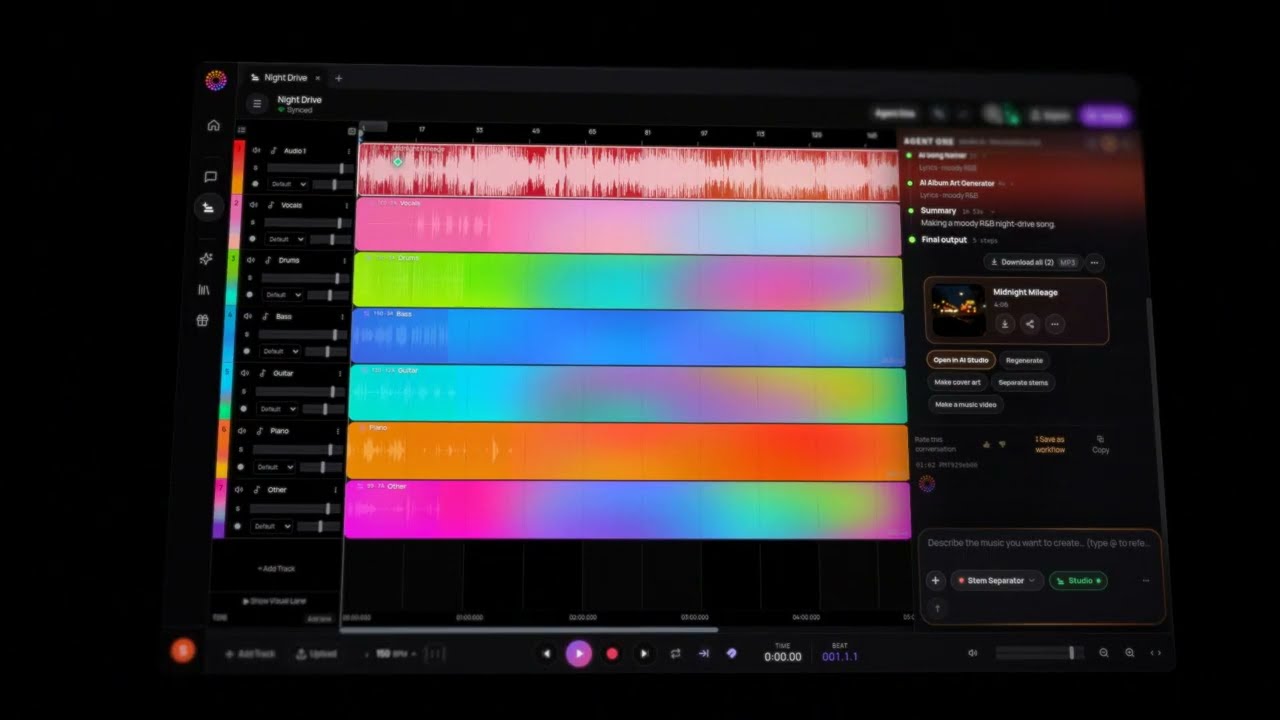
AI Studio is built for musicians first. You record, arrange, mix and produce the way you would in any DAW, then bring in Agent One whenever you want a hand. Agent One works inside the project, alongside you and your collaborators, so what it makes lands on the same timeline you're editing.
What Agent One can do in AI Studio
- Generate music, stems, vocals and sound effects straight onto your timeline.
- Build arrangements and extend sections.
- Create and edit video to match your music.
- Handle the busywork, so you can stay focused on the creative decisions.
Made for musicians
- A multitrack timeline for audio, video and images.
- Record vocals and instruments from your mic or audio interface, with input monitoring.
- Import your own WAV, MP3, MP4, PNG and JPEG files.
- Plugin support for mixing and effects.
- Generate instrumentals, stems, vocals and SFX right onto the grid.
- Everything stays editable: nothing is locked in.
Collaborative: one timeline, everyone on it
Invite your bandmates, co-writers, producers or your whole team into the same project. Everyone works on the same timeline in real time, with every generative AI tool available to all of them. No more sending files back and forth or asking which version is the latest. Soundverse calls it CAVE: a Collaborative Audio Visual Environment. More in the collaborative AI Studio.
Audio-visual: music and video side by side
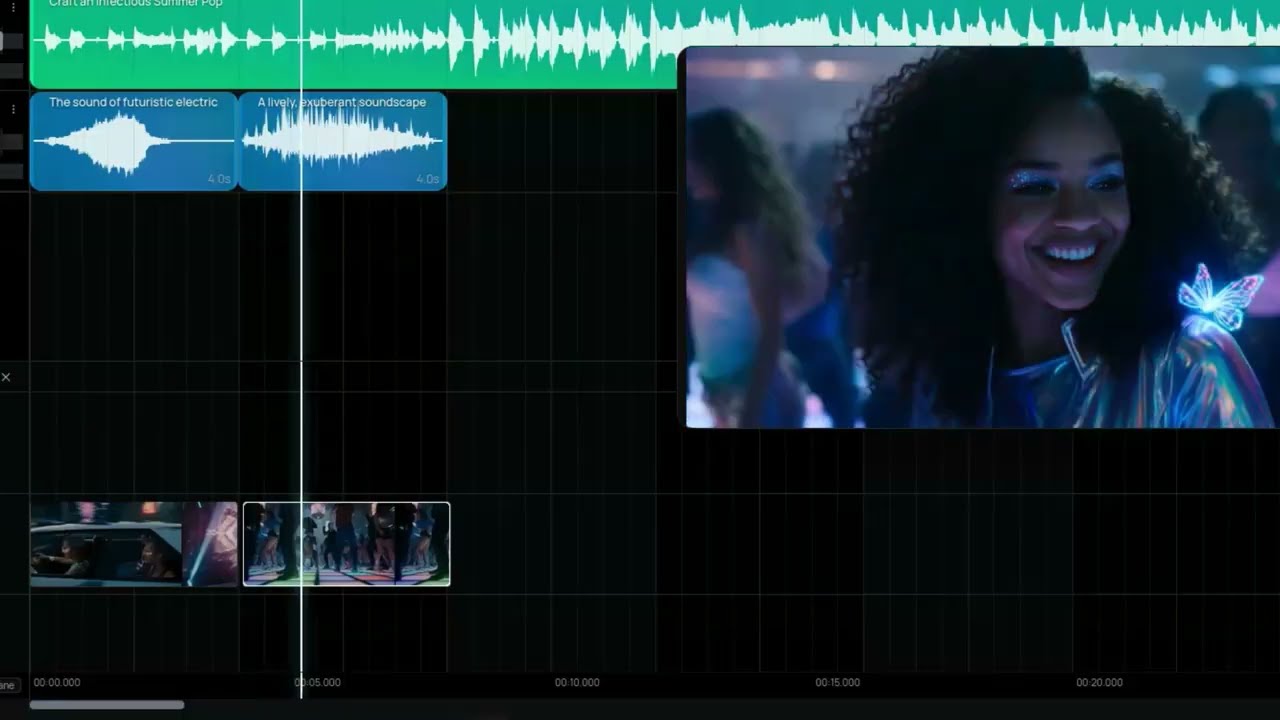
Music and video live on the same timeline. Edit your song and its video together, generate visuals that move with your music, add sound effects and lip-sync performances. You can score a video, build a music video or make content for socials without leaving the studio.
Tutorial: generate and direct music, video and SFX together
This walkthrough shows the whole flow on one canvas.
Soundverse AI Studio tutorial: generate and direct AI music, video and sound effects together.
What you'll see
- Start from a simple brief. Give Agent One a short brief and turn it into a full song.
- Direct the track like a producer. Change the structure, swap instruments, extend sections, separate stems and remix.
- Generate a matching video. Make an AI video that fits the mood and timing of the song.
- Add sound effects. Generate SFX and layer them on the timeline.
- Line it all up and export. Put everything on one canvas and export a finished, ready-to-post piece.
How to get started
- Open AI Studio on Soundverse.
- Start a new project, or open one you've already made.
- Record, import or generate your first tracks.
- Invite collaborators to work with you in real time.
- Ask Agent One for help whenever you need it.
- Mix, edit and export your finished song or video.
For a tour of everything else in the studio, from mixing and mastering to the text lane and automation, read the AI Studio guide.
Who it's for
- Musicians, producers and songwriters.
- Bands and co-writers working remotely.
- Video creators, filmmakers and brands making audio-visual content.
FAQ
Does AI Studio run in the browser?
Yes. It's a full audio-visual studio that runs in your browser.
Can Agent One edit my project directly?
Yes. Agent One works inside the project and puts what it makes on your timeline, ready to edit.
Can I record my own vocals and instruments?
Yes, from your mic or audio interface, with input monitoring.
Which files can I import?
WAV, MP3, MP4, PNG and JPEG.
Can several people work on the same project?
Yes. Invite collaborators and work on the same timeline in real time.
Try it
Open AI Studio, start a project, and ask Agent One for the first part. Then take over and make it yours.
