AI lip sync reels, lip sync any video, and the character replacement trend with Seedance 2.5
Make a lip sync reel from a song and a photo, lip sync any video to a new vocal or language, and do the viral character replacement trend with Seedance 2.5, all on Soundverse.
Quick answer: Soundverse can make anyone on screen sing or say anything. Ask Agent One to make a lip sync reel from a song and a character photo, or upload any video and have Agent One sync the lips to a new vocal, line or language, from a prompt or from your own audio. For the viral character replacement trend, the AI Video Generator with Seedance 2.5 turns every person in a scene into the same person, using one selfie as a reference. Use your own face and footage, or get permission from anyone who appears.
How to make a lip sync reel with AI in minutes, with Soundverse Agent One.
1. A lip sync reel from a song and a character
Pick a song, upload your character, and ask Agent One to make the reel. Agent One generates the video and lip-syncs your character to the song, so it looks like they're really singing. No shoot, no editing and no lip sync by hand: just a ready-to-post reel for Instagram, YouTube Shorts or TikTok.
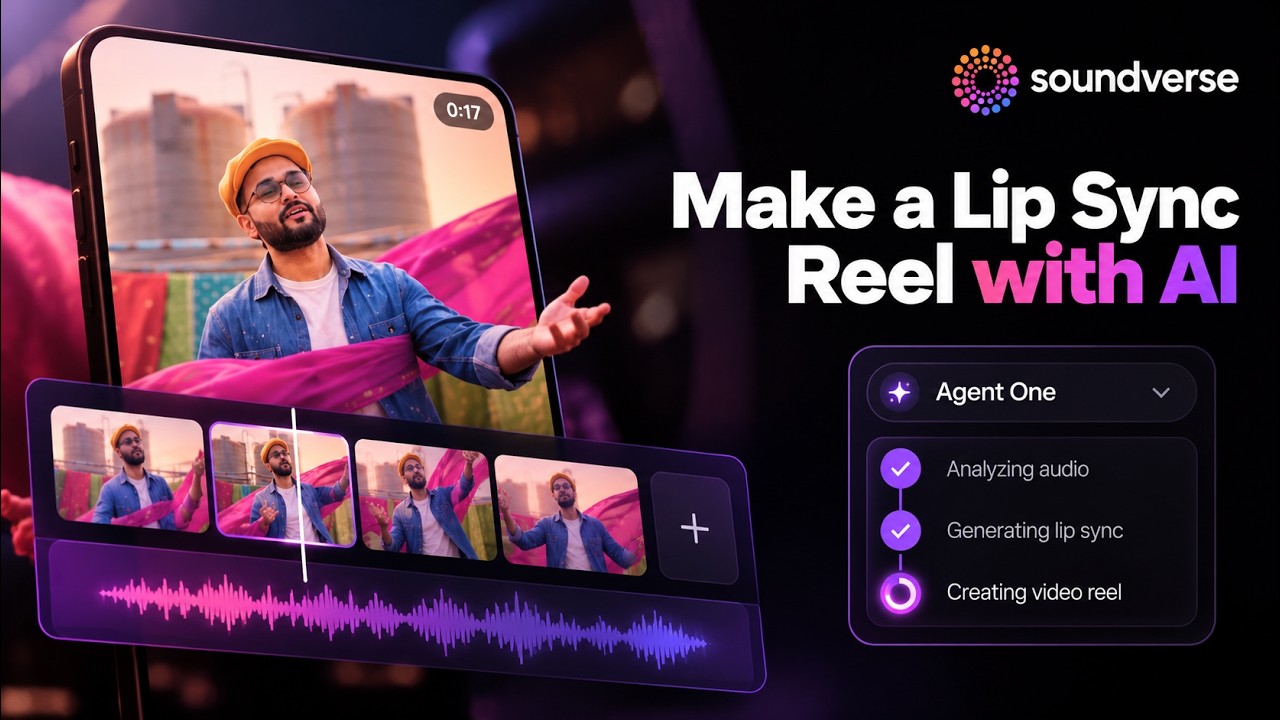
How to do it
- Open Agent One on Soundverse.
- Select your song: one you've made on Soundverse, or upload your own.
- Upload your character: a photo of yourself, an avatar or an original character.
- Ask Agent One to make the reel.
- Agent One generates the video and lip-syncs your character to the song.
- Review it, tweak it and export.
2. Lip sync any video
Already have the footage? Upload a video and ask Agent One to sync the lips. Type a prompt and Agent One generates the vocal or dialogue, or upload your own audio. Either way, the lip movements are matched to the sound, frame by frame, so it looks like it was recorded that way.
Lip sync any video with AI, just ask Soundverse Agent, with Seedance 2.5.
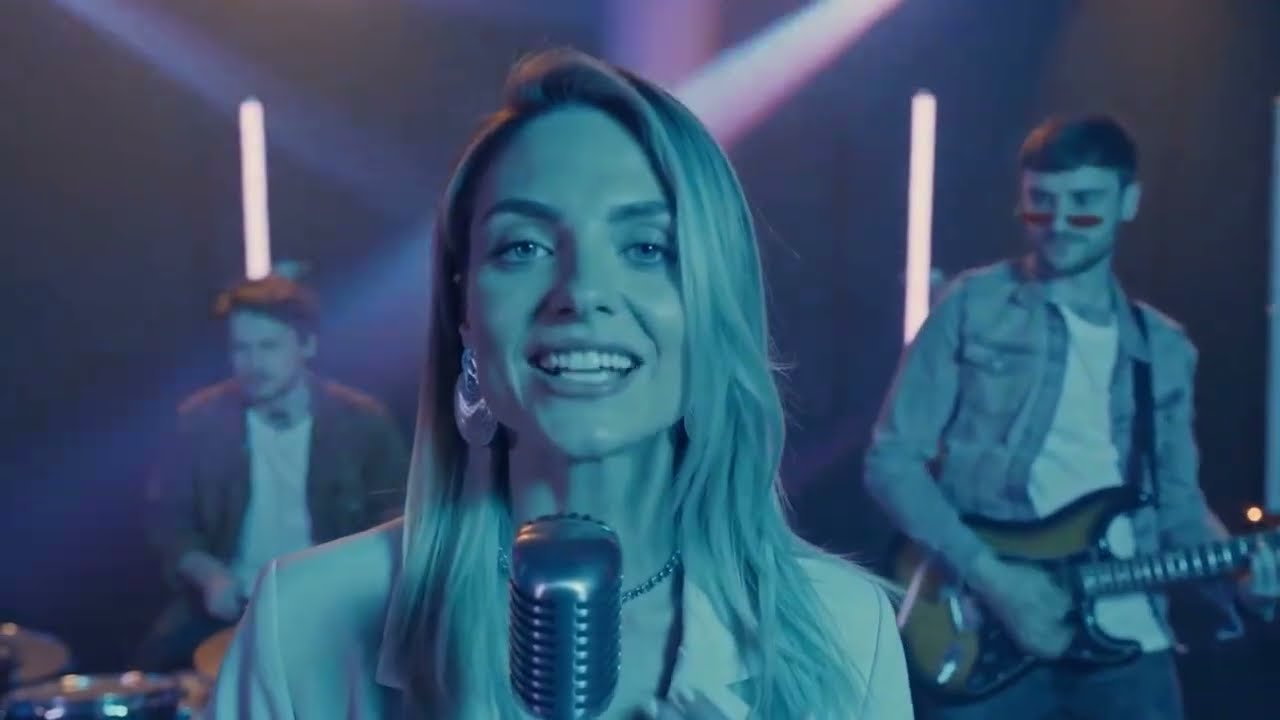
Two ways to sync
| Mode | What you give it | What happens |
|---|---|---|
| From a prompt | A description of the song, line or dialogue | Agent One creates the audio and syncs the lips to it |
| From your audio | A vocal, voiceover or track | Agent One matches the lips to your file |
What it's good for
- Making music videos without reshooting.
- Dubbing content into new lines or languages.
- Fixing a flubbed take.
- Turning a talking clip into a performance.
How to do it
- Upload your video to Soundverse.
- Ask Agent One to lip sync it.
- Choose your audio: describe it in a prompt, or upload an audio file.
- Agent One syncs the lips to the audio. Review it, tweak it and export.
More on the feature: AI Lip Sync.
3. The viral character replacement trend
That character replacement trend from TikTok and Instagram, where everyone in a scene becomes the same person, can be made right inside Soundverse. The video uses Seedance 2.5 and one selfie as the reference.
How to do the viral character replacement trend with AI, with Seedance 2.5.
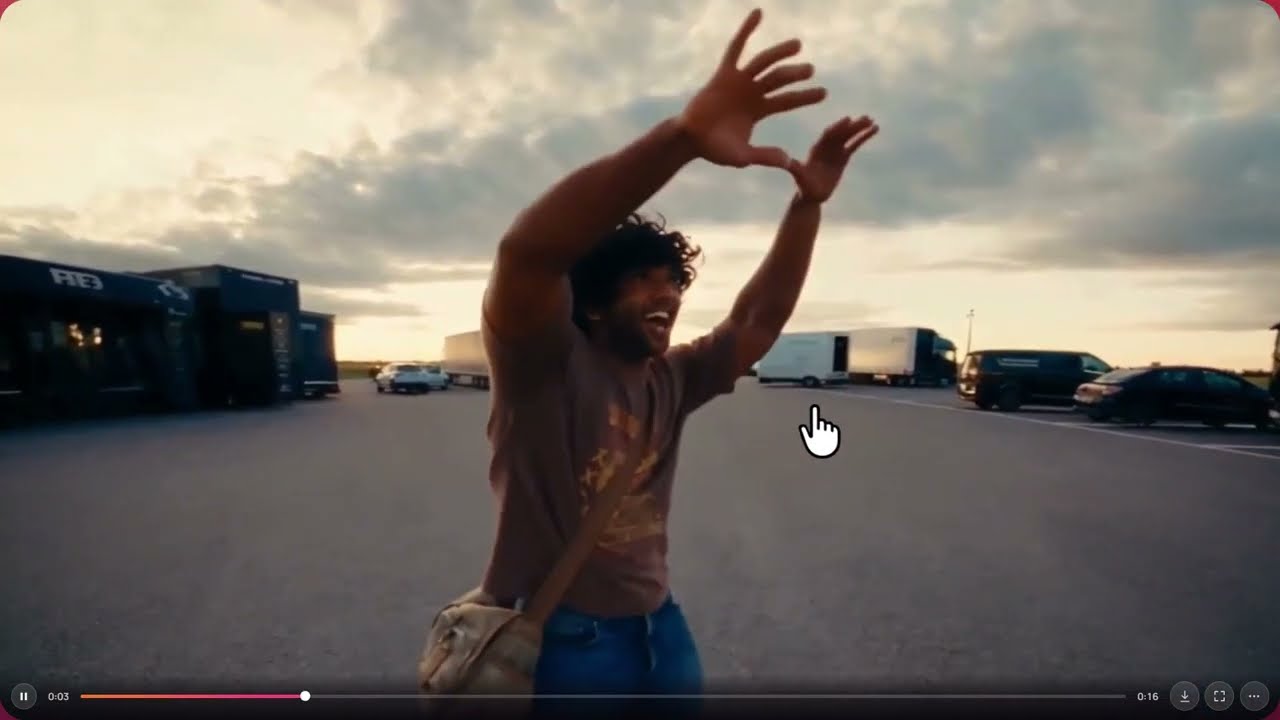
How to do it
- Open the AI Video Generator on Soundverse.
- Select Seedance 2.5 from the Model dropdown.
- Write your prompt, for example: "Put the person in the reference image into this video. There are 3 people in the video and all of them should be this person."
- Turn on Use media as reference and add your photo and the video.
- Optionally click Enhance to improve your prompt, then generate.
Video models on Soundverse
The video lists the models available for this kind of work: Seedance 2.0, Seedance 2.5, Seedance 2.5 Edit, Veo 3.1, Veo 3.1 Fast, Veo 3.1 Lite and Gemini Omni Flash. You can pick the right one for every shot. See new AI models on Soundverse for examples.
Use faces and footage responsibly
Use your own photo, your own footage or original characters. If anyone else appears, get their permission first.
FAQ
Can I make a singing reel from a photo?
Yes. Upload a song and a character photo, and ask Agent One to make the reel. It generates the video and lip-syncs the character to the song.
Can I lip sync a video I already shot?
Yes. Upload the video, ask Agent One to lip sync it, and give it a prompt or your own audio.
Can I dub a video into another language?
Yes. Lip sync can match the lips to new lines or languages.
Which model is used for character replacement?
Seedance 2.5, selected from the Model dropdown in the AI Video Generator.
Where do I post the result?
Anywhere: Instagram Reels, YouTube Shorts, TikTok or your own channels.
Try it
Upload a song and a selfie to Agent One and ask for a reel. For a full-length video, see the AI Music Video Generator guide.
