Every AI tool in Own: Trace, Copyright Checker, watermarks, moderation and licensing
Protect, prove and license your music on Soundverse: Trace similarity search at track, stem, section and lyric level, Copyright Checker, Watermark Checker, Content Moderation and License Negotiator.
Quick answer: Making music is only the start; owning it is what matters. The Own category on Soundverse has the tools that help you protect your work, prove it's yours and license it: Trace (music similarity against any catalog, at track, stem, section and lyric level), the Copyright Checker, the Watermark Checker, Content Moderation for lyrics and artwork, and the License Negotiator for sync and broadcast deals. You can open each tool on its own, or describe what you need to Agent One and it runs the right tools for you.
Every AI tool in Own: Trace, Copyright Check, Watermarks, Moderation and Licensing.
The Own tools at a glance
| Tool | What it does | Use it when |
|---|---|---|
| Trace | Compares music across melody, lyrics, samples, timbre and genre, against any catalog | You need to know where a track sits against other music |
| Copyright Checker | Checks whether your audio matches known copyrighted songs | Before you release, upload or monetise |
| Watermark Checker | Adds an inaudible watermark, or detects one on any file | You want to mark audio as yours, or check someone else's |
| Content Moderation | Checks lyrics and artwork for explicit or unsafe content | Before you send a release to streaming platforms |
| License Negotiator | Negotiates licences for your music and bids on others', for sync, broadcast and more | You're licensing music in or out |
Trace: where does a track sit?
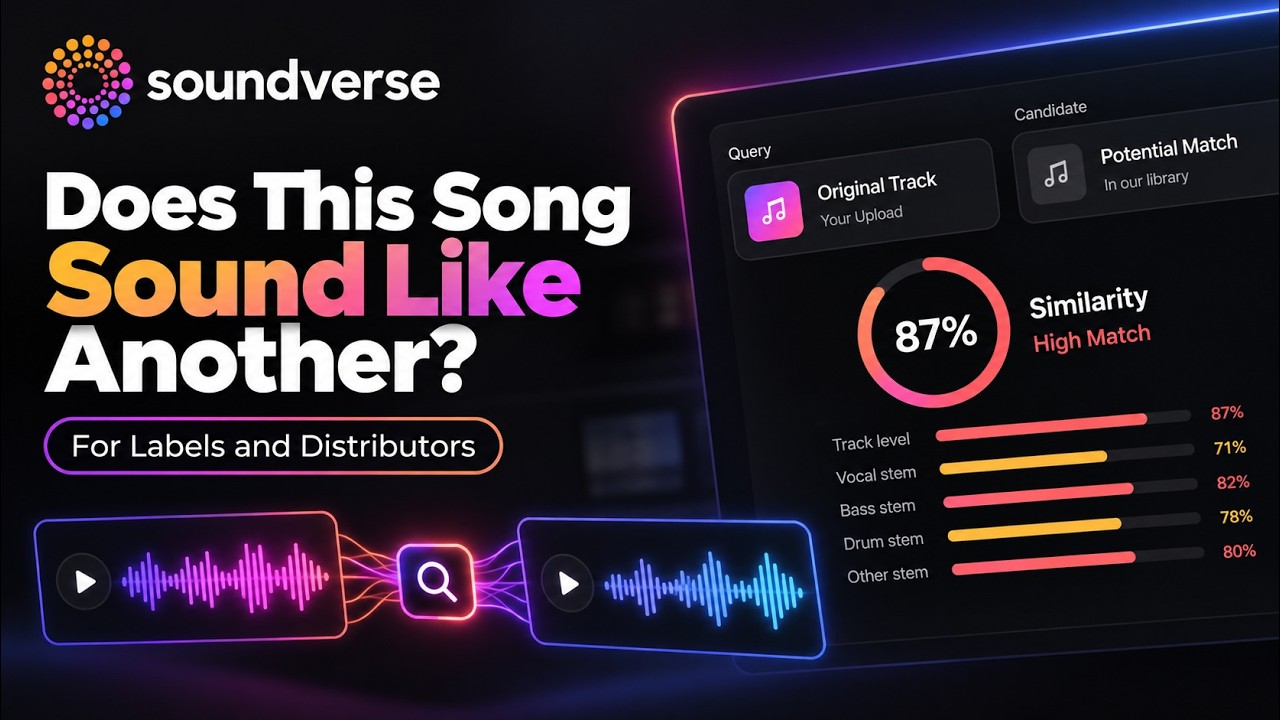
Most similarity tools compare whole tracks against whole tracks. Trace goes deeper. It compares music at the track, stem, section and lyric level, so it can find a borrowed bassline hiding in a different song, a chorus reused in a new arrangement, or a lyric reworked over a new beat.
Soundverse Trace: music similarity at track, stem, section and lyric level.
Search modes
- 1:1 triage: compare two tracks head to head.
- 1:N screening: check one track against an entire catalog.
- N⇌N catalog sweeps: run a whole batch of tracks against a whole catalog, or compare catalogs against each other.
Comparison levels
- Track: the song as a whole.
- Stem: vocals, drums, bass and melody, each on its own.
- Section: verse against verse, chorus against chorus.
- Lyrics: the words, not just the sound.
The report
At the end, Trace gives you a clear report showing what matched, where it matched and how closely. You can also build your own dataset to search against, and explore a 3D visualisation of embeddings to see how your tracks cluster and relate to each other in sound space.
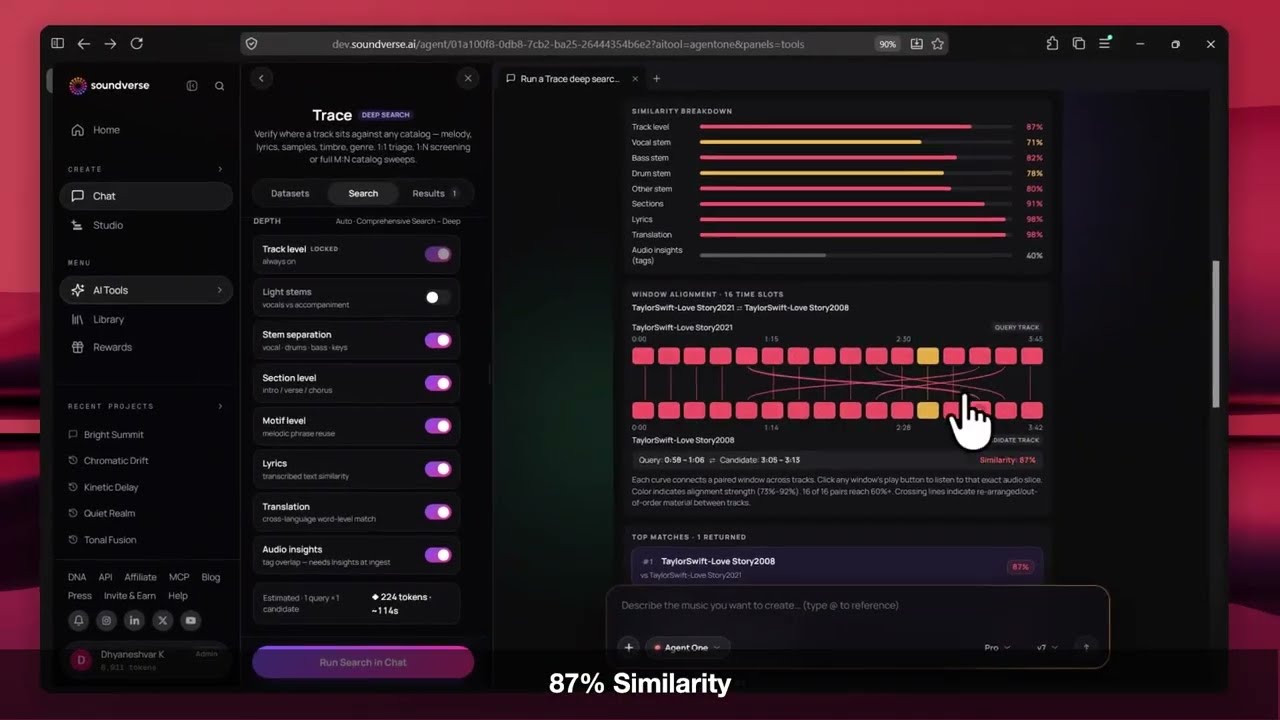
Trace is built for labels, publishers, platforms and creators who need to know where music comes from, and who deserves credit for it. The Trace documentation covers datasets, search and results in detail.
Copyright Checker
Check whether your audio matches known copyrighted songs before you release, upload or monetise it. Run it before you send a track anywhere.
Watermark Checker
Add an inaudible watermark to your audio to mark it as yours, or detect a watermark on any audio file.
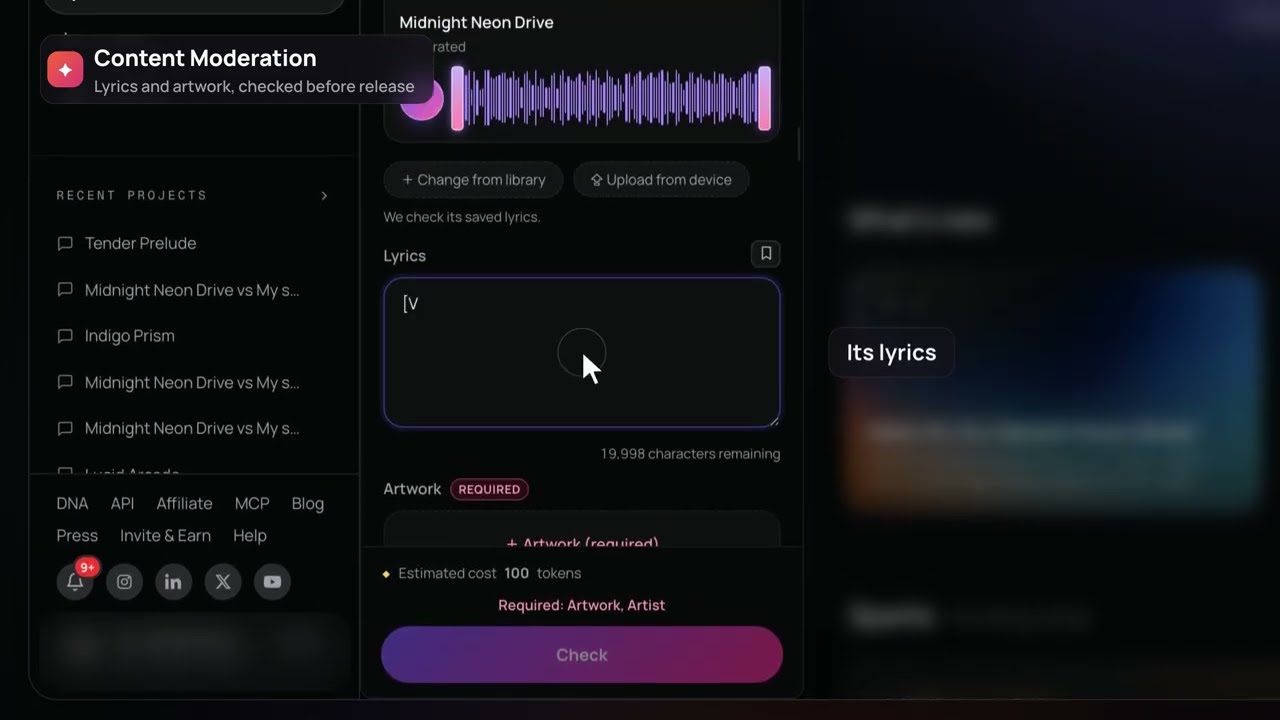
Content Moderation
Check your lyrics and artwork for explicit or unsafe content, so your release is ready for streaming platforms and nothing gets flagged.
License Negotiator
Negotiate licences for your music and bid on other people's, for sync, broadcast and more. Set your terms, respond to offers and close deals.
How to get started
- Go to soundverse.ai and open the Own category.
- Pick the tool you need, or start a chat with Agent One.
- Upload your track, lyrics or artwork, or pick them from your Library.
- Run your check, or start a licence negotiation.
- Review the results, then release, license or protect your music.
Who it's for
- Independent artists protecting and monetising their music.
- Labels, publishers and distributors screening catalogs at scale.
- Platforms and DSPs checking uploads for matches and unsafe content.
- Music supervisors and brands licensing music for sync and broadcast.
- AI music creators who want to release with confidence.
These tools help you check and protect your music. They are not legal advice. For important rights or licensing decisions, talk to a music lawyer.
FAQ
What's the difference between Trace and the Copyright Checker?
The Copyright Checker checks your audio against known copyrighted songs. Trace is a deeper similarity search: it compares at track, stem, section and lyric level, against any catalog, including your own dataset.
Can Trace check a whole catalog?
Yes. Use 1:N screening for one track against a catalog, or N⇌N sweeps for many tracks at once.
Can I search against my own music?
Yes. You can build your own dataset in Trace and search against it.
Does a clean result mean my track is cleared?
No. These tools help you check your music, but they aren't legal advice. Talk to a music lawyer for important rights decisions.
Can Agent One run these checks for me?
Yes. Describe what you need checked or negotiated, and Agent One runs the right tools.
Try it
Run your next release through the Copyright Checker before it goes out, or see what Trace finds in your catalog.
