How to Use AI to Sing a Song in 2026: A Step-by-Step Guide
Learn how to use AI singing tools to create professional-quality vocals for your songs in 2026.
How to Use AI to Sing a Song
Artificial intelligence has transformed the way music is created, performed, and produced. In 2026, AI singing tools are no longer just futuristic experiments—they are essential creative partners for musicians, producers, and even hobbyists. Whether you're crafting a pop anthem, an opera-style vocal, or experimenting with robotic voices, AI can now sing your lyrics with precision, emotion, and style.
This comprehensive guide explains how to use AI singing tools to generate vocals, what you can expect from advanced voice synthesizers, and how Soundverse’s AI Singing Generator lets you bring your songs to life.
Why are AI singing tools trending in 2026?
Over the past few years, artificial intelligence vocals have become ubiquitous across platforms like YouTube, TikTok, and Spotify. From deepfake covers to entirely original compositions, creators are leveraging machine learning in music to save time and expand creative possibilities.
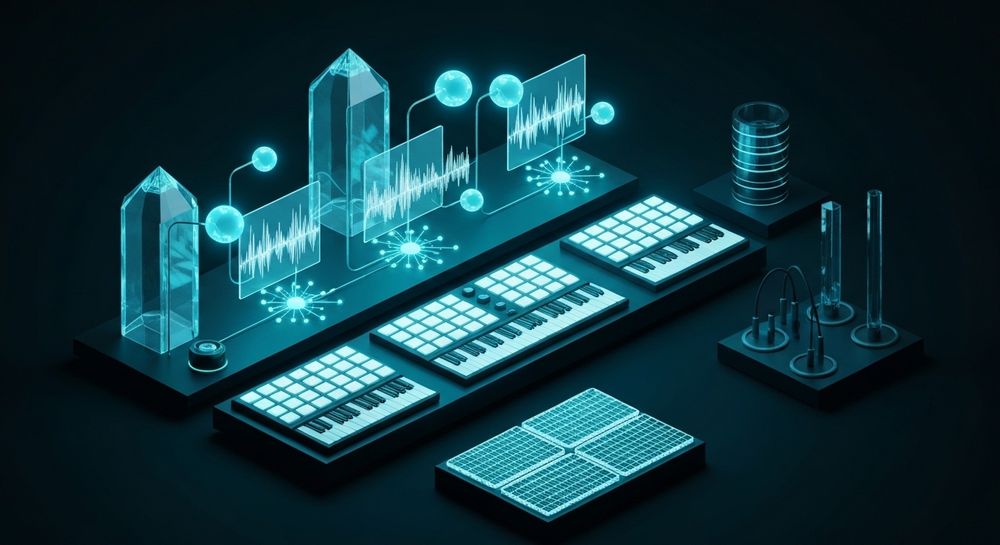
In 2024 and 2025, AI song generators helped creators compose backing tracks, but 2026 is the year of AI vocals. Artists now use dedicated AI voice synthesizers to perform their lyrics without hiring singers or recording studios. The trend has democratized access to professional-quality vocal production while inspiring new genres and styles.
If you’ve ever wondered how to make artificial intelligence sing your song—from inputting lyrics to generating a realistic performance—this guide breaks down every step.
How to make AI sing your song with Soundverse AI Singing Generator

The Soundverse AI Singing Generator is a specialized feature built for creators who want professional-quality acapella vocal performances. Unlike simple text-to-speech systems, it uses a text-to-singing pipeline that understands melody, phrasing, and human-like vocal nuances.
Official Description: Generate professional-quality acapella vocal performances from text or lyrics. Supports traditional singing styles as well as experimental textures like whispering or playful ‘Meow Meow’ cat sounds.
Core Capabilities:
- Text-to-singing generation
- Diverse styles: Pop, Rock, Rap, Opera, ASMR
- Reference audio for style matching
- Clean acapella output
Primary Use Cases:
- Create vocal references for producers
- Electronic vocal chops for EDM tracks
- Character voices for animations or games
- Multilingual singing tracks for global releases
Soundverse’s technology doesn’t just convert words into tones; it maps rhythm, emotional inflection, and musical phrasing to create performances that sound credible in professional mixes. Users can also combine the Singing Generator with other tools like the AI Song Generator or AI Lyrics Writer to complete entire music productions without leaving the platform.
Step 1: Feature Overview — Access AI Singing Generator

To start, log in to your Soundverse account and navigate to the AI Singing Generator. The tool is accessible within Soundverse’s main dashboard under the ‘Vocals’ section. Once opened, you’ll be prompted to start a new vocal session.
Step 2: Lyrics/Text Input — Enter lyrics or text to sing

The Singing Generator works from typed lyrics. Paste your written lyrics or use Soundverse’s built-in ‘Help Me Write’ feature—powered by the integrated AI Lyrics Writer—to automatically create song lyrics based on genre or mood.
If you need inspiration, try prompts like emotional ballads or dance tracks similar to examples found in other guides such as Generate AI Music with Soundverse Text-to-Music.
Step 3: Voice Selection — Choose voice style and characteristics

Select your preferred vocal style from options such as Pop, Rock, Rap, Opera, or ASMR. You can further customize tone, pitch range, and singing speed. For niche applications, like virtual character voices or fantasy soundtracks, you can use reference audio samples to match tone and phrasing.
The voice selection step determines how expressive or experimental your results will sound. Some creators use the Opera style for dramatic cinematic songs, while others experiment with whispering or ASMR textures for atmospheric projects. For a deeper dive, watch our guide on creating Deep House music and tutorial on how to make music from the Soundverse YouTube series.
Step 4: Generation — Generate singing vocals from text

Click “Generate” to start processing your request. The AI will take your lyrics, chosen voice style, and configuration to produce a complete acapella performance. This process is asynchronous—meaning the platform takes a short period to analyze and render the result.
When the generation is complete, you’ll receive a downloadable preview of your AI-sung performance.
Step 5: Download Vocals — Export generated singing vocals

Once you’re satisfied with the AI-rendered vocal, export the file in your preferred format. Soundverse provides clean acapella outputs that can be imported into most digital audio workstations (DAWs) for mixing, layering, or applying vocal effects.
You can then integrate the vocals into tracks made using the Soundverse Arrangement Studio or remix them using the Stem Separation AI Magic Tool for further creative manipulation.
What makes Soundverse AI Singing Generator unique?
Among available AI singing tools, Soundverse stands out by offering holistic integration within its music AI suite. Many AI voice synthesizers only output generic singing voices, but Soundverse provides musical awareness—its generator respects rhythm and lyrical phrasing suitable for genre-specific production.
Additionally, Soundverse's AI Singing Generator allows multilingual singing, helping creators reach audiences in different languages without complex translation or vocal re-recording.
Other advantages include:
- Consistency: Vocals are rendered with studio-grade clarity and precision.
- Versatility: Suitable for pop bangers, cinematic soundtracks, lo-fi projects, and experimental sound art.
- Simplified Workflow: Seamless integration with AI songwriting and mixing tools.
You can compare Soundverse’s approach against other music platforms discussed in Mubert Alternatives or Soundraw Alternative, where Soundverse’s ecosystem provides a unified creative environment.
Pro Tips for creating better AI vocals
Once you understand how AI singing tools operate, you can refine your workflow for higher-quality outputs:
- Use structured lyrics: Songs with clear stanzas, choruses, and rhythm work best.
- Match style to genre: For country tracks, consider pairing the Singing Generator with How to Create Country Music with Soundverse AI.
- Experiment with emotion: Adjust phrasing and speed to convey different emotions—joyful, melancholic, or meditative.
- Combine with AI orchestration: Use the AI Song Generator for instrumental backing to pair with your acapella vocals for a full production.
- Post-process intelligently: Layer effects like reverb or compression in DAWs to enhance depth and realism.
These strategies allow creators to treat AI as a co-producer rather than a substitute for human artistry. Machine learning in music offers endless possibilities when combined with creativity.
The future of AI music creation in 2026
AI music creation is becoming standard practice in studios worldwide. By 2026, hybrid workflows that mix human songwriting with AI vocals dominate emerging trends. Artificial intelligence is not replacing musicians—it’s unlocking a new era of creativity.
Content creators on social platforms use AI song generators to produce viral content in minutes. Musicians use AI singing to test ideas quickly before hiring vocalists. Even film composers utilize synthetic voices for pre-visualizing soundtrack cues.
For example, related innovations discussed in AI Music Industry Trends show how tools like Soundverse fuel this evolution.
Start Singing with AI Today
Experience the future of music creation with Soundverse’s AI singing tools. Generate unique vocals, harmonize melodies, and bring your lyrics to life—all in just minutes.
Related Articles
- AI Ranks Soundverse’s AI Singer #1: The Ultimate AI Singing Platform Dominating 2025 — Discover why Soundverse’s AI singing technology is leading the industry in creativity and performance.
- What AI Can Generate Songs — Explore the different AI models that can compose, sing, and produce complete musical tracks effortlessly.
- Generate AI Music with Soundverse Text-to-Music — Learn how to turn simple text prompts into fully produced songs with Soundverse’s text-to-music technology.
- Soundverse Assistant: Your AI Music Co-Producer — Meet Soundverse Assistant—the AI-powered partner that helps streamline your music creation process.
Here's how to make AI Music with Soundverse
Video Guide

Here’s another long walkthrough of how to use Soundverse AI.
Text Guide
- To know more about AI Magic Tools, check here.
- To know more about Soundverse Assistant, check here.
- To know more about Arrangement Studio, check here.
Soundverse is an AI Assistant that allows content creators and music makers to create original content in a flash using Generative AI.
With the help of Soundverse Assistant and AI Magic Tools, our users get an unfair advantage over other creators to create audio and music content quickly, easily and cheaply.
Soundverse Assistant is your ultimate music companion. You simply speak to the assistant to get your stuff done. The more you speak to it, the more it starts understanding you and your goals.
AI Magic Tools help convert your creative dreams into tangible music and audio. Use AI Magic Tools such as text to music, stem separation, or lyrics generation to realise your content dreams faster.
Soundverse is here to take music production to the next level. We're not just a digital audio workstation (DAW) competing with Ableton or Logic, we're building a completely new paradigm of easy and conversational content creation.
TikTok: https://www.tiktok.com/@soundverse.ai
Twitter: https://twitter.com/soundverse_ai
Instagram: https://www.instagram.com/soundverse.ai
LinkedIn: https://www.linkedin.com/company/soundverseai
Youtube: https://www.youtube.com/@SoundverseAI
Facebook: https://www.facebook.com/profile.php?id=100095674445607
Join Soundverse for Free and make Viral AI Music

We are constantly building more product experiences. Keep checking our Blog to stay updated about them!