How to Make Melodies: A Beginner’s Guide to Writing Catchy Tunes
Learn how to make melodies and write catchy tunes using Soundverse AI.
How to Make Melodies: A Beginner’s Guide to Writing Catchy Tunes
If you’ve ever hummed a tune that you couldn’t get out of your head, you’ve already experienced the power of melody. In music composition, melodies are the backbone of memorable songs — they stir emotion, stick in the listener’s mind, and make people want to hit replay. In 2026, more beginner musicians than ever are learning how to make melodies with the help of AI music tools that simplify composition for aspiring artists.
This guide will walk you through the fundamentals of melody creation, from understanding musical structure to transforming your simple ideas into full songs using Soundverse’s innovative Melody to Song Generator. Whether you’re new to songwriting or exploring music theory for beginners, you’ll learn how to build catchy, emotionally engaging tunes step by step.
How to make melodies with Soundverse Melody to Song Generator
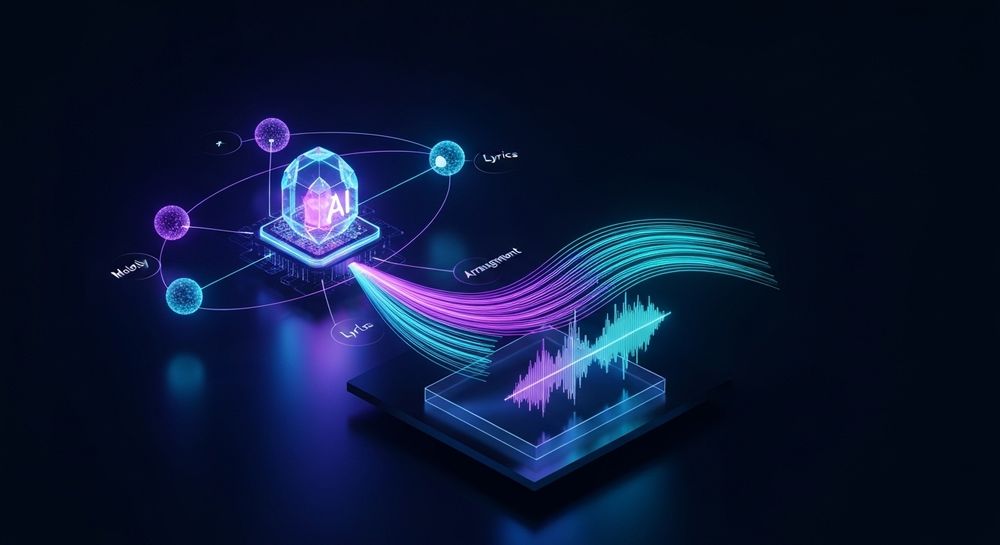
Soundverse provides a breakthrough tool for melody creation and song production: the Melody to Song Generator. This AI-driven feature converts raw melodic audio — such as humming, instrument recordings, or simple voice memos — into complete, polished songs.
Official Capabilities:
- Audio Input Analysis: The generator interprets the melody you upload or record, understanding pitch, rhythm, and phrasing.
- Lyric Input: You can optionally provide lyrics, enabling Soundverse to build the song around your words.
- Full Arrangement Generation: Soundverse automatically produces a complete musical arrangement with vocals and balanced instruments.
This tool is ideal for anyone wanting to convert raw ideas into structured music. Whether you’re an instrumentalist who wants to add vocals or an aspiring songwriter with dozens of humming recordings saved on your phone, the Melody to Song Generator can help you turn creative sparks into finished tracks.
Step 1: Feature Overview — Access Melody to Song Generator
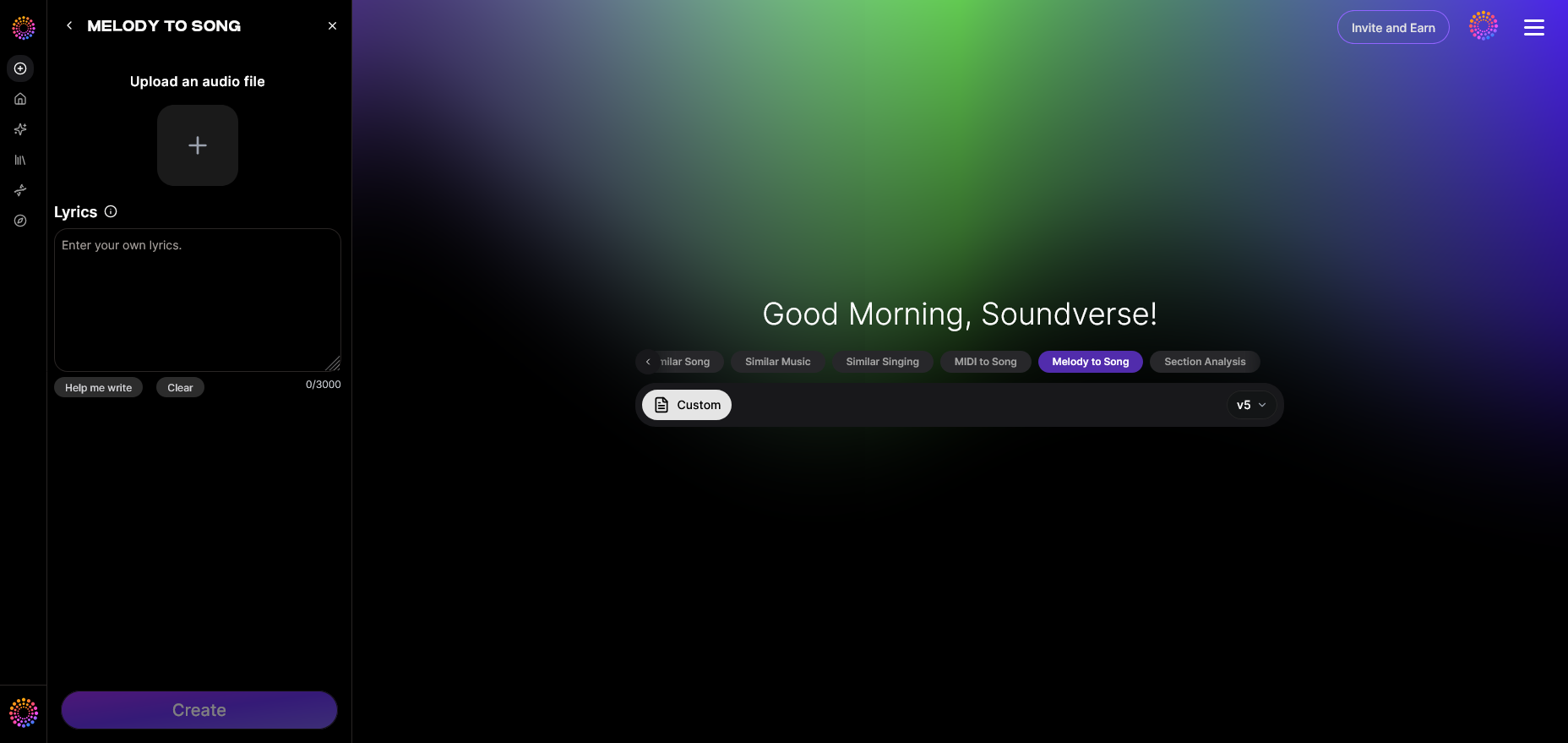
To start, visit the Soundverse platform and choose the Melody to Song Generator from the AI music tools menu. You can also explore related tools such as the Voice to Instrument and AI Music Generator if you want instrument-only creations or ambient backgrounds for your melodies.
Once you access the Melody to Song Generator, you’ll find intuitive upload options for audio and lyric inputs. This interface helps even first-time users create music efficiently — making melody generation accessible in a way that traditional DAWs often aren’t.
For a deeper dive, watch our guide on how to make music or explore the Soundverse Explore Tab tutorial.
Step 2: Melody Input — Record or Upload Your Tune
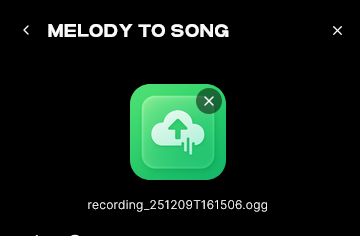

Every melody starts with inspiration. You can:
- Record your humming or instrumental playing directly as audio.
- Upload a melody recording from another session.
- Use short clips from digital instruments or previous project files.
Soundverse’s AI analyzes pitch, rhythm, and musical phrasing to identify melodic contours. This step is central to music composition basics — where raw musical ideas are captured and transformed into workable material.
If you’re unsure how to start, think about intervals and rhythmic flow. Simple, singable phrases work best. The more emotionally charged the melody — whether joyful, melancholic, or epic — the more engaging the result once AI adds the arrangement.
Step 3: Enter Optional Lyrics — Add Emotion and Narrative
Lyrics give your melody a story. Although this step is optional, combining words and melody increases emotional impact. When entering lyrics, aim for beginner songwriting simplicity. Focus on matching syllables to melodic rhythm and emphasizing key words with musical peaks. For detailed tips, you can explore How to Make Good Rap Lyrics or Creating Music Evoking the Desert to understand how mood influences melodic expression.
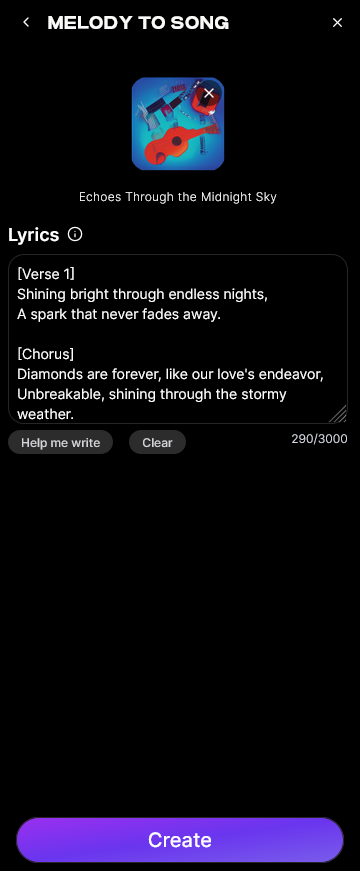
Once you input your lyrics, Soundverse AI syncs them with your tune, giving you a preview-ready foundation to produce a full vocal arrangement.
Step 4: Generation — Create a Full Song with Vocals and Arrangement
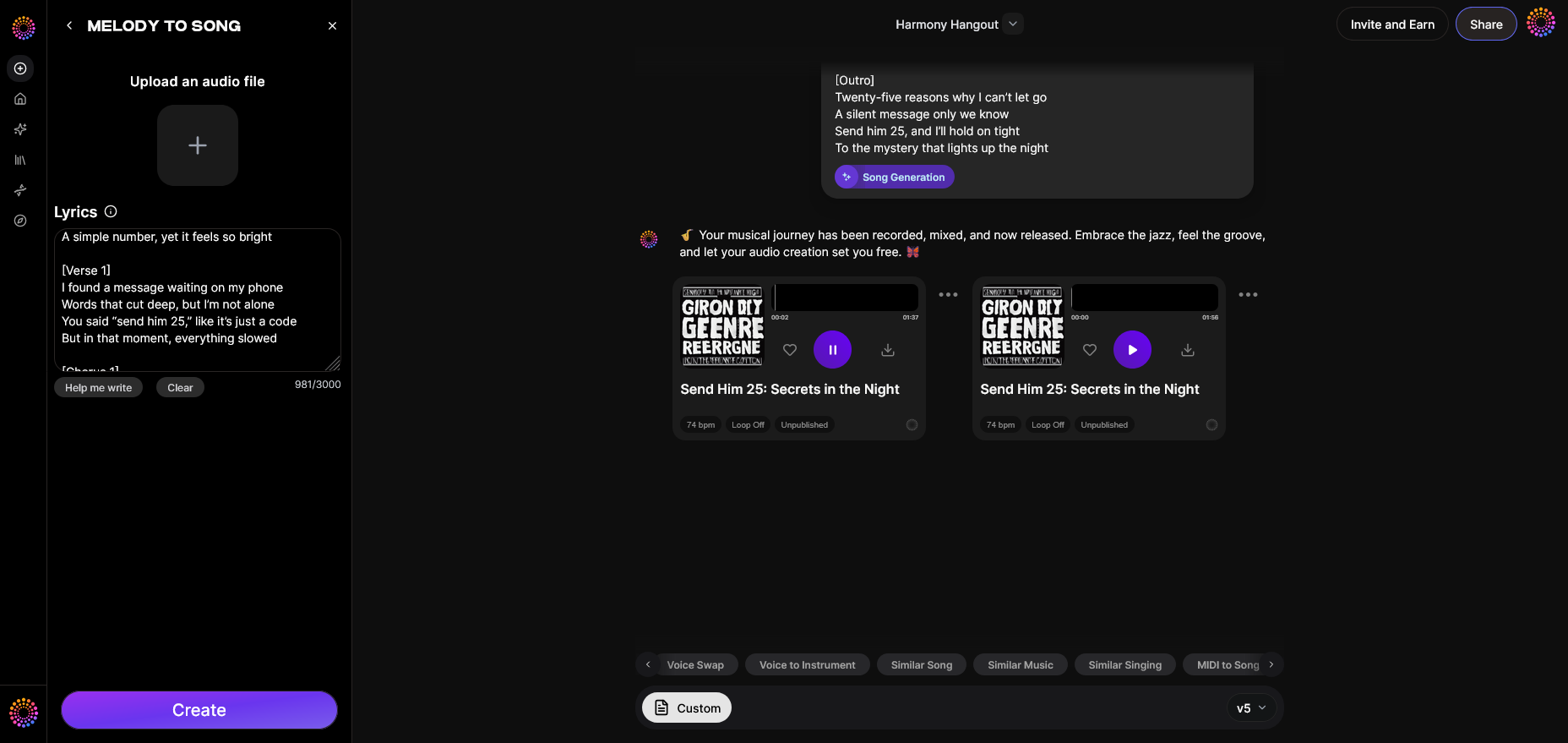
After your melody and lyrics are ready, click “Generate.” Soundverse’s AI engine takes over, producing a fully arranged track based around your melody.
The system adds harmonies, rhythm sections, and production elements automatically — resulting in a balanced, complete song. This asynchronous process ensures professional-grade results while maintaining your melodic identity. You’ll receive the final audio ready for listening, editing, or sharing.
Once you’ve generated your song, you can continue polishing it by using Soundverse’s other features such as:
- Voice to Instrument: Transform humming lines into guitar or flute patterns.
- MIDI to Song Generator: Turn MIDI sketches into vocal songs.
- AI Music Generator: Create instrumental tracks for background or film use.
For advanced creators, blending these tools opens endless creative opportunities to compose unique styles. For instance, instrumentals generated through MIDI to Song Generator can serve as complementary layers under the melody arrangement.
What makes a melody catchy?
A memorable melody typically combines emotional tension, rhythmic stability, and recognizable motifs.
1. Repetition and Variation: Great melodies repeat patterns but keep listeners intrigued through minor variations.
2. Rhythm and Flow: Even subtle rhythmic changes can make melodies feel dynamic.
3. Interval Patterns: Mixing stepwise motion and leaps attracts attention.
4. Phrasing and Breathing: Natural phrasing makes melodies singable and relatable.
5. Emotional Drive: Connect tonal choices with lyrical themes or chord progressions.
Understanding these principles helps beginners plan tunes before relying on production tools. Using music theory for beginners, like scales and chord progressions, enhances melodic flow and gives your compositions depth.
What are some melody writing tips for beginners in 2026?
The composition landscape has evolved with AI aids, but the fundamentals remain timeless. Here are practical melody writing tips relevant for 2026:
- Keep It Simple: Start with short phrases within one octave.
- Use Contrast: Alternate between smooth and rhythmic sections.
- Emphasize Strong Beats: Place key notes on beats 1 or 3.
- Explore Scale Modes: Experiment with major, minor, or pentatonic scales.
- Record Often: Use voice notes or AI input tools for every idea.
- Collaborate with Technology: Tools like Soundverse accelerate idea development.
You can deepen your knowledge through related guides, including Music Industry Trends and AI Music Generator and Human Composers: A Future Together. For hands-on practice, watch our Deep House Music tutorial on YouTube to explore melody-driven production.
How does Soundverse enhance your music composition journey?
Soundverse is designed to bridge creativity and technology for beginners and professionals alike. By analyzing raw melody recordings and transforming them into full songs, it removes technical barriers that often slow down songwriting.
Combined with related AI tools, creators can:
- Reimagine musical ideas using Voice to Instrument conversions.
- Convert MIDI sketches into full arrangements seamlessly.
- Generate backing tracks through the AI Music Generator for non-vocal pieces.
Soundverse’s growing suite of innovations empowers creators to focus on artistic expression rather than complex production logistics.
Pro Tips for Writing Catchy Melodies
- Start with Emotion: Decide how you want listeners to feel.
- Match Melody to Chords: Align melodic notes with harmonic structure.
- Alternate Between High and Low Notes: Create dynamic range.
- Use Silence: Strategic pauses build anticipation.
- Experiment: Try genres like jazz or country with AI mixing (How to Create Jazz Music with Soundverse AI).
Start Crafting Catchy Melodies with Soundverse AI
Turn your musical ideas into full melodies effortlessly. With Soundverse, you can generate, refine, and perfect tunes in seconds using AI-driven creativity designed for musicians of all levels.
- Generate AI Music with Soundverse Text-to-Music: Discover how Soundverse’s text-to-music feature lets you create original tracks from simple prompts.
- How to Make AI-Generated Music: Learn the basics of crafting music with AI tools and take your songs from idea to full production.
- The Benefits of Composing with AI Music Generator: Explore how AI music generators empower creativity and speed up your songwriting process.
- Soundverse Assistant: Your AI Music Co-Producer: Meet the Soundverse Assistant—your all-in-one AI guide for producing songs effortlessly.
Here's how to make AI Music with Soundverse
Video Guide

Here’s another long walkthrough of how to use Soundverse AI.
Text Guide
- To know more about AI Magic Tools, check here.
- To know more about Soundverse Assistant, check here.
- To know more about Arrangement Studio, check here.
Soundverse is an AI Assistant that allows content creators and music makers to create original content in a flash using Generative AI.
With the help of Soundverse Assistant and AI Magic Tools, our users get an unfair advantage over other creators to create audio and music content quickly, easily and cheaply.
Soundverse Assistant is your ultimate music companion. You simply speak to the assistant to get your stuff done. The more you speak to it, the more it starts understanding you and your goals.
AI Magic Tools help convert your creative dreams into tangible music and audio. Use AI Magic Tools such as text to music, stem separation, or lyrics generation to realise your content dreams faster.
Soundverse is here to take music production to the next level. We're not just a digital audio workstation (DAW) competing with Ableton or Logic, we're building a completely new paradigm of easy and conversational content creation.
TikTok: https://www.tiktok.com/@soundverse.ai
Twitter: https://twitter.com/soundverse_ai
Instagram: https://www.instagram.com/soundverse.ai
LinkedIn: https://www.linkedin.com/company/soundverseai
Youtube: https://www.youtube.com/@SoundverseAI
Facebook: https://www.facebook.com/profile.php?id=100095674445607
Join Soundverse for Free and make Viral AI Music

We are constantly building more product experiences. Keep checking our Blog to stay updated about them!