How to Make Beats for Rap: A Complete Guide for 2026
Learn how to make rap beats with Soundverse AI Music Generator in 2026.
How to Make Beats for Rap
Rap beat production continues to evolve in 2026, blending digital innovation with classic hip hop rhythm. Aspiring producers and rappers today can craft professional-quality beats using accessible music production tools and AI-powered technology. If you've ever wondered how to make rap beats that sound industry-ready, this guide will walk you through the process—from understanding rhythm basics to generating full instrumentals using the Soundverse AI Music Generator.
Why learning how to make rap beats matters in 2026
The rise of independent artists has transformed the way hip hop music is made and distributed. In previous years, producers relied heavily on expensive studio setups and equipment. By 2026, beat making has become democratized—anyone with a laptop and creativity can compose high-quality rap instrumentals. Whether you're focused on creating drill-style rhythms, old-school boom bap, or modern trap beats, the foundational process remains similar across styles. Understanding how to construct rhythm, melody, and groove is key to building beats that complement lyrical flow.
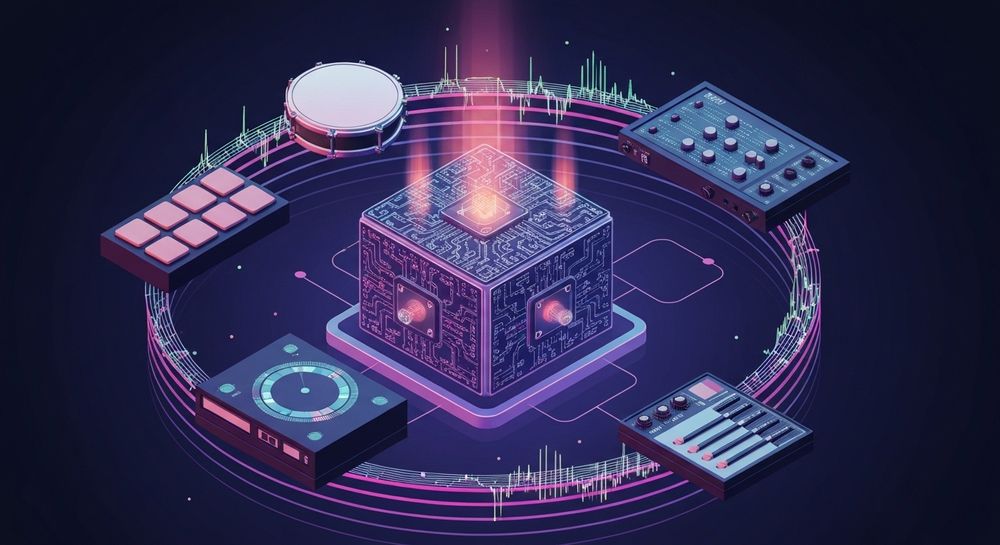
Modern rap beat production involves balancing simplicity and emotion. Unlike EDM or pop, rap beats emphasize groove, space, and the dynamic relationship between drums and bass. Software such as Ableton Live, FL Studio, and Logic Pro still play major roles, but now AI-powered platforms like Soundverse accelerate creative workflows by generating full instrumentals instantly from text descriptions.
How to make rap beats with Soundverse AI Music Generator

Soundverse’s AI Music Generator simplifies the production process for rappers and producers. Its core advantage lies in its ability to create fully produced instrumental tracks from text prompts. This eliminates the technical barriers of manual composition while enabling users to customize style, genre, and instrumentation.

Official Description: The Soundverse AI Music Generator lets users create instrumental music from text prompts—perfect for background tracks, beats, and soundscapes without vocals. It includes a Loop Mode for seamless repetition, control options for genre, mood, and instruments, and offers both V4 and V5 model selections depending on desired detail and fidelity.
Primary Use Cases: It's ideal for producing rap and hip hop beats for videos, games, or commercial projects, though it can also be used for meditation tracks and advertisements.
Core Capabilities: Text-to-music creation, loopable sections for beat structure, adjustable musical style, and non-vocal compositions.
Now, let’s go step-by-step through how you can make beats for rap using this tool.
Step 1: Feature Overview

To begin, access the AI Music Generator from Soundverse’s main menu. It serves as the central hub for creating instrumental tracks. New users will find the interface intuitive—perfect for beginner beat making and experienced producers alike. Ensure you choose the AI Music Generator rather than vocal-focused tools such as the AI Singing Generator or Voice to Instrument.
Step 2: Description Input

Enter a detailed text prompt describing the type of rap beat you want. Examples include:
- “Dark and heavy trap beat with deep 808s and snappy hi-hats.”
- “Old-school boom bap with jazzy chords and vinyl crackle texture.”
- “Melodic drill beat with atmospheric pads.”
The more descriptive your prompt is, the more refined your beat will be. Focus on emotional tone, tempo, and instrumentation.
Step 3: Style & Duration

Next, select the genre style—hip hop, trap, lo-fi, drill, boom bap—and define duration (such as 30 seconds, 1 minute, or full song). If you plan to loop the beat for vocal recording, enable Loop Mode to create seamless repetition. Loop Mode ensures that the beat cycles naturally, preserving rhythm and flow when used for rapping or freestyle sessions.
Step 4: Generation

After confirming the description and settings, click Generate. Soundverse’s AI processes your input asynchronously and produces the full instrumental track. Once complete, you can listen to the result, analyze its rhythm, and decide whether it fits your lyrical concept.
For more insight on creating instrumentals, watch our Soundverse Tutorial Series - 9. How to Make Music and explore beat-making workflows visually.
Step 5: Export Options

Finally, download the generated track as your base beat. You can import it into your DAW (Digital Audio Workstation) such as FL Studio or Ableton Live to tweak arrangement, add vocals, or layer custom drum samples. The AI track serves as both inspiration and foundation for final mixing.
What defines an effective rap beat?
A strong rap beat typically includes:
- Percussion pattern: Kick, snare, and hi-hat groove that maintains flow.
- Bassline: Deep 808 or sub-bass supporting rhythm.
- Melodic elements: Simple piano, pad, or synth motifs.
- Arrangement: Intro, verse, chorus, and outro structure.
In beginner beat making, focus on creating space for vocals rather than overloading the instrumental. Remember that rap is lyric-driven; the beat should enhance rather than dominate.
What tools complement Soundverse for rap beat production?
Soundverse offers multiple AI-powered tools that can complement your workflow:
- AI Singing Generator: Helps generate acapellas once your beat is ready.
- Voice to Instrument: Converts humming or beatboxing into instrumental layers.
- Stem Separator: Splits finished beats or tracks into editable stems—ideal for remixing and arrangement refinement. Learn more in Soundverse introduces stem separation AI magic tool.
If you want to explore genre-focused crafting, check guides like How to Create Rap Music with AI and Generate AI Music with Soundverse Text to Music. These articles show additional text prompts and style settings you can experiment with.
Pro tips for better rap beat making in 2026
- Use AI creatively: Don’t rely solely on generated beats; layer instruments, resample, or modify structure to add individuality.
- Experiment with stem editing: Deconstruct generated audio using the Stem Separator to fine-tune drum and bass components.
- Mix for clarity: Prioritize frequency balance. In rap, vocals typically sit in the midrange; make sure your beat leaves room.
- Learn genre characteristics: Trap beats often use triplet hi-hats; boom bap favors sampled drums with swing timing; drill leans toward aggressive sub-bass.
- Stay updated on trends: Visit Music Industry Trends to understand evolving hip hop soundscapes and production methods.
- Explore alternatives: Producers seeking different AI options can compare Mubert alternatives or Soundraw alternative for broader context, but Soundverse remains one of the most versatile platforms for rap beat generation.
Why Soundverse is ideal for beginner beat makers
For beginners, complex DAW setups can seem intimidating. Soundverse removes that barrier by allowing instant beat generation through textual description. You don’t need midi controllers, sample libraries, or advanced mixing skills—just creative ideas. Over time, you can integrate Soundverse outputs with traditional tools for full compositions.
Furthermore, Soundverse aligns with industry needs for royalty-free and copyright-free music creation. Its AI-generated beats are unique, reducing the risk of duplication. That makes it a valuable resource for independent rappers who want original background music for streaming or social media projects.
Start Creating Rap Beats with AI Today!
Turn your ideas into professional-quality rap instrumentals in minutes using Soundverse. No studio or gear required — just inspiration and our smart AI beat-making tools.
Create Your First Beat
Related Articles:
- How to Create Rap Music with AI — Learn how AI can help you craft authentic rap tracks, from beats to vocals, in just a few clicks.
- How to Make Good Rap Lyrics — Discover techniques and AI tools that make writing captivating rap lyrics faster and more creative.
- Generate AI Music with Soundverse Text-to-Music — Explore how to generate beats and melodies from simple text prompts using Soundverse’s advanced AI engine.
- Soundverse Assistant: Your AI Music Co-Producer — Meet the AI assistant designed to help you refine your beats, vocals, and arrangements effortlessly.
Here's how to make AI Music with Soundverse
Video Guide

Here’s another long walkthrough of how to use Soundverse AI.
Text Guide
- To know more about AI Magic Tools, check here.
- To know more about Soundverse Assistant, check here.
- To know more about Arrangement Studio, check here.
Soundverse is an AI Assistant that allows content creators and music makers to create original content in a flash using Generative AI.
With the help of Soundverse Assistant and AI Magic Tools, our users get an unfair advantage over other creators to create audio and music content quickly, easily and cheaply.
Soundverse Assistant is your ultimate music companion. You simply speak to the assistant to get your stuff done. The more you speak to it, the more it starts understanding you and your goals.
AI Magic Tools help convert your creative dreams into tangible music and audio. Use AI Magic Tools such as text to music, stem separation, or lyrics generation to realise your content dreams faster.
Soundverse is here to take music production to the next level. We're not just a digital audio workstation (DAW) competing with Ableton or Logic, we're building a completely new paradigm of easy and conversational content creation.
TikTok: https://www.tiktok.com/@soundverse.ai
Twitter: https://twitter.com/soundverse_ai
Instagram: https://www.instagram.com/soundverse.ai
LinkedIn: https://www.linkedin.com/company/soundverseai
Youtube: https://www.youtube.com/@SoundverseAI
Facebook: https://www.facebook.com/profile.php?id=100095674445607
Join Soundverse for Free and make Viral AI Music

We are constantly building more product experiences. Keep checking our Blog to stay updated about them!