How to Create a Theme Song for Any Event Using AI
Discover how to use AI music creation tools to make custom theme songs for events in 2026.
How to Create a Theme Song for Any Event Using AI
In 2026, event experiences are becoming more immersive, personalized, and creatively branded than ever before. Whether it’s a corporate conference, product launch, wedding, or digital livestream, one thing all memorable events have in common is great music — specifically, a theme song that sets the tone and evokes the intended mood. Thanks to rapid advances in AI music creation technology, producing a custom theme song no longer requires a full studio or professional composer. With the help of tools like Soundverse’s AI Song Generator, anyone can craft an original event soundtrack in minutes.
Why use AI for event theme songs in 2026?
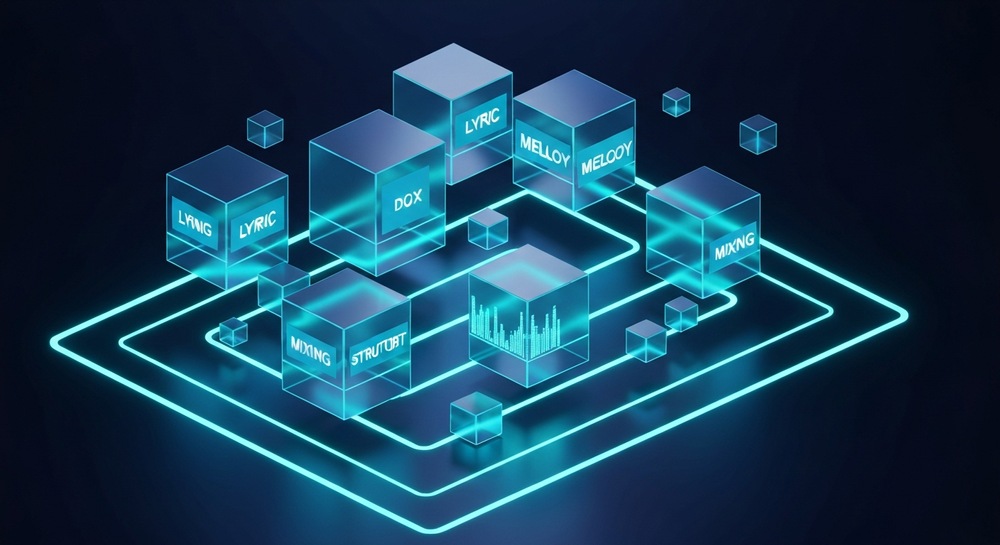
Event planners and marketers today are embracing automation tools not only for logistics but also for creative production. AI music creation simplifies what used to be a complex, time-consuming process. Instead of hiring multiple professionals — lyricists, composers, instrumentalists, and sound engineers — AI can interpret your text prompt and generate a full song complete with lyrics, vocals, and instrumentation.
In 2026, AI songwriting and event soundtrack generators have become mainstream due to their efficiency and affordability. Using them means you can:
- Generate custom theme music tailored to your brand or event aesthetic.
- Quickly iterate and refine multiple versions to find the perfect tone.
- Avoid licensing complications by producing royalty-free, original compositions.
- Customize everything — from musical genre and tempo to language and style — without compromising quality.
These capabilities make AI music tools indispensable for event organizers who want to elevate attendee engagement through sound.
How to make your event theme song with Soundverse AI Song Generator

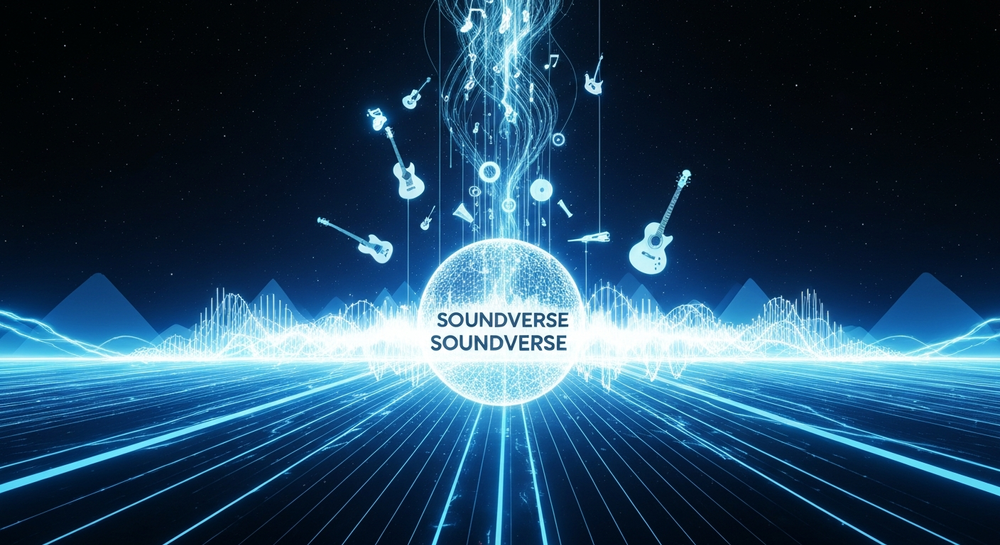
Soundverse’s AI Song Generator is purpose-built for creators, marketers, and event planners looking to turn their ideas into polished tracks instantly. It operates through a powerful multi-stage pipeline managing lyrics, melody composition, arrangement, and mixing. As noted by Tad AI’s review, tools like Soundverse’s AI Singing Generator convert lyrics into realistic singing vocals, enabling on-demand sound creation.
Key Features
- Describe Your Song Mode: Create a complete track from text prompts — just describe your event’s vibe (“uplifting corporate anthem,” “tropical wedding intro,” or “tech-launch EDM motif”).
- Custom Mode: Upload or paste your original lyrics and choose your preferred style and vocal settings.
- Reference Audio Support: Provide an existing track or vocal clip for stylistic inspiration.
- Quick Style Selection: Instantly pick a musical genre such as pop, EDM, rock, or jazz.
- Multilingual Generation: Create songs in more than 10 languages for international audiences.
The generated output seamlessly merges lyric structure, melody, and instrumentation to produce a finished, mixed piece ready for export.
Below is a step-by-step breakdown showing how to create your own AI-generated theme song for any event.
Step 1: Feature Overview — Access the AI Song Generator

Start by logging into Soundverse and navigating to the AI Song Generator tool from the main dashboard. This hub links directly to multiple creation features, including lyric writing, instrumental generation, and reference-based customization. You can choose between Describe Your Song or Custom Mode, depending on whether you want to provide specific lyrics or work from prompts.
Step 2: Lyrics Input — Set the foundation for your theme
Enter your lyrics or event-focused description. If you don’t have lyrics yet, use Soundverse’s integrated AI Lyrics Writer — a complementary module designed to draft structured verses and hooks based on your desired tone or event type. For example, an upbeat corporate jingle or a heartfelt wedding ballad can be written within seconds.
Step 3: Style Selection — Choose the musical genre and mood

Select the music style and genre that reflects your event’s identity. For corporate events, pop or inspirational EDM may fit best. Wedding events tend toward acoustic-pop or soft rock. The AI handles genre-specific arrangements automatically, ensuring every track feels authentic. For inspiration, watch our tutorial on making deep house tracks with Soundverse.
Step 4: Configuration — Adjust generation parameters

Fine-tune parameters such as vocal type, tempo, energy level, or instrumentation. Advanced users can also upload a reference audio file for stylistic guidance. The system analyzes genre, rhythm, and dynamic range to emulate your chosen reference without copying copyrighted material.
Step 5: Generation — Let the AI compose your full song

Click “Generate.” Soundverse processes your text input across multiple modules — first creating a melody based on lyrical rhythm, then arranging instruments and harmonies, and finally applying automated mixing. Since the workflow isn’t real-time, Soundverse performs asynchronous processing and not live synthesis. Within minutes, you’ll receive your finished soundtrack.
Step 6: Generation Complete — Review your AI-created song

Once completed, you’ll see the full generated results. The file comes with AI vocals integrated over instrumental backing, ensuring your output sounds polished and production-ready. You may preview and regenerate alternate versions until satisfied. You can also explore the Soundverse App to manage generated tracks on the go.
Step 7: Export Results — Download your theme song

Export your song in multiple formats suitable for different platforms. You can download high-quality MP3 or WAV files to embed them in event videos, promotional teasers, or live presentations.
Pro Tips for Creating Outstanding AI-Based Theme Songs
To make your AI-created event soundtrack truly shine:
- Plan around emotion: AI music creation excels when you clearly convey mood. Write prompts like “hopeful, cinematic intro for a charity gala.”
- Use genre cues: Phrase your descriptions by musical genre — “festive Latin fusion” or “ambient wellness retreat soundtrack.”
- Refine with multiple takes: AI tools allow you to quickly produce several variations. Use feedback from your event team to select the most fitting version.
- Combine with instrumental tools: For a more layered sound, pair your main theme with a background piece using Soundverse’s AI Music Generator. It can create loopable backing tracks for pre-event ambiance.
- Draw inspiration smartly: If you want music inspired by a specific style, the Similar Song Generator can analyze rhythm, tempo, and structure to produce unique sound-alike compositions — perfect for on-brand experiences.
Expanding your creative workflow
Soundverse connects seamlessly with multiple other AI music creation systems built to help you scale audio content quickly. Read more about its ecosystem and compare platforms in these resources:
- Mubert alternatives for optimizing text-to-music workflows.
- Music industry trends to understand how AI composition tools are shaping event production.
- Soundraw alternative for those researching different prompt-based generation approaches.
- Soundverse introduces stem separation AI magic tool — ideal for remixing or customizing existing tracks.
Why AI music creation matters for event success
In 2026, attention spans are short, and audiences expect sensory immersion. Music anchors emotion and memory — a theme song imprints your message in attendees’ minds. Soundverse AI music creation helps you produce royalty-free, high-quality tracks whenever needed.
For event planners and digital creators, using AI for custom theme music means freedom. Instead of outsourcing repeatedly, you control tone, language, and timing directly. You can generate intros, outros, and background loops or remix versions for social media storytelling.
Start Creating Custom AI Theme Songs Today
Turn any event into a memorable experience with Soundverse’s AI music creation tools. Generate personalized soundtracks instantly and bring your ideas to life with professional-quality music.
- Generate AI Music with Soundverse Text-to-Music — Discover how to turn your words into fully composed tracks using Soundverse’s text-to-music feature.
- How an AI Music Generator Inspires Creative Fusion — Explore how AI tools like Soundverse fuel creativity through collaboration between technology and artistry.
- The Role of AI Music in Film and Television — Understand how AI-generated music is reshaping the production landscape for film and TV creators.
- The Benefits of Composing with AI Music Generator — Learn why creators are turning to AI tools for faster, more inspired music composition.
Here's how to make AI Music with Soundverse
Video Guide

Here’s another long walkthrough of how to use Soundverse AI.
Text Guide
- To know more about AI Magic Tools, check here.
- To know more about Soundverse Assistant, check here.
- To know more about Arrangement Studio, check here.
Soundverse is an AI Assistant that allows content creators and music makers to create original content in a flash using Generative AI.
With the help of Soundverse Assistant and AI Magic Tools, our users get an unfair advantage over other creators to create audio and music content quickly, easily and cheaply.
Soundverse Assistant is your ultimate music companion. You simply speak to the assistant to get your stuff done. The more you speak to it, the more it starts understanding you and your goals.
AI Magic Tools help convert your creative dreams into tangible music and audio. Use AI Magic Tools such as text to music, stem separation, or lyrics generation to realise your content dreams faster.
Soundverse is here to take music production to the next level. We're not just a digital audio workstation (DAW) competing with Ableton or Logic, we're building a completely new paradigm of easy and conversational content creation.
TikTok: https://www.tiktok.com/@soundverse.ai
Twitter: https://twitter.com/soundverse_ai
Instagram: https://www.instagram.com/soundverse.ai
LinkedIn: https://www.linkedin.com/company/soundverseai
Youtube: https://www.youtube.com/@SoundverseAI
Facebook: https://www.facebook.com/profile.php?id=100095674445607
Join Soundverse for Free and make Viral AI Music

We are constantly building more product experiences. Keep checking our Blog to stay updated about them!