Computer Use: Agent One now works in your browser, with the Soundverse Chrome extension
Hand your release to-do list to Agent One: research in Soundverse's cloud browser, or work in your own Sheets, Spotify and YouTube through the Chrome extension.
Quick answer: Computer Use lets Agent One work on the real web, in a browser, step by step, so the release work that usually eats your week gets done for you. It works in two places: Soundverse's cloud browser, with nothing to install, for research on public sites; and your own Chrome, through the Soundverse extension, for the places you're already signed in, like Google Sheets, Spotify and your YouTube channel. Every step shows in your chat, so you can watch and step in at any time.
Introducing Computer Use: Agent One now works in your browser, with the Soundverse Chrome extension.
Your song is finished. Now it has to reach people.
Releasing a song means a stack of web work that has nothing to do with music. In the video, Agent One takes on the whole release to-do list for Midnight Neon Drive, a synthwave single at 120 BPM:
- Find YouTube channels that could feature it.
- Study similar releases on Bandcamp.
- Draft a pitch for a genre channel.
- Plan the release in Google Sheets.
- Find Spotify playlists that take submissions.
- Upload the visualizer to YouTube, as Private.
With Computer Use you hand each job to Agent One. It does the work on the real web, and every step shows up in your chat.
Two ways Agent One can work
1. In Soundverse's cloud browser
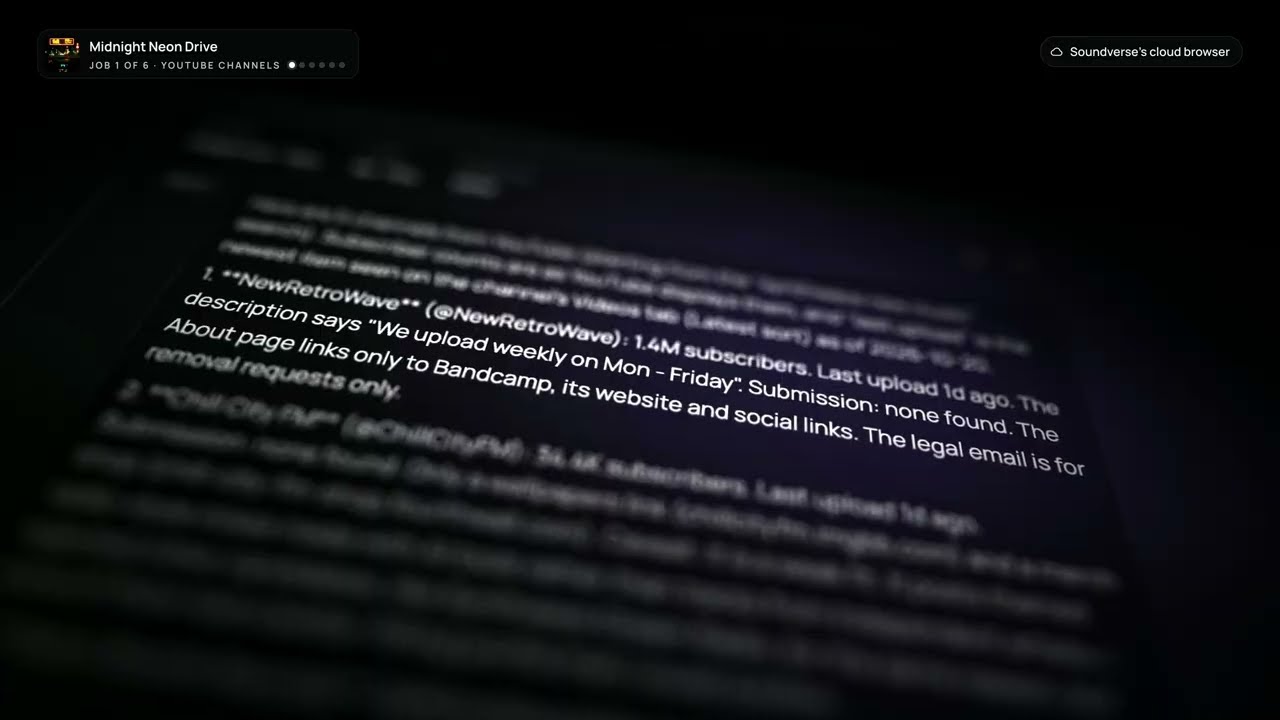
Nothing to install. Agent One runs in Soundverse's cloud, and every step shows in your chat. It's the right place for research: finding channels, studying releases and discovering playlists.
2. In your own Chrome
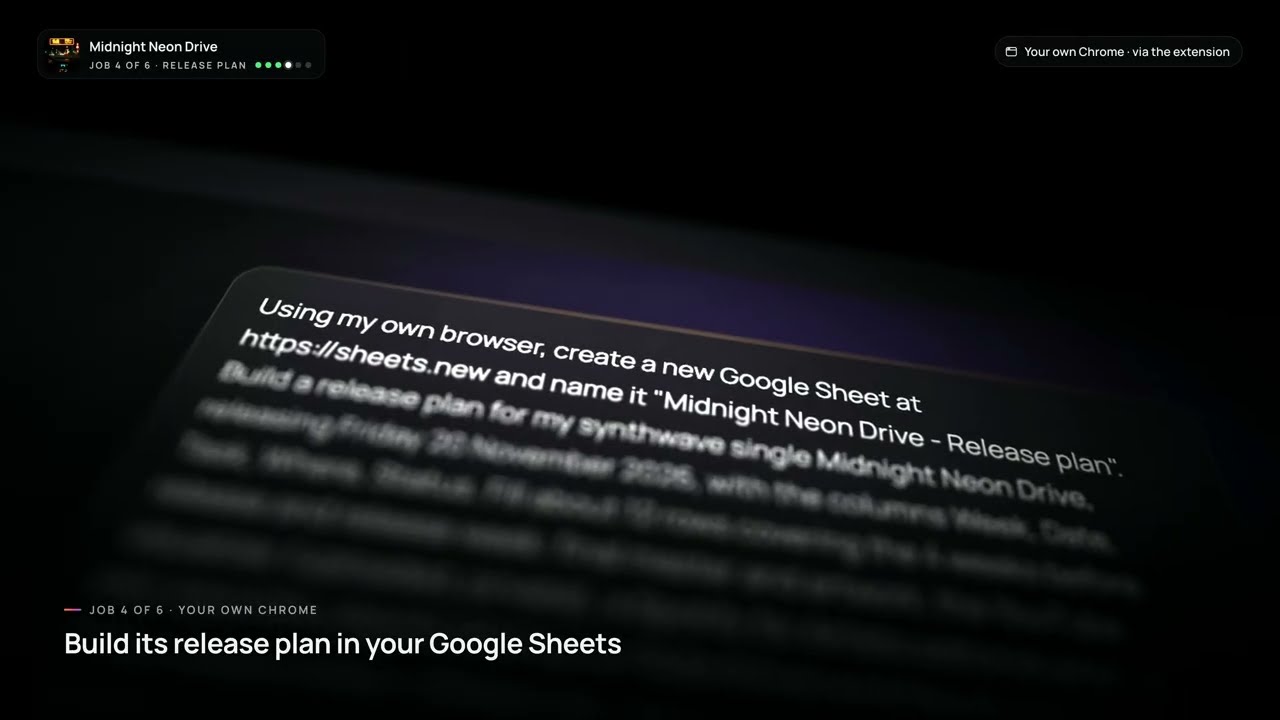
The cloud browser isn't signed in as you, but your Chrome is. Install the Soundverse extension for Chrome, link it to your Soundverse account, and Agent One can work in the places you're already signed in: your Google Sheets, your Spotify and your YouTube channel.
| Cloud browser | Your own Chrome | |
|---|---|---|
| Setup | Nothing to install | Install the Soundverse extension and link your account |
| Signed in as you? | No | Yes, wherever you're signed in |
| Best for | Research on public sites | Your Sheets, Spotify, YouTube and other accounts |
| You can watch | Every step, in your chat | Every step, in your chat |
How to set it up
- Open a chat with Agent One on Soundverse.
- Describe the task you want done on the web.
- For research and public sites, Agent One uses Soundverse's cloud browser automatically.
- For your own accounts, install the Soundverse extension in Chrome and link it to your Soundverse account.
- Watch each step in your chat, and step in whenever you want.
You stay in control
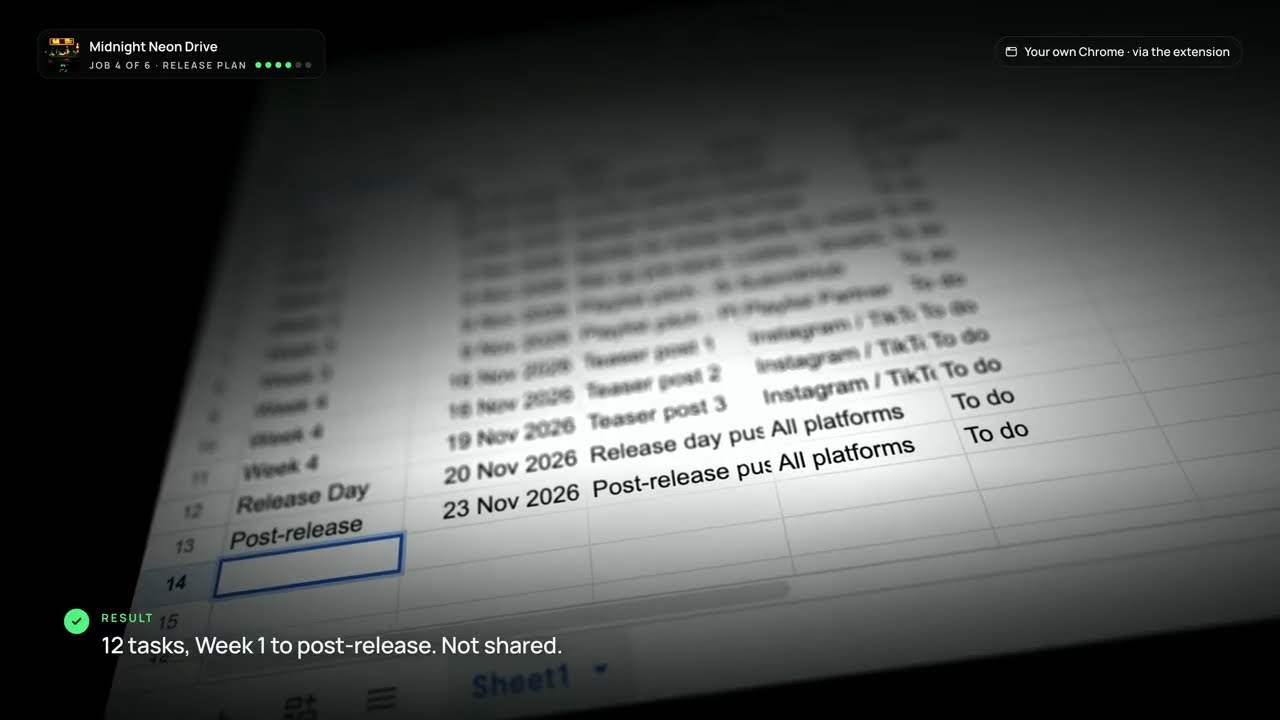
Every step Agent One takes shows in your chat, so you always know what it's doing. In the video, the visualizer goes up to YouTube as Private, so nothing goes public until you decide it should. The release plan in Google Sheets comes back as twelve tasks, from week 1 to post-release, and isn't shared with anyone.
What else you can hand off
- Researching channels, blogs, curators and similar artists.
- Filling in release plans and trackers in Google Sheets.
- Finding playlists and submission pages.
- Uploading and organising content on your channels.
- Any repetitive browser task that slows down your release.
If you'd rather start with the writing, Agent One can also draft a playlist pitch or a release plan before it goes to the web.
Who it's for
- Independent artists doing their own release and promotion.
- Managers and labels juggling many releases at once.
- Anyone who would rather make music than fill in forms.
FAQ
Do I need to install anything?
Not for research: Agent One uses Soundverse's cloud browser. To work in your own accounts, install the Soundverse extension in Chrome and link it to your Soundverse account.
Can I see what Agent One is doing?
Yes. Every step shows in your chat, and you can step in whenever you want.
Will Agent One publish things without asking?
In the video, the visualizer is uploaded to YouTube as Private, so nothing goes public until you decide.
Which browser does the extension work in?
Chrome.
What kinds of tasks work best?
Repetitive web work around a release: research, trackers in Google Sheets, finding playlists and submission pages, and uploading to your channels.
Try it
Open a chat with Agent One, describe one release task, and watch it happen. When you want it to work in your own accounts, add the Chrome extension.
